First-time overhead lesson maker
You want to show the whole folding area and would prefer a camera package with a lens, while keeping charging and file transfer straightforward.


Choose the camera and overhead support together: the lens needs to frame the paper and both hands from your available height, while the support must safely hold the assembled camera. A kit with a supplied lens reduces the parts you need to coordinate; a body with a separately chosen lens gives you more control over framing. Consider 4K/60p or advanced recording formats when your motion or editing plans call for them, rather than treating them as substitutes for a usable overhead view.
You want to show the whole folding area and would prefer a camera package with a lens, while keeping charging and file transfer straightforward.
You expect to film regularly, so you need to check the frame while the camera points down and want a setup you can recreate for each lesson.
You need viewers to see finger placement and paper edges, but limited camera height or desk space makes lens angle and overhead-support dimensions especially important.
For a home paper-folding lesson, establish the camera height, tabletop frame and safe mounting position before deciding which recording features you need.
| Concern | What to check | Who this matters to |
|---|---|---|
| Overhead framing and mounting | Check the lens view at your camera-to-paper distance and the support’s dimensions and payload against the complete assembled load. | If the sheet or either hand falls outside my top-down shot, I cannot demonstrate the fold clearly. Around 36% of consumers put framing and safe mounting first. |
| Repeatable lesson workflow | Check whether a lens is supplied, whether you can see the screen from your setup position, and what is needed to power the camera. | When filming lessons regularly, I want to confirm the composition and get recording without rearranging several components. For around 29% of consumers, a repeatable workflow is the primary concern. |
| Complete starting setup | Compare the required camera, lens, support, recording media and charging accessories as one system. | If I am setting up my first lesson, a camera body alone will not help if I still need essential parts to use it. Around 21% of consumers prioritise a complete starting setup. |
| Motion and editing options | Check the exact model’s 4K frame rates, recording modes and compatibility with your editing equipment. | If I plan to slow down a fast fold or work extensively on colour, I need recording options that fit that editing plan. Those options come first for around 14% of consumers. |
Sony UK Store lists the ZV-E10 II as body-only, while the cited Panasonic G100D and Canon EOS R50 V kits include lenses. These packages are not equally complete for an overhead lesson.
Check the exact package contents, then assess the intended lens at your camera height and table size.
The support holds the camera, lens and attached accessories together. A stated payload does not tell you whether its height and footprint fit your desk.
Check the assembled load and the mount’s dimensions, then follow the mount maker’s setup instructions. NEEWER specifies a 4.5 kg payload for its ST100; that figure applies to that model, not overhead supports generally.
Canon lists 4K/60p and Canon Log 3 for the EOS R50 V; Sony lists 4K up to 60p for the ZV-E10 II. Neither feature corrects a shot that cuts off the paper or hands.
Decide whether you will use smoother motion, slower clips or colour grading before choosing those modes.
Check that your recording media, storage and editing equipment suit the settings you intend to use.
Canon says a USB-C charger is not included with the cited EOS R50 V package, while Panasonic says its G100D package includes neither a USB cable nor an AC adapter.
Read the contents and power requirements for the exact package you intend to buy, particularly if you plan longer recording sessions.
Canon’s EOS R50 V is an interchangeable-lens option for creators considering 4K/60p and a lens kit; the EOS R50 is a separate 4K/30p option with a vari-angle screen.
Sony’s ZV-E10 II is an APS-C E-mount option if you want to select a lens for a particular overhead distance.
Panasonic’s LUMIX G100D Micro Four Thirds kit is an option if you prefer a supplied lens and plan to record at up to 4K/30p.
These compact and pocket-camera options are relevant to filming a lesson, but their suitability for a fixed overhead shot depends on the view at your planned height and a compatible, safely rated support.
 No image available
Consider this compact camera if you want to test a wide tabletop composition. Its listed ultra-wide lens still needs to show the whole sheet and both hands from your planned height; check overhead mounting compatibility before buying.
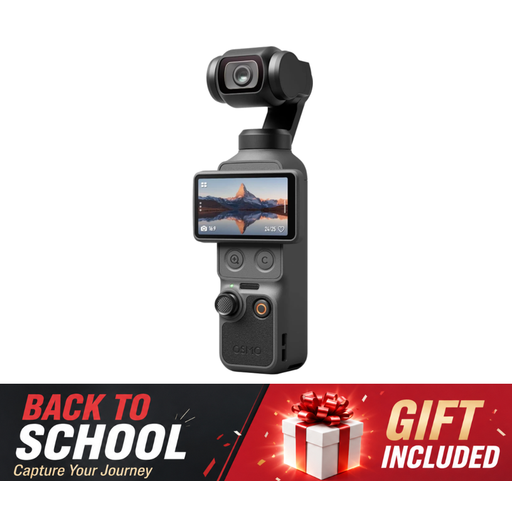 No image available
The 2-inch rotatable screen may help you check a proposed tabletop shot. The listed 4K/240fps mode is for slow motion only; check ordinary recording modes, the resulting view and overhead-support compatibility separately.
 No image available
Consider its flip display if you need to check composition while setting up alone. The listed 154° field of view may take in more than the folding area, so test it at your planned height and check overhead mounting compatibility. The stated 437-minute recording claim depends on a handle and auxiliary battery; confirm what this package includes.
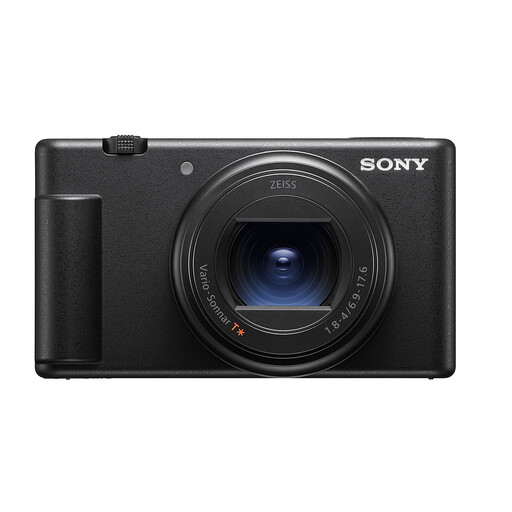 No image available
The listed wide-angle zoom lens gives you a framing choice to assess for your desk distance. The product name also specifies a 1-inch sensor and 4K video; check screen visibility when pointed down and overhead-support compatibility.
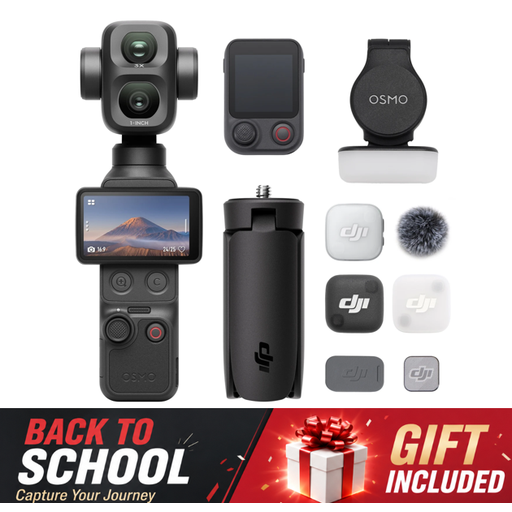 No image available
Assess this pocket-camera combo against your planned overhead position rather than assuming its compact shape will make mounting straightforward. Check the view, screen position and support compatibility; the stated 4K/240fps capability applies only in slow-motion mode.
Use a suitable overhead support if the lesson requires a true top-down view; the camera alone does not position itself above the paper. Check the complete camera-and-lens load, required height and desk dimensions against the chosen support. NEEWER specifies a 4.5 kg payload for its ST100, but other mounts have their own limits.
No, not if 4K/30p meets your plans for a fixed lesson. Consider 4K/60p if smoother hand movement or slowing clips is part of your editing workflow. Canon lists up to 4K/60p for the EOS R50 V and Sony lists up to 4K/60p for the ZV-E10 II; the cited Panasonic G100D kit specifies 4K/30p.
A body-only camera makes sense if you are ready to choose a compatible lens for your camera-to-table distance. The cited Sony UK Store ZV-E10 II package is body-only, whereas Panasonic’s G100D kit includes a 12–32mm lens and Canon offers an EOS R50 V kit with an RF-S 14–30mm lens. An included lens still needs to frame your particular desk.