Choose a phone that can open the ticket in the format your coach operator or attraction accepts; screen specifications cannot make an unaccepted ticket valid. Once you have checked the required app, email or wallet access, weigh display readability and charging needs against the size of handset you want to carry.
Who needs what from a ticket phone?
Travellers relying on a mobile ticket
If your phone is your main way to show a coach or attraction ticket, focus on opening the accepted original ticket and keeping the phone charged. National Express says its e-ticket can be shown on a smartphone, but its guidance does not accept screenshots or pictures in place of the ticket.
Day-trippers checking tickets outdoors
If you expect to find and present a ticket at an outdoor stop or entrance, consider screen size and the exact model’s stated brightness alongside quick access to the ticket. Apple, Samsung and Google publish different display specifications for their named models; those figures do not establish whether an issuer will accept your ticket format.
Occasional travellers packing light
If you mainly use a phone for tickets, maps and messages, consider how comfortably you can carry and handle it as well as whether it meets your everyday needs. A larger ticket display may be less appealing if a smaller handset matters more to you.
What matters when choosing?
Check the issuer’s accepted ticket format and access requirements before comparing displays or handset size. The priorities below address consumers choosing a phone chiefly for ticket checks during coach travel.
| Concern | What to check | Who this matters to |
|---|
| Accepted-ticket access |
Check the issuer’s required app, browser or original e-ticket format, plus how you will open it when needed. National Express permits its e-ticket on a phone but does not accept screenshots or pictures. |
If my phone is my only ticket copy, I need to open the accepted version when I reach the driver or entrance. Around 50% of consumers put reliable ticket access first. |
| Screen readability |
Compare the exact model’s display size and stated brightness; check how your ticket appears on screen before travelling. |
When I present a code or booking reference outdoors, I want to find and show it without struggling to read the screen. Readability is the primary concern for around 30% of consumers. |
| Portability and everyday fit |
Check handset size, weight, storage variant and charging connection against how you normally carry and use a phone. |
If ticket checks are occasional, I would rather carry a phone that suits my routine than choose one solely for its screen. Around 20% of consumers prioritise that everyday fit. |
Ticket and phone-buying pitfalls
-
Assuming a screenshot will count as a ticket
National Express says its e-ticket can be shown on a smartphone, but screenshots and pictures are not accepted under its cited guidance. An image saved for convenience is therefore not a substitute for the accepted ticket view on that service.
Open the original ticket through the method your issuer approves before setting off. Keep a printable alternative if your operator offers and accepts one.
-
Taking screen or battery claims as a scanning guarantee
A manufacturer’s brightness or battery figure cannot establish that an issuer accepts a particular ticket format or that its scanner will read the ticket as presented.
Compare phone specifications for your viewing and charging needs, then check the actual ticket and the issuer’s presentation instructions before departure.
-
Overlooking the exact phone variant
Storage, regional configuration, availability and warranty wording can differ between product listings. A model name alone does not settle which version you are choosing.
Before ordering, check the product-detail page for the precise variant, compatibility with your mobile plan, availability and warranty terms.
Relevant brands to consider
Google
The Pixel 9a is one Android option for travellers comparing ticket access, screen visibility and charging needs.
- Google specifies a 6.3-inch display, up to 2,700 nits peak brightness and a typical 5,100 mAh battery for the Pixel 9a.
- Google’s stated 30+ hour battery life is a product claim, not a promise that the phone will keep a ticket accessible throughout your journey. Check the issuer’s required ticket workflow separately.
Samsung
The Galaxy S25 is a reference point if you want to assess a relatively compact Android handset.
- Samsung lists a 6.2-inch display and 162 g weight for the Galaxy S25.
- Check the exact model and capacity you intend to buy. Its screen size does not tell you whether your ticket issuer supports the app or format you need.
Apple
The iPhone 16 is a reference point for travellers considering an iPhone with a stated outdoor-brightness specification.
- Apple lists a 6.1-inch OLED display and up to 2,000 nits peak outdoor brightness for the iPhone 16.
- Those specifications apply to the iPhone 16, not every iPhone, and do not establish that an issuer accepts screenshots or a particular wallet format.
Phones to consider on Joybuy
These phones offer different screen sizes and configurations for travellers who need to open and show tickets. Before choosing one, confirm the ticket issuer’s app or browser requirements and plan how you will keep the phone charged.
 No image available
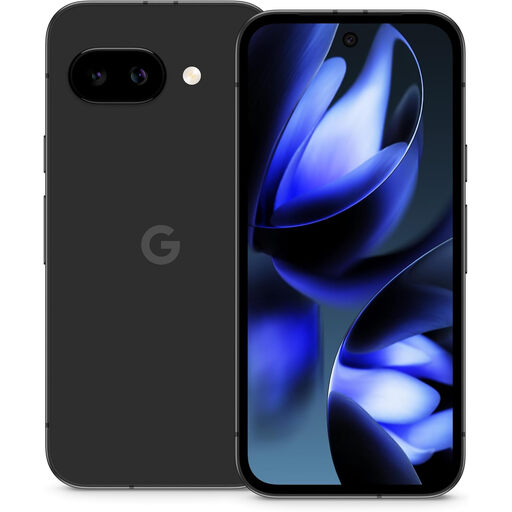
Google Pixel 9a, 128 GB, unlocked, Obsidian
Consider this Android phone if you want to compare a stated bright display with your need to carry and open tickets while travelling.
Google specifies a 6.3-inch display, up to 2,700 nits peak brightness and a typical 5,100 mAh battery for the Pixel 9a. Its 30+ hour battery-life figure is Google’s claim, not a guarantee for your journey.
Check the issuer’s accepted ticket format and whether you have the charging equipment you need.
View on Joybuy
 No image available
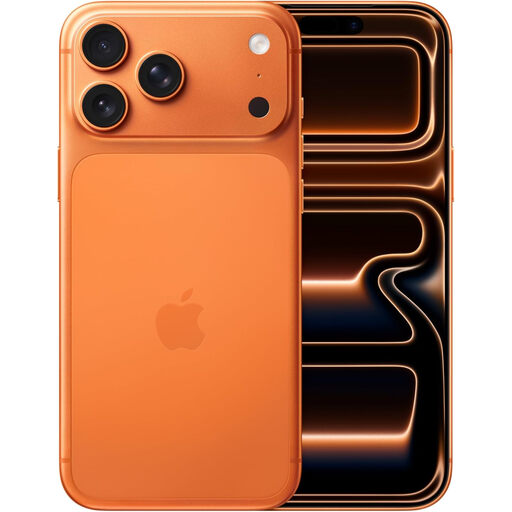
Apple iPhone 17 Pro Max, 256 GB, Cosmic Orange
Consider this model if you want to assess a larger iPhone for viewing ticket details, while accepting that handset size may matter when packing light.
The selected variant has 256 GB of storage. Check the exact model’s display and battery specifications before relying on it for a travel day.
Confirm that your ticket issuer supports the iPhone app, browser or ticket format you plan to use.
View on Joybuy
 No image available
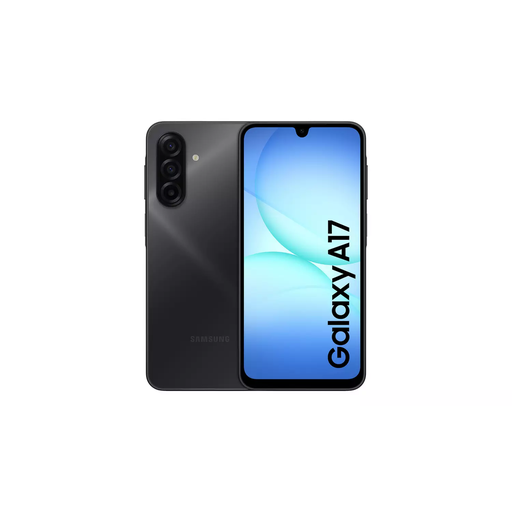
Samsung Galaxy A17 5G A176 Dual SIM, 4 GB/128 GB, Grey
Consider this Android model if you want to compare a Dual SIM configuration with your everyday ticket and travel needs.
The named variant has 4 GB RAM and 128 GB storage. Check its screen in the lighting where you expect to present tickets, as well as the charging equipment required for your purchase.
Confirm the issuer’s accepted app or browser and original ticket format.
View on Joybuy
 No image available
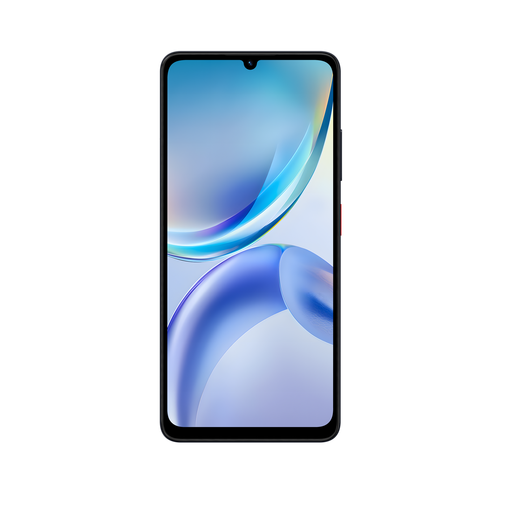
ZTE Blade A36, 4 GB/128 GB, Black
Consider this phone if a 4 GB RAM and 128 GB storage configuration fits your everyday use alongside occasional ticket checks.
If ease of carrying or outdoor viewing will determine your choice, check the exact handset’s weight and display details before ordering.
Check that your ticket issuer supports the app, browser and ticket format you intend to use.
View on Joybuy
 No image available
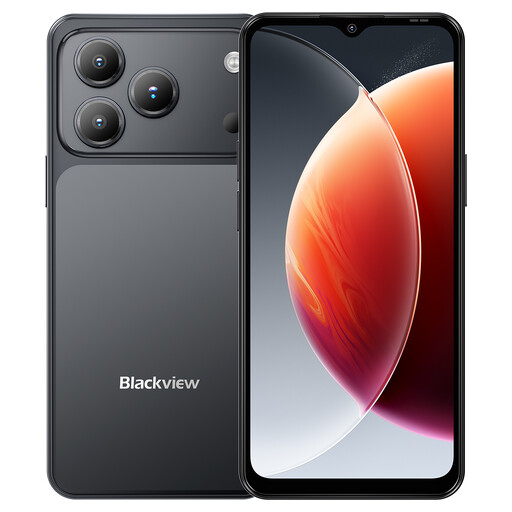
Blackview Wave 7C, Android 16, 4 GB RAM + 12 GB expansion, 128 GB, Black
Consider this model if you want to assess a 6.56-inch display for reading ticket details alongside your other phone needs.
The product name specifies Android 16, 4 GB RAM plus 12 GB expansion, 128 GB storage, 4G Dual SIM and a 5,000 mAh battery. Battery capacity alone does not establish how long a ticket will remain accessible.
Check outdoor screen readability and the issuer’s required app or ticket format before relying on it for travel.
View on Joybuy
Common questions
Can I show a National Express e-ticket on my phone?
Yes. National Express says you can show the original e-ticket to the driver on a smartphone or other device. Its guidance does not accept screenshots or pictures, so open the ticket itself rather than relying on a saved image.
Will my travel ticket work without mobile data?
That depends on the ticket service. National Express Bus West Midlands says an mTicket stored in its ticket wallet can be accessed without mobile data after purchase; check your own coach operator or attraction issuer’s instructions before relying on offline access.
Can I rely on a phone ticket when travelling outside the UK?
Check both the issuer’s ticket-access rules and your mobile plan before travelling. GOV.UK advises that surcharge-free roaming in EU and EEA countries is not guaranteed for UK users, so arrange permitted offline ticket access or another accepted fallback if connectivity may be needed.


