What matters when choosing
Start with the cottage’s network coverage, then decide whether your current phone already handles the ticket. If you are replacing it, compare screen usability, battery needs and the features you will continue to use after the trip.
| Concern |
What to check when buying |
Who this matters to |
| Coverage at the cottage |
Use Ofcom’s Map Your Mobile with the cottage postcode to compare your intended network’s indoor and outdoor coverage. If using another mobile provider, check which network carries its service. |
If I may need to retrieve an unsaved booking at the cottage, dependable local reception matters more than a 5G label; around 36% of consumers put network coverage first. |
| Ticket readability |
Compare screen size with the phone’s carrying size, and check the attraction’s ticket format and whether an allowed copy can be opened offline. |
When I need to read entry details and present a barcode without fumbling at the gate, a usable ticket view is my priority; around 29% of consumers put ticket readability first. |
| Battery and charging |
Compare stated battery capacity and charging requirements, including whether you have a compatible charger. Do not treat capacity or a manufacturer runtime claim as a guaranteed day of use. |
If the same phone holds my ticket while I use maps, messages and photos, I need it charged through the outing; around 21% of consumers put day-out power first. |
| Storage and ongoing use |
Check the exact storage variant, whether expansion is supported and the software-support terms for that model. |
For occasional trips, I want room for tickets, maps and photos without choosing features I will not use; around 14% of consumers put practical storage and ongoing use first. |
Relevant brands to consider
These model ranges illustrate different screen sizes, charging features and carrying trade-offs; a brand’s inclusion does not establish availability or suitability for every cottage.
Google
The Pixel 9a is an option if you prefer a 6.3-inch display to the larger formats considered here while retaining a stated 5,100 mAh typical battery.
- Google lists IP68 resistance and Qi wireless charging for the Pixel 9a.
- Google’s battery-life and peak-brightness figures are manufacturer claims, not promises of runtime or screen visibility on a particular outing.
Samsung
The Galaxy A56 5G is worth considering if a 6.7-inch screen would help you read booking pages and tickets.
- Samsung lists a 5,000 mAh typical battery, 45 W charging, IP67 resistance and six OS upgrades for the Galaxy A56 5G.
- Its larger format takes more room to carry, and its 5G name does not establish reception at the cottage.
OnePlus
The Nord CE5 offers another large-screen option for readers who also want expandable storage.
- OnePlus lists a 6.77-inch AMOLED display, 5,200 mAh battery, 80 W charging and microSD support up to 1 TB.
- Its larger size and stated weight of approximately 199 g may matter if you prefer a smaller phone to carry all day. Check the exact model’s durability details if wet-weather use is important.
Joybuy phones for ticket checks
These phones offer different screen and battery configurations for checking tickets during a cottage stay and days out. Choose a suitable network for the cottage separately, and confirm the attraction’s ticket instructions before relying on any handset.
 No image available
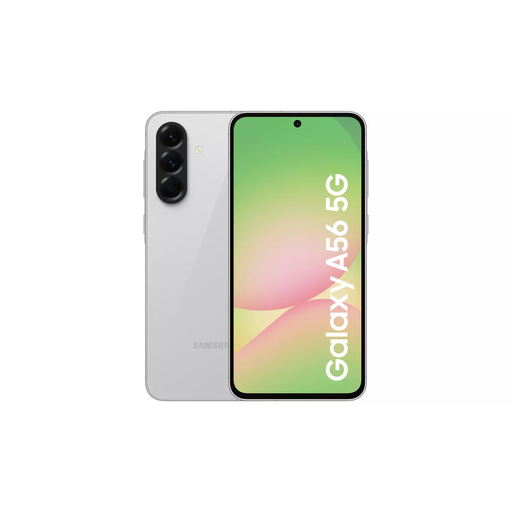
Samsung Galaxy A56 5G, 8GB RAM, 128GB, Light Grey
Consider this model if you want a larger screen for booking pages and ticket details. Samsung specifies a 6.7-inch display, a 5,000 mAh typical battery and 45 W charging for the Galaxy A56 5G; charging capability does not establish how long it will run on your outing.
Check your chosen network at the cottage postcode rather than relying on the 5G designation.
Joybuy
 No image available
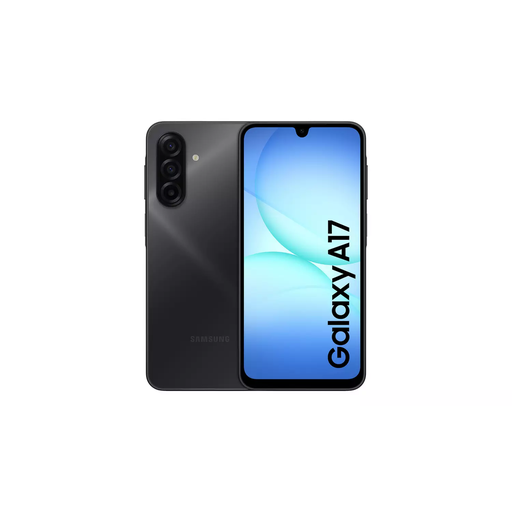
Samsung Galaxy A17 5G A176 Dual SIM, 4GB RAM, 128GB, Grey
The stated Dual SIM configuration may be useful if you plan to choose a network for the cottage, but check local coverage before doing so. This is the 4GB RAM and 128GB storage variant.
If outdoor ticket reading is important, check whether the display meets your needs before buying.
Joybuy
 No image available
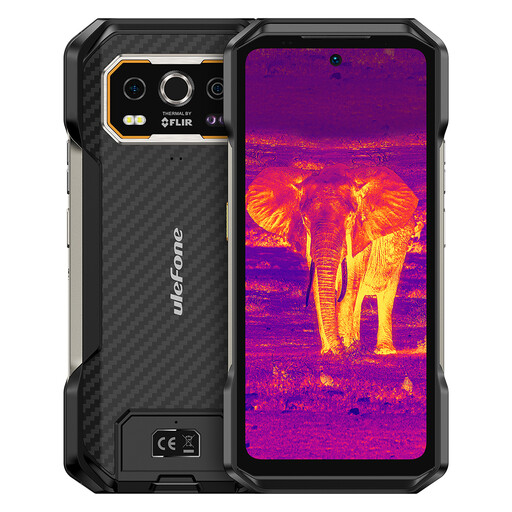
Ulefone Armor 27T Plus 4G, 24GB + 256GB
Consider its stated 6.78-inch FHD+ display if viewing area matters more to you than a smaller handset. The product name also specifies a 10,600 mAh battery; capacity alone does not establish day-out runtime.
Check compatibility with your chosen UK network and whether the screen and carrying size suit your trip.
Joybuy
 No image available
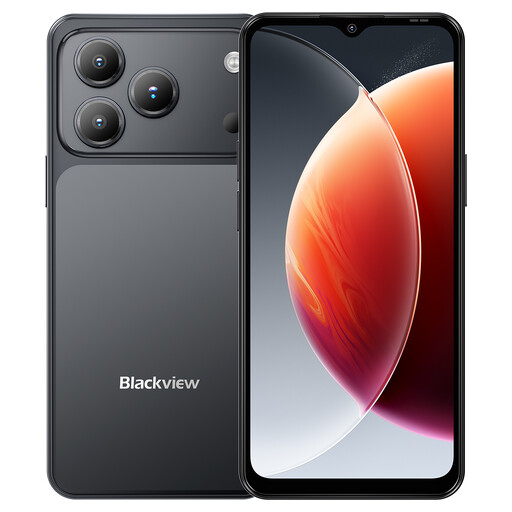
Blackview Wave 7C, 4GB + 12GB extended RAM, 128GB, Black
This 4G Dual SIM phone is an option if you want to compare networks while keeping tickets, maps and messages on one device. Its name specifies a 6.56-inch display and a 5,000 mAh battery.
Check your intended network’s cottage coverage and whether the display is comfortable for tickets outdoors.
Joybuy
 No image available
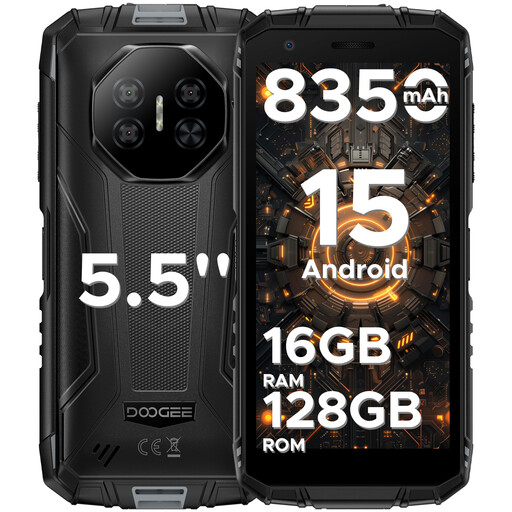
DOOGEE Fire 3 Pro, 16GB + 128GB/2TB, Android 15
Consider its stated 5.5-inch HD+ screen if you prefer a smaller display format and can comfortably read your ticket on it. The product name specifies an 8,350 mAh battery and 18 W charging.
Check the exact storage configuration, network compatibility and screen readability for your intended use; the battery figure does not guarantee a particular runtime.
Joybuy
Frequently asked questions
Do I need a new phone to show attraction tickets?
Not necessarily: if your current phone can open the required ticket and its battery serves your day out, replacing it solely for entry may be unnecessary. English Heritage accepts its emailed confirmation and barcode on a mobile device or as a printout; check your attraction’s own instructions, as booking requirements can vary.
Will a 5G phone fix weak reception at a holiday cottage?
No: 5G capability alone cannot ensure reception on your chosen network at the cottage. Use Ofcom’s postcode checker to compare local networks, keeping in mind that walls and other obstructions can affect the signal indoors.
How can I keep a ticket accessible at the entrance?
Open the confirmation before leaving and save an email, PDF or barcode for offline access if the ticket provider permits it. Where a printout is accepted, it provides another way to present the ticket; English Heritage allows its confirmation on a phone or as a printout.
Can cottage Wi-Fi replace mobile reception for ticket checks?
Cottage Wi-Fi can help you retrieve and save a ticket before you leave, but it will not provide a connection at the attraction. Check whether the ticket remains accessible offline; for calls inside the cottage, Ofcom identifies Wi-Fi calling as an option when the phone, provider and broadband connection support it.


