What to check when choosing a phone
Start with the conditions in which you will open the ticket: daylight affects screen choice, while a long journey and uncertain reception affect how you prepare to access it. Rain protection matters too, but it cannot replace careful handling.
| Concern |
What to check when buying |
Who this matters to |
| Outdoor readability |
Check the exact model’s display size and stated outdoor or peak brightness. Brightness figures quoted under different conditions are not directly comparable tests of ticket readability. |
If I need to find a code quickly in bright daylight, I want a screen I can see and operate without struggling with glare. For around 40% of consumers choosing a phone for this journey, outdoor readability would be the primary concern. |
| Signal and travel-day power |
Choose a 4G- or 5G-capable phone, check your network at the terminal postcode, and compare the exact model’s battery and charging information. Follow the ticket operator’s rules when preparing access before travel. |
When one phone carries my ticket, maps and messages, I need it ready even if reception or charging opportunities are limited. Keeping access and power dependable would come first for around 30% of consumers. |
| Rain exposure and value |
Compare the exact model’s IP rating, its stated test conditions and its care guidance. Do not treat water resistance as approval for sea-water exposure or charging a damp phone. |
If I expect rain or spray, I want a practical phone purchase without relying on a waterproofing promise the rating does not make. Around 30% of consumers would put that balance first. |
Relevant phone brands and models
These model examples illustrate different screen and travel-use priorities; their manufacturer specifications do not establish how readable a particular ticket will be at your terminal.
Apple
Apple specifies a 6.3-inch display, up to 3,000 nits outdoor peak brightness and an IP68 rating for the iPhone 17. It is an example to consider if a compact screen with high stated outdoor brightness is your priority.
- The iPhone 17’s quoted outdoor brightness directly addresses a daylight-viewing specification to compare.
- The figure is a manufacturer specification, not a guarantee of readability in every condition. Apple also advises against charging an iPhone while it is wet.
Google
Google specifies a 6.3-inch display, up to 2,700 nits peak brightness, an IP68 rating and a typical 5,100 mAh battery for the Pixel 9a.
- The Pixel 9a combines a compact stated screen size with published brightness and battery specifications relevant to ticket checking and travel-day use.
- Peak brightness and battery capacity do not establish real-world screen readability or how long the phone will last during your particular journey.
Samsung
Samsung specifies a 6.7-inch display, 5,000 mAh typical battery, 45 W charging and an IP67 rating for the Galaxy A56 5G. Its larger screen is worth considering if you prefer more room for ticket text and controls.
- The stated display size, battery capacity and charging specification give you distinct features to assess for a long travel day.
- A larger phone may be less convenient to handle with luggage, and Samsung says a travel adapter is not included with the Galaxy A56 5G.
Joybuy phones for ticket checking
These Joybuy phone choices cover different ticket-viewing and travel-day priorities, from a compact handset to larger-screen and rugged-phone options. Check the exact variant’s display, network and care details against the conditions at your terminal before choosing.
 No image available
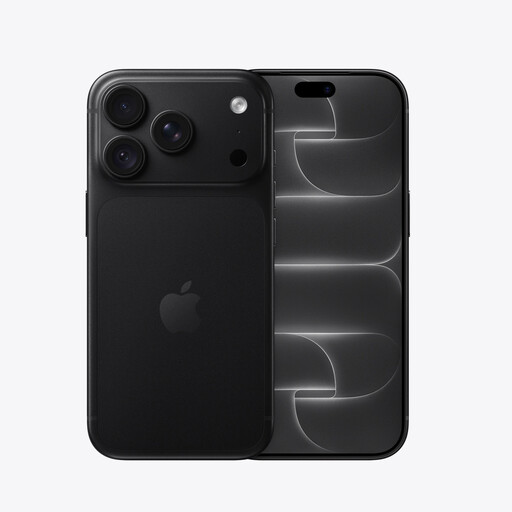
iPhone 18 Pro 256GB Black
Consider this variant if quick outdoor ticket viewing is your priority, but assess whether its screen works for you in bright conditions.
Confirm the exact variant’s battery information before relying on it throughout a travel day, and follow its care instructions if it gets wet.
View on Joybuy
 No image available
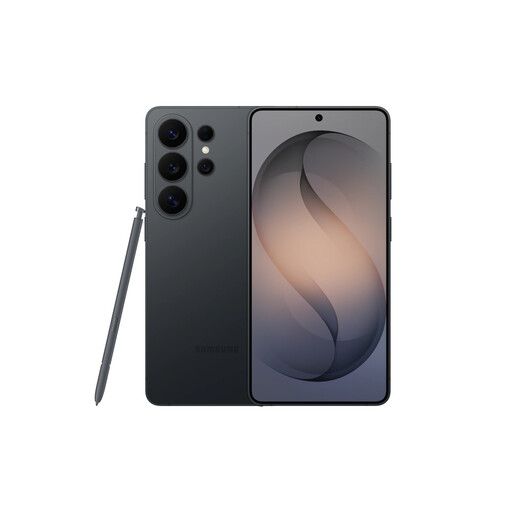
Samsung Galaxy S26 Ultra 12GB 512GB Black
If you prefer a larger area for viewing ticket details, consider how comfortably you can handle this phone while carrying luggage or documents.
Check whether the charging equipment you need is included, and keep the charging port dry before connecting a cable.
View on Joybuy
 No image available
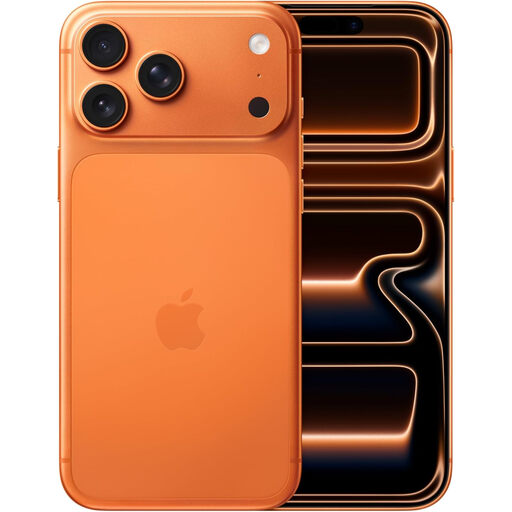
Apple iPhone 17 Pro Max 256 GB Cosmic Orange
This variant may suit you if you want a larger display for opening a ticket, provided you are comfortable using the handset one-handed at a busy terminal.
Check the exact model’s moisture-care guidance rather than assuming its resistance rating covers sea spray.
View on Joybuy
 No image available
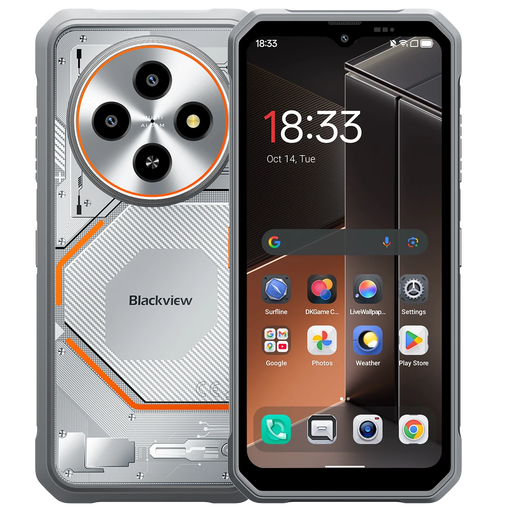
Blackview Fort 2 Android 15 4G, 24GB (8+16) RAM, 128GB
Consider this 4G phone if your priority is carrying a digital ticket through a travel day, but check its screen in bright conditions before relying on it outdoors.
The product name specifies a 6.56-inch HD+ screen. Do not confuse its mention of 5G WiFi with confirmation of 5G cellular service, and check the model’s water-resistance care instructions.
View on Joybuy
 No image available
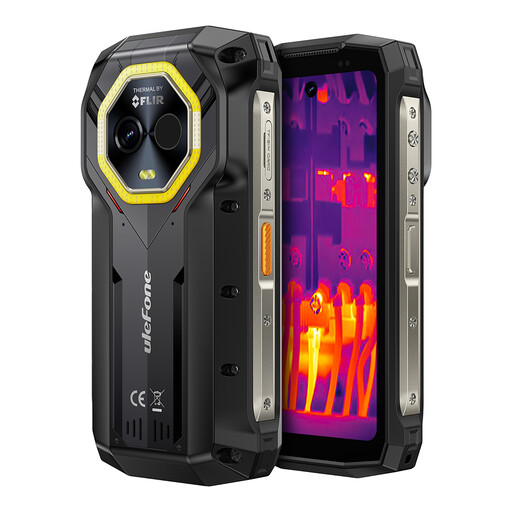
Ulefone Armor Mini 20T Pro 5G, 16GB+256GB
If a rugged-style phone appeals for travel, check whether this exact variant’s screen is comfortable for displaying and scanning your ticket.
Confirm its cellular-network support, display and battery specifications for the exact variant before purchase, as well as the conditions and care guidance behind any water-resistance claim.
View on Joybuy
Frequently asked questions
Do I need 5G to show attraction tickets at a UK ferry terminal?
No: a suitable 4G-capable phone can also be used to access and display tickets. Ofcom says UK 3G networks have been switched off, so check the phone’s supported mobile networks and your provider’s coverage at the terminal rather than choosing on a 5G label alone.
How can I check whether my network will work at the terminal?
Enter the terminal’s postcode into Ofcom’s Map Your Mobile checker and compare its indicative 4G or 5G coverage for the network your SIM uses. Local conditions can make actual reception different, so also check whether your attraction ticket can be prepared for offline access under its operator’s rules.
Does IP67 or IP68 make a phone safe to use around sea water?
No: an IP rating describes resistance under specified test conditions, not unlimited protection against sea water. Check the exact model’s instructions; Apple advises not charging a wet iPhone until it is completely dry, while Samsung’s guidance for an IP67 Galaxy model describes freshwater testing and advises against beach or pool use.
What if I need ferry booking information in an accessible format?
Contact the ferry or port operator rather than assuming a phone display is your only option. UK Department for Transport guidance says operators must provide booking information in accessible formats; for a separate attraction ticket, check that attraction operator’s arrangements too.
Could using my phone on an international ferry journey incur roaming charges?
Yes, mobile use abroad can incur charges depending on your package. Ofcom advises checking your provider’s roaming terms before travelling; prepare any tickets you can access in advance, subject to the ticket operator’s rules.


