iPhone or iPad owners replacing a device
If you need to restore eligible device information after loss, damage or replacement, compare iCloud backup with a Mac or PC backup. Apple Support describes both as backup methods for iPhone and iPad.


Use your phone platform’s backup when restoring device data after loss or replacement is the priority; use cloud photo or file storage when access across devices matters. A computer backup or separate external-storage copy gives important files another location, but needs regular checks. Photo sync alone should not be treated as a backup of every app, download and setting.
If you need to restore eligible device information after loss, damage or replacement, compare iCloud backup with a Mac or PC backup. Apple Support describes both as backup methods for iPhone and iPad.
Google Photos can keep backed-up photos and videos in a Google Account for access on signed-in devices. If you also need to restore an Android phone, check device-backup coverage separately; Google’s transfer guidance lists data that may not copy during setup.
When several people store photos, videos and documents, check what uses a shared allowance, which devices need access and how each person will keep a separate copy of important files.
Start with what you need to recover: a working replacement phone, accessible photos and documents, or a separate copy you manage yourself. These routes can complement one another rather than perform the same job.
| Priority | What to check | Your needs |
|---|---|---|
| Device restoration | Check what the iPhone or Android device backup includes, what it excludes and which replacement devices can restore it. Check photo sync separately. | If my phone is lost, I need more than a view of my photos: I want to know which settings, apps and files I can get back. |
| Storage capacity | Check current photo and video use, other data sharing the allowance and room for new backups. Google One Help says up to 15 GB of Google Account storage is shared across Gmail, Drive and Photos. | My videos and documents are growing, so the allowance needs to cover more than the photos already on my phone. |
| Device access | Check the apps and sign-in needed on each phone and computer. Distinguish access to synced files from restoring a whole device, and check how to export a local copy. | I use more than one kind of device and want to open my files without assuming they will restore onto a different phone platform. |
| Privacy and recovery | Check account sign-in, recovery methods and which files receive extra protection. Apple Support says new UK users cannot enable Advanced Data Protection; do not assume that option is available for iCloud Backup or Photos. | I want to protect sensitive files while keeping a workable way back into my account if I lose access to my phone. |
| Local copies | Check available computer or drive storage, the phone’s file-transfer requirements and how often you will copy and inspect files. For an Apple computer backup containing Health and Activity data, Apple Support says encryption is required. | A separate copy matters to me, but I can only rely on it if I keep it current and can open the saved files. |
Google Photos backs up photos and videos, while Android device restoration has separate coverage. Google’s Android transfer guidance lists exclusions including downloaded PDF files and media in hidden folders.
List the photos, documents, app data and settings you need after replacement, then check how each category is backed up and restored.
Google One Help says Gmail, Drive and Photos share Google Account storage. Apple describes iCloud storage as covering photos, files and backups.
Check storage use across those categories and allow for new videos and device backups before choosing an allowance.
Apple Support says UK users who have not already enabled Advanced Data Protection cannot newly turn it on. That matters if you expected its additional protection for iCloud Backup, iCloud Drive or Photos.
Read the protection terms for the service and region you will use, set up multi-factor authentication and keep recovery methods secure.
A computer or external drive can hold a separate copy of files, but that copy reflects only what has been transferred to it.
Copy important files regularly, check that they open and keep another backup in a separate location where practical.
These services address different parts of phone backup; a file-sync account is not necessarily a device-restoration backup.
iCloud and iCloud+ provide storage and an iPhone or iPad backup route; Apple Support also describes computer backup as an alternative.
Google Photos handles photo and video backup, while Google Account backup covers eligible Android device data.
OneDrive provides cloud file storage for households using phones alongside computers.
Dropbox focuses on files and sharing across devices rather than restoring a phone’s apps and settings.
These Joybuy drives are options for keeping a separate copy of phone photos and files. Check your exact phone’s connector, file-transfer steps and any app requirements before relying on a drive; a file copy is not a complete phone backup.
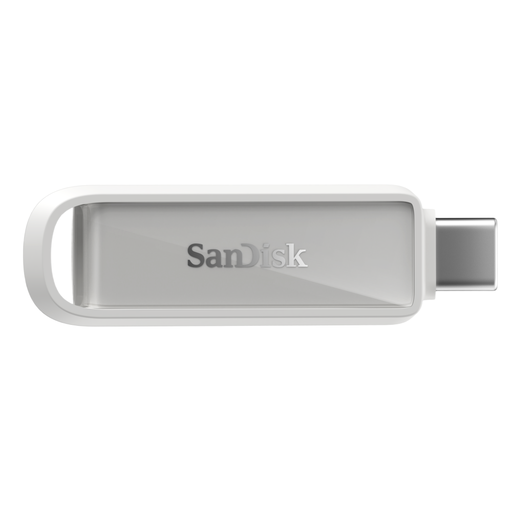 No image available
A USB-C drive to consider for a separate photo and file copy from a compatible phone. Check your exact device and any app requirements, including which files a backup operation covers; it does not replace a device-restoration backup.
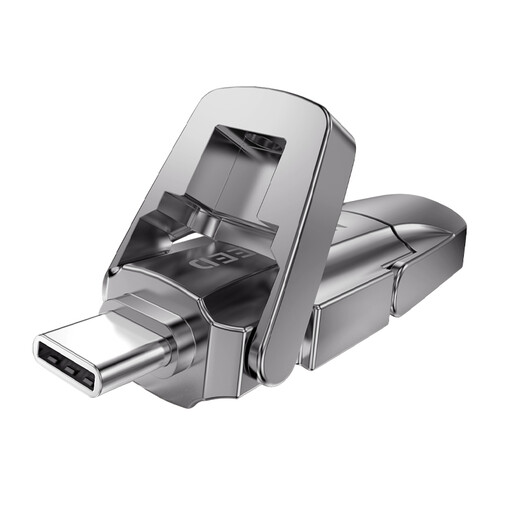 No image available
The USB-A and Type-C connectors make phone-to-computer file copying worth considering where both devices support the transfer. Check your phone’s file and format requirements; the listed speed figures conflict, so do not plan a backup routine around them.
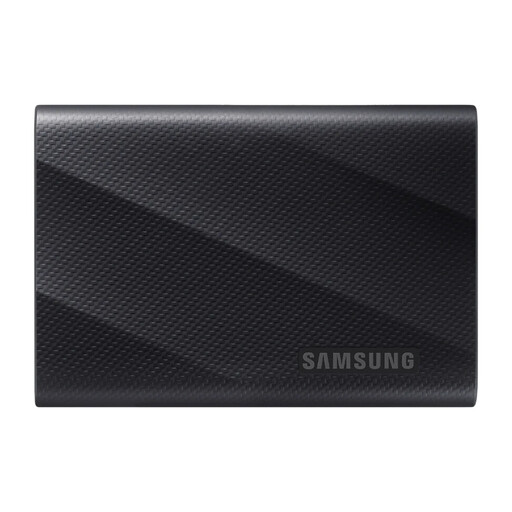 No image available
This 1 TB USB 3.2 Gen 2x2 drive is an option for a manually managed file copy. Confirm that your phone can transfer files to it and check any formatting requirements before treating it as part of your backup routine.
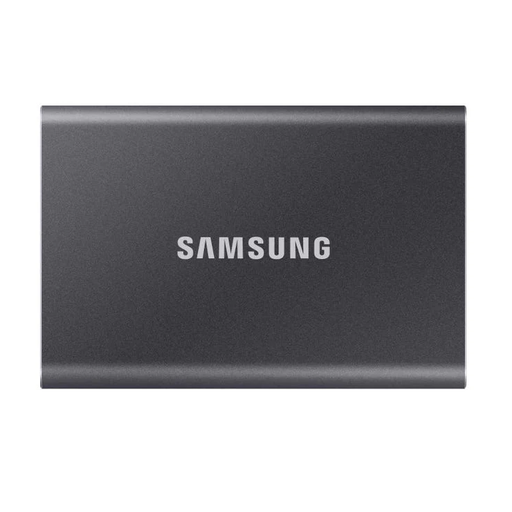 No image available
The 2 TB USB 3.2 Gen 2 drive offers space for a separately managed collection of copied files. Check phone compatibility and formatting, and keep another copy of important files rather than relying on this drive alone.
 No image available
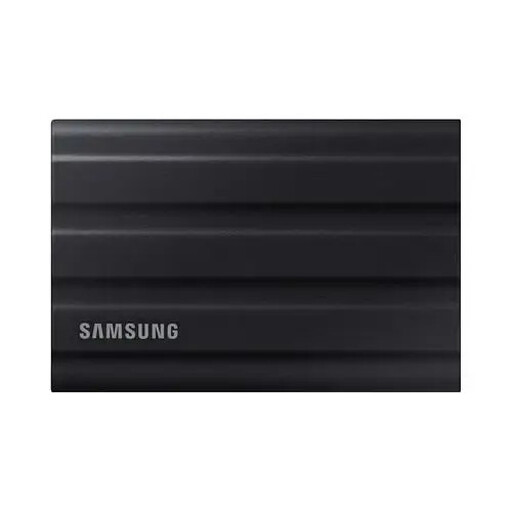
This 1 TB USB 3.2 Gen 2 drive is another option for a local file copy you maintain yourself. Check your phone’s transfer and formatting requirements, then make sure the copied files open and remain backed up elsewhere.
No. Google Photos backs up photos and videos; Android device backup and new-device transfer cover different data. Google’s Android guidance lists items that may not copy during setup, including downloaded PDF files and media in hidden folders, so check the files and apps you need to restore.
Use iCloud for a device backup without connecting to a computer, or a Mac or PC when you want a local backup; Apple Support says you can use both. If you need Health and Activity data in a computer backup, Apple says to encrypt it and keep the encryption password safe.
Use a unique password, enable two-step verification where offered and keep your recovery methods accessible to you. Microsoft Support explains that two-step verification adds another form of identity; plan for recovery before you lose access to a phone or sign-in method.