What matters when choosing
Start with the route and network you intend to use, then consider safe in-car navigation and whether the screen and charging arrangement suit a day outdoors.
| Concern |
What to check |
Who this matters to |
| Offline routes and coverage |
Check your chosen network along the route and allow space for downloaded maps and saved walk details. Google Maps offline mode does not provide walking directions. |
If I expect weak signal, I want the walking route and access points saved before I lose data. Around 33% of consumers put offline route resilience first. |
| Outdoor screen and power |
Compare stated display brightness, carrying weight and a charging setup you can use on the trip; peak brightness and battery capacity do not establish all-day navigation performance. |
When I will be out after a long drive, I need to read the map and still have power for the walk. Around 27% of consumers make outdoor readability and power their primary concern. |
| In-car navigation |
Check the phone against your vehicle mount, charging cable and hands-free controls. Set the route before driving and stop safely to change it. |
I need directions without picking up the phone or blocking my view of the road. For around 27% of consumers, a practical in-car setup is the main priority. |
| Route access and photos |
Allow storage for saved route material and photos, and inspect the exact towpath surface, gradient and access points using Canal & River Trust information. |
If access may be difficult, I need to assess the towpath before travelling; I may also want to record the route. Around 13% of consumers put route-access research or documentation first. |
Our top recommendations on Joybuy
These phones offer different starting points for carrying a map, planning power and saving route material on a road trip. Compare the exact variant with your network, navigation app and charging setup before choosing.
 No image available
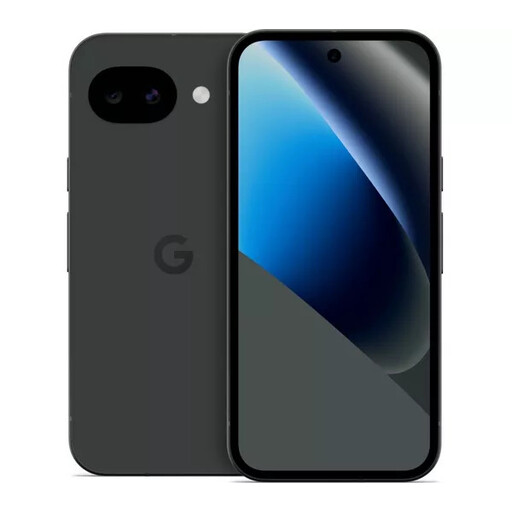
Google Pixel 10a 128GB Obsidian
Consider this variant if you want to store maps and walk details before setting off. Check location support for the exact variant if on-device positioning is essential.
128GB storage.
Joybuy
 No image available
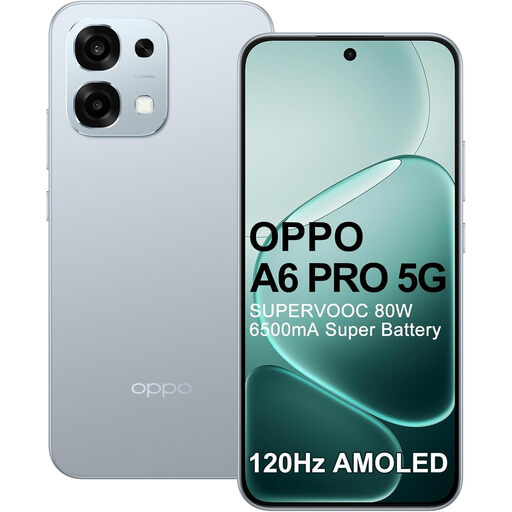
OPPO A6 Pro 5G CPH2781 Europe 256GB 8GB Lunar Titanium
Consider this variant if a stated battery capacity and charging specification are central to your trip-day power plan. Check location support before relying on on-device positioning.
The product name states a 6,500 mAh battery, 80 W charging and a 6.57-inch 120 Hz AMOLED display; these figures do not establish navigation endurance or sustained outdoor readability.
Joybuy
 No image available
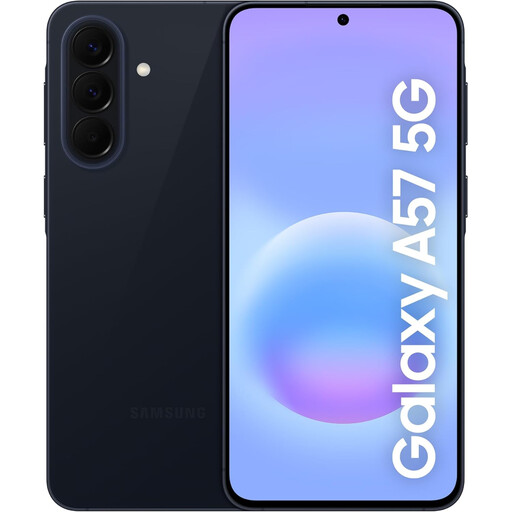
Samsung Galaxy A57 5G 256GB Awesome Navy
The stated 256GB storage gives you a specification to compare if you intend to save maps, walk details and photos. If bright-light map reading matters, check display performance for this exact model before choosing.
5G; 256GB storage.
Joybuy
 No image available
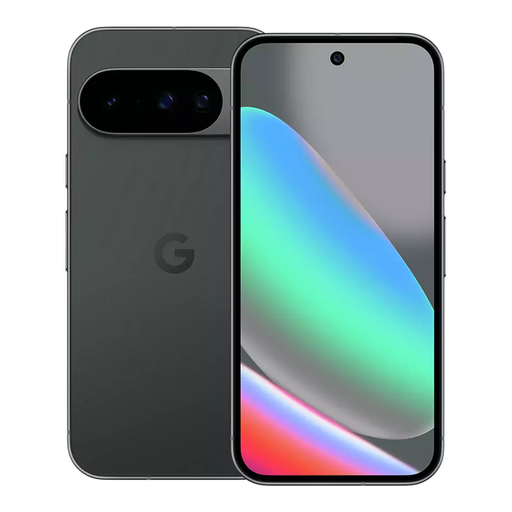
Google Pixel 10 128GB Obsidian
Consider the Pixel 10 if you want to prepare downloaded map areas and compare a manufacturer-stated bright display for outdoor viewing. Confirm that the exact variant works with your chosen mobile network.
128GB storage. Google's Pixel 10 specifications state up to 3,000 nits peak brightness, which does not guarantee sustained brightness outdoors.
Joybuy
 No image available
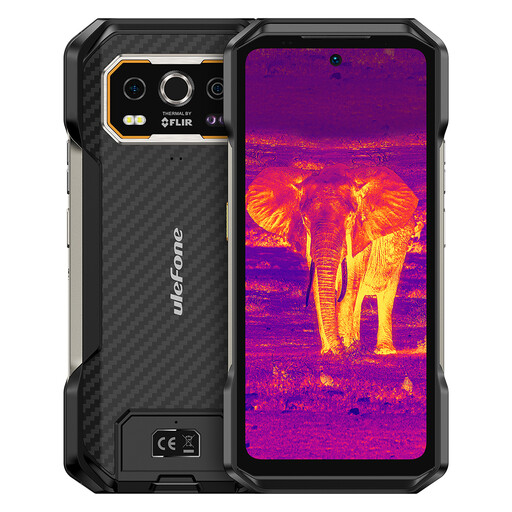
Ulefone Armor 27T Plus 4G 256GB
Consider this model if stated battery capacity matters more to you than choosing solely by a compact-phone specification. Check its weight, location support and outdoor screen readability against your walking plans.
The product name states a 10,600 mAh battery, Android 15 and a 6.78-inch FHD+ 120 Hz display; battery capacity alone does not establish navigation endurance.
Joybuy
Common questions
Will a downloaded Google Maps area guide me along a canal walk?
No: Google says walking directions are unavailable offline. Downloading an area can help with driving directions within that area, but save the walking route and access details separately before you leave.
How can I check signal along the canal route?
Check the relevant locations and your intended network using Ofcom's coverage information. Its predictions may not match reception on the ground, so keep essential route details available without mobile data.
Can I hold my phone to follow directions while driving?
No. For driving in England, Scotland and Wales, GOV.UK says you must not hold and use a phone or sat nav, including while stopped in traffic or at lights. A hands-free setup must not obstruct your view, and you must remain in full control.
Where can I check whether a towpath suits a wheelchair or pushchair?
Use Canal & River Trust's accessibility map to inspect the particular section and access point. It provides details of towpath surfaces, gradients and access, which matter more than a general description of the canal.
Who has priority on Canal & River Trust towpaths?
Pedestrians have priority under Canal & River Trust's Towpath Code. Cyclists are asked to slow down and take care around other people, pets and wildlife.


