What matters when choosing the phone
Start with access to bookings, directions and contact details, then assess how comfortably the phone will last and remain readable during your trip. Treat photography as a separate priority if it is a reason for choosing a different model.
| Concern |
What to check |
Who this matters to |
| Travel and entry information |
Check storage for saved details and offline maps, plus coverage for your provider near the destination. Google Maps does not offer walking or public-transport directions offline. |
If I need to find my booking and work out the final approach after leaving the coach, I want those details available even when data is weak. Around 36% of consumers put dependable access to planning information first. |
| Battery through the day |
Compare battery claims under their stated conditions and check your charging cable and backup. National Express notes that USB ports may be unavailable on some third-party-operated services. |
I rely on my phone for tickets and group contact, so running out of power before the return journey would disrupt the day. Keeping the phone powered is the primary need for around 29% of consumers. |
| Outdoor readability |
Compare the exact model’s display size, stated brightness and weight; try its text settings and one-handed reach if possible. |
Reading maps or visitor guidance outside matters more to me than having the smallest phone. About 21% of consumers chiefly want a screen they can use comfortably for those checks. |
| Castle photography |
Check the exact model’s optical zoom, camera configuration and storage rather than relying on megapixels or a digital-zoom figure alone. |
I want to frame distant details and broad views without making photography my only travel consideration. For around 14% of consumers, camera flexibility is the leading reason to choose a phone. |
Joybuy phones for planning the trip
These Joybuy choices include compact handsets and larger-screen options for checking travel details. Compare the exact model and variant against your priorities for carrying comfort, saved information and photography.
 No image available
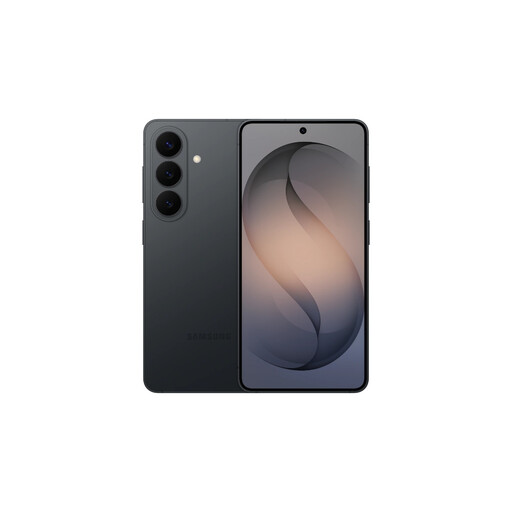
Samsung Galaxy S26 Black, 12GB/256GB
Consider this compact-route option if pocketability matters while you check journey and booking details.
This Black variant is named with 12GB RAM and 256GB storage. Check expected endurance for your navigation use and whether you have a compatible charger before relying on it for the whole day.
View on Joybuy
 No image available
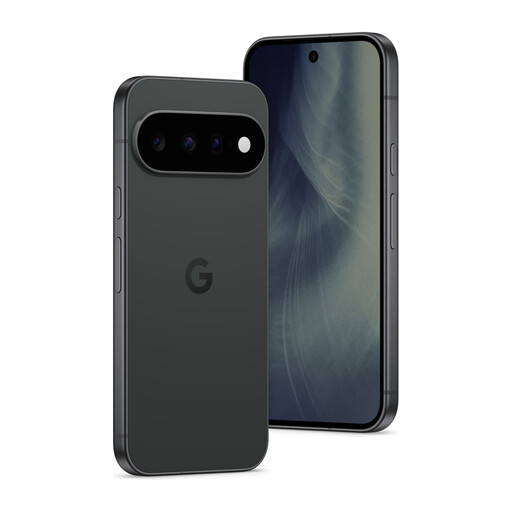
Google Pixel 11 5G Obsidian, 12GB/512GB
Consider this option if saving trip information and photos is a priority without moving to the larger-screen route.
The named variant has a 6.3-inch display, 12GB RAM and 512GB storage. Check outdoor readability, compatibility with your mobile provider and expected battery use for navigation before deciding.
View on Joybuy
 No image available
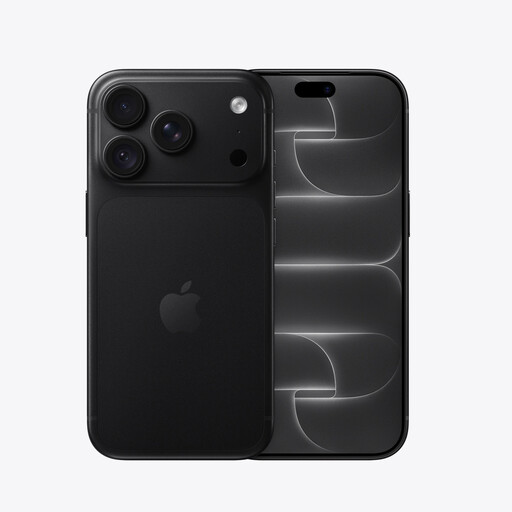
iPhone 18 Pro 256GB Black
Consider this iOS option if outdoor information checks and photographing distant details both influence your choice.
Apple specifies a 6.3-inch display and up to 3,000 nits outdoor brightness for the iPhone 18 Pro. This is the Black 256GB variant. Confirm the battery figure for this variant and consider how navigation and mobile data will affect your day’s use.
View on Joybuy
 No image available
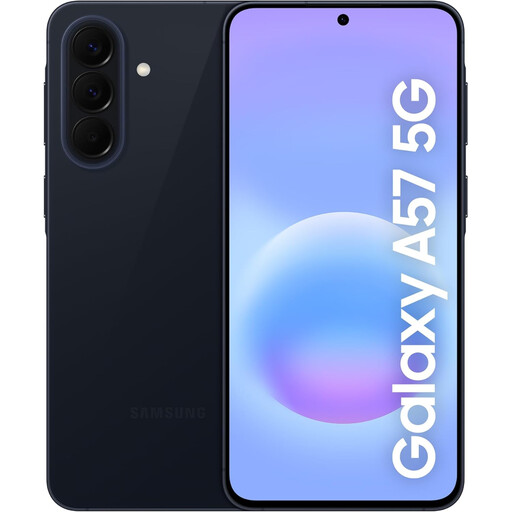
Samsung Galaxy A57 5G 256GB Awesome Navy
Consider this larger-screen route if you expect to read maps and visitor information repeatedly.
The named variant has 256GB storage and 5G. Check the exact display’s outdoor readability, carrying comfort and expected battery use; screen size or battery capacity alone cannot settle those questions.
View on Joybuy
 No image available
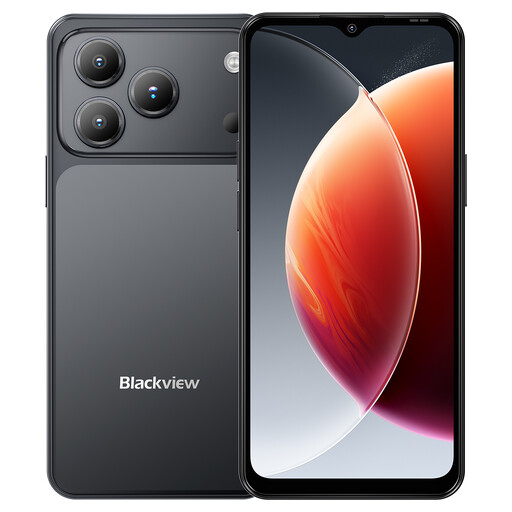
Blackview Wave 7C Android 16 4G, Black
Consider this larger-screen option if you want room to view saved maps and booking details.
The named Black variant specifies a 6.56-inch display, 128GB storage, a 5,000mAh battery and 4G dual SIM. Its RAM is described as 16GB comprising 4GB plus 12GB; check what that means for the configuration you are buying. Also check outdoor readability, your provider’s network compatibility and battery use during navigation.
View on Joybuy
Questions about phones for a castle trip
Should I download maps before travelling to a castle by coach?
Yes, particularly if reception may be weak near your destination. Google Maps allows offline areas to be downloaded, but walking and public-transport directions are unavailable offline, so save the coach details and final walking instructions separately.
Can I rely on USB charging on the coach?
Do not make it your only charging plan. National Express says USB ports can occasionally be unavailable on third-party-operated services; take the right cable and a charged power bank if losing phone access would affect tickets or directions.
Does everyone in my group need the same mobile network?
No; check coverage for your own provider around the destination and coach stop. Ofcom cautions that local features, including buildings and trees, can make actual reception differ from a coverage prediction.
What cancellation period may apply to a phone bought online in the UK?
For a purchase covered by the UK Consumer Contracts Regulations 2013 where no relevant exception applies, the cancellation period ends 14 days after you, or a person you nominate other than the carrier, take physical possession of the phone. Check how to notify the retailer if you change your mind; cancellation is distinct from remedies for a faulty, damaged or misdescribed phone.


