New-phone owners without an in-box plug
Check the phone’s charging requirements and the cable supplied in its box before choosing a wall adapter. A matching connector alone does not establish the charging mode you will get.


Start with the exact phone model: check its connector, supported charging standard and supplied cable before choosing a plug. A USB-C wall charger and matching cable suit a phone whose maker documents that wired route, but a higher wattage rating does not guarantee faster charging; a wireless pad is an alternative only if the handset supports it and the charger and case are suitable.
Check the phone’s charging requirements and the cable supplied in its box before choosing a wall adapter. A matching connector alone does not establish the charging mode you will get.
If an existing adapter charges your phone slowly, compare its port and charging standard with the handset maker’s requirements before replacing it. The cable may matter too.
For a desk or bedside setup, confirm that the exact handset supports wireless charging, then check the pad and case rather than assuming every magnetic charger will work with it.
Identify the phone’s supported charging route first, then check the plug, cable or wireless pad as a complete setup.
Choose when: The phone maker documents a compatible USB-C charging method. Apple Support, for example, specifies a USB-C cable and USB Power Delivery adapter for its documented faster-charging route on iPhone 15 and later.
Bear in mind: The phone and cable must support the intended mode; the adapter’s wattage is not a promised charging rate.
Choose when: You have a suitable adapter and a cable that matches both it and the phone, such as a USB-A to Lightning cable for an older iPhone.
Bear in mind: Do not assume this setup provides a newer phone’s faster USB-C charging mode.
Choose when: The exact phone supports wireless charging and a suitable pad offers the placement you want.
Bear in mind: Check the case, alignment and charger model. Google Pixel Phone Help lists Pixel models that cannot charge wirelessly, so the Pixel name alone is not enough.
| Priority | What to check | Your needs |
|---|---|---|
| Phone compatibility | Confirm the exact model’s connector, supported wired standard and charging input. Match the adapter’s port and documented protocol to those requirements. | I’m setting up a phone without a plug and want an adapter that works with its intended charging route, not merely one whose connector fits. |
| Charging capability | Check the output of the port you will use. For Samsung Super Fast Charging 2.0, Samsung specifies a USB PD 3.0-compatible device supporting Direct Charging; for a multi-port adapter, Apple says connected devices can reduce the available output. | A higher-rated plug interests me only if my phone can use its charging standard and the relevant port provides the output I need. |
| Cable | Check both connector ends, the cable supplied with the phone and the maker’s cable guidance for the intended charging mode. | I’d rather use a suitable cable already in the box than buy another one without checking whether it is needed. |
| Product traceability | Look for an identifiable maker and model, appropriate product information and a seller you can contact. The UK Office for Product Safety and Standards provides an alerts and recalls service for checking products of concern. | For a plug I will use regularly, I want to be able to identify it and check any safety notice that applies to its model. |
| Wireless fit | Confirm handset support, case suitability and the pad’s exact model. Check a claimed Qi certification in the Wireless Power Consortium’s certified-product database. | A bedside pad appeals to me, but I need it to work with my particular phone and case. |
A 45W label does not mean every handset will charge at 45W. Samsung says its Super Fast Charging 2.0 mode requires a USB PD 3.0-compatible device supporting Direct Charging.
Check the exact phone’s charging requirements, then match the adapter protocol, port and cable.
Matching plugs do not establish that a cable meets a particular charging requirement. Samsung says cable quality can affect performance with its 45W charger.
Check the connector at each end and follow the phone or charger maker’s cable guidance for the mode you intend to use.
Apple says a multi-port adapter’s maximum output may fall when other devices are connected, depending on their combined demand and system conditions.
Read the adapter’s output information for the port combination you expect to use, not just its headline wattage.
An Office for Product Safety and Standards product report identified a charger with a high fire risk linked to inadequate insulation. That finding concerns the reported product, not every third-party charger.
Choose a product with a clear maker and model, and check the official UK safety-alert and recall service if a charger is unfamiliar or causes concern.
Apple Support provides model-specific guidance for wired iPhone charging.
Samsung documents the conditions for using Super Fast Charging 2.0 with its 45W USB-C charger.
Google Pixel Phone Help identifies wired and wireless charging options for Pixel phones.
Anker offers USB-C charger options, including a listed 45W Nano charger with a USB-C cable.
These options cover wireless charging for compatible handsets and USB-C wall chargers for a wired setup. Check your phone and any cable or power adapter needed to complete the setup before choosing.
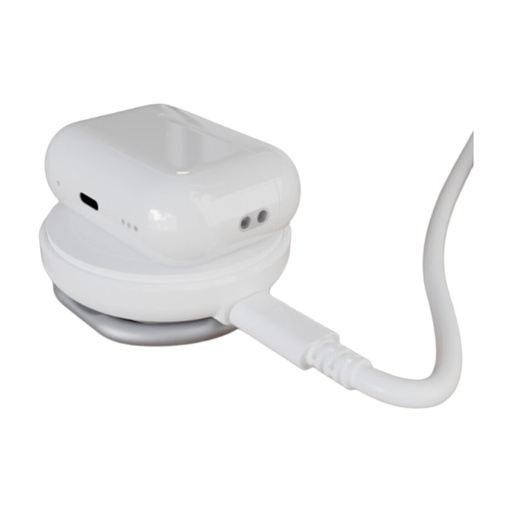 No image available
A wireless stand to consider if your exact phone supports the intended Qi2 charging setup. Check case compatibility, the required power input and what comes in the box before treating it as a complete replacement for a wall charger.
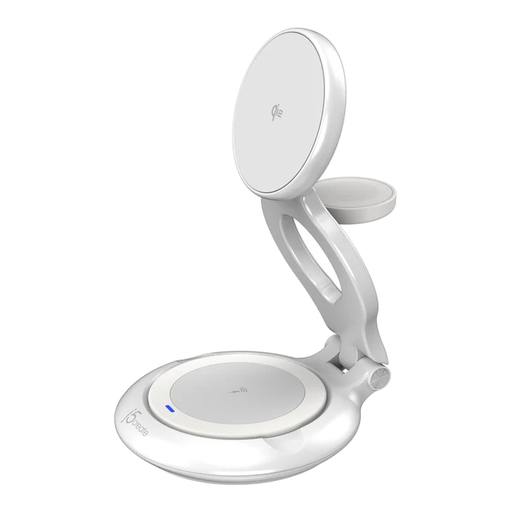 No image available
Consider this multi-device wireless format only after checking compatibility for each device and its case. Confirm the exact model and colour before ordering: the supplied product information differs on the variant. Also check whether you need a separate power adapter.
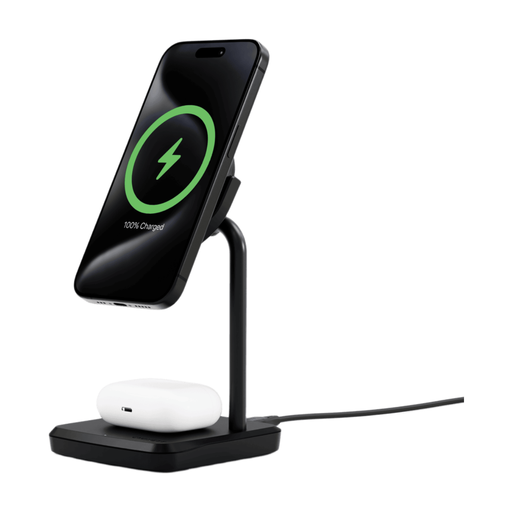 No image available
This wireless base is an option for a phone-and-accessory setup if the devices support its charging modes. Confirm the phone and case fit, and check the required power adapter and box contents before buying.
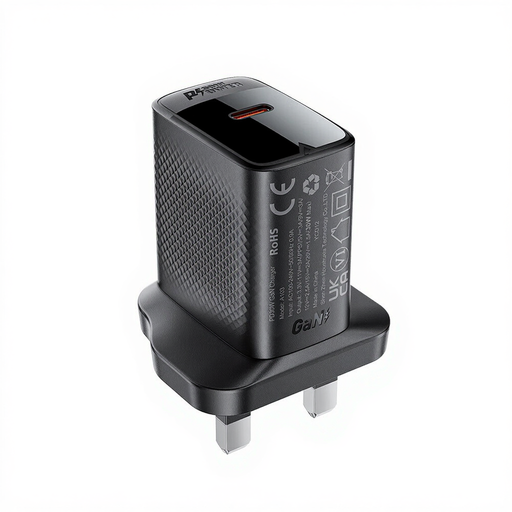 No image available
This USB-C wall charger is a wired option for a phone with matching charging requirements. Check its documented protocol against the exact handset and confirm whether a suitable USB-C cable is supplied.
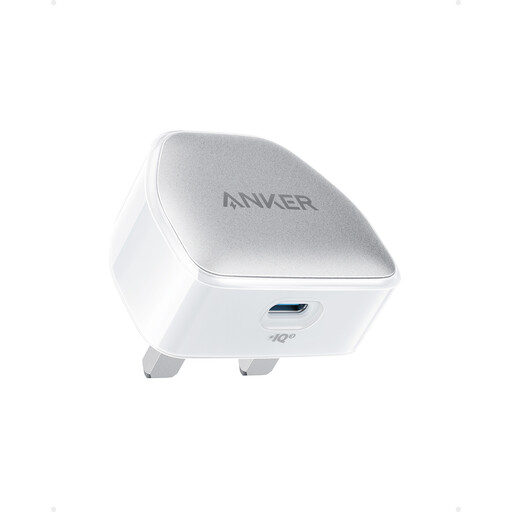 No image available
A 20W USB-C wall-charger option to compare with your phone’s documented charging requirements. Confirm the charging protocol, cable contents and exact Nano Pro model variant before choosing it.
Check the exact handset’s connector and charging requirements, then see which cable is in the box. Match the wall adapter’s port and documented charging standard to that setup; Apple Support specifies USB Power Delivery for its documented faster wired-charging route on supported iPhones, while Samsung sets additional conditions for Super Fast Charging 2.0.
Not necessarily. The phone must support the relevant charging standard and input, and the cable must suit the setup. Apple also notes that a multi-port adapter’s available output may fall when other devices are connected, so check the output of the port you intend to use.
It can serve as your usual charging spot if the exact handset supports wireless charging and the pad and case are suitable. Check the phone model first: Google Pixel Phone Help lists exceptions among Pixel phones, so compatibility cannot be assumed from the brand alone.
Look up the exact charger model in the Wireless Power Consortium’s Qi Certified Product Database. Match the listing to the product you plan to buy rather than relying only on a Qi logo in a product description.
Choose a charger with an identifiable maker and model, clear product information and a seller you can contact. If a product is unfamiliar or raises a safety concern, check the UK Office for Product Safety and Standards alerts, reports and recalls service for its model.