Travellers concerned about hotel-room reception
If you need departure updates indoors, check the network at the hotel location rather than choosing by the phone’s 5G label. Ofcom notes that buildings can affect indoor reception.


Start with the mobile network you intend to use: Ofcom’s postcode checker can guide your choice for the hotel area, but a 5G phone alone cannot guarantee reception inside the room. Check whether hotel Wi-Fi can reach your coach operator’s tracker, and whether your handset and tariff support Wi-Fi calling for calls and texts. Then balance screen readability against carrying size and check how you will recharge before departure; National Express and FlixBus provide journey updates through their own services.
If you need departure updates indoors, check the network at the hotel location rather than choosing by the phone’s 5G label. Ofcom notes that buildings can affect indoor reception.
If you plan to check the coach’s whereabouts just before leaving, you need access to the relevant operator service and enough charge to use it. National Express offers CoachTracker, while FlixBus provides live updates in its app.
If you regularly open timetables, maps and digital tickets, compare how comfortably you can read them with how easily the phone fits in a pocket or can be held while carrying luggage.
For a coach departure checked from a hotel room, establish how you will get online before choosing a screen size or comparing charging claims. The concerns below separate consumers by the need they would put first.
| Concern | What to check | Who this matters to |
|---|---|---|
| Hotel-room connection | Compare your intended network at the hotel postcode using Ofcom’s coverage checker. Confirm Wi-Fi-calling support with the handset, provider and tariff if calls or texts matter. | I need to reach the coach tracker from my room, where indoor signal may differ from coverage outside. Around 25% of consumers put a usable connection first. |
| Coach updates and tickets | Check that your operator’s website or app works on the phone, and keep your booking details accessible. | If departure details change while I am packing, I want to open the operator’s update and find my ticket promptly. For around 33% of consumers, access to journey information is the primary need. |
| Battery and charging | Check the model’s charging requirements and what comes in the box; treat stated battery figures as specifications, not travel-day runtime. | I need the phone to last through updates, messages and the journey, with a way to recharge before leaving. Keeping it powered is the leading concern for around 25% of consumers. |
| Reading and carrying | Compare display size and the phone’s feel in hand, rather than choosing on a brightness figure alone. | I want to read a stop name or ticket without struggling, but still carry the phone comfortably with luggage. Around 17% of consumers place that balance first. |
Ofcom says building materials and local conditions can affect indoor signal; its coverage predictions are guides, not guarantees for a particular room.
Check the hotel postcode for your intended network and find out whether you can use the hotel Wi-Fi for the operator’s tracker. Confirm Wi-Fi-calling eligibility separately if you need calls or texts.
A charging claim may depend on equipment you do not already have. Google specifies a separately sold compatible 30 W USB-C PPS charger or higher for its quoted Pixel 10 fast-charge result; Samsung says the Galaxy A56 5G box has no travel adapter.
Check the exact model’s charging standard, box contents and compatibility with your existing charger before travelling.
You may need a compatible wall charger separately.
The National Cyber Security Centre warns that attackers on insecure public networks can intercept or modify traffic.
Use the coach operator’s official website or app, avoid unnecessary sensitive account changes on unfamiliar Wi-Fi and use mobile data if the network appears suspicious.
GOV.UK says surcharge-free roaming in EU and EEA countries is no longer guaranteed for UK customers.
Check your mobile operator’s current roaming terms for the destination before relying on live updates abroad.
For a smaller-screen Android option, Google lists a 6.3-inch OLED display and 4,970 mAh typical battery capacity for the Pixel 10.
Samsung lists a 6.7-inch FHD+ Super AMOLED display for the Galaxy A56 5G, a model to examine if reading space matters more than a smaller handset.
For buyers who prefer iOS, Apple lists a 6.3-inch OLED display and 177 g weight for the iPhone 17.
These Pixel and Samsung phones offer choices for checking coach information on the move. Decide how you will connect at the hotel first, then compare the models’ stated variants and any charging equipment you need.
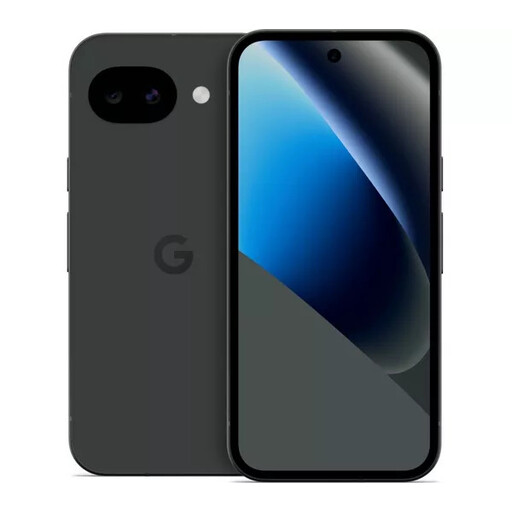 No image available
Consider this Pixel variant if you want to check coach information on a phone you will carry throughout the journey.
128GB, Obsidian. Before relying on it in the hotel, confirm network compatibility and Wi-Fi-calling support with your provider and tariff.
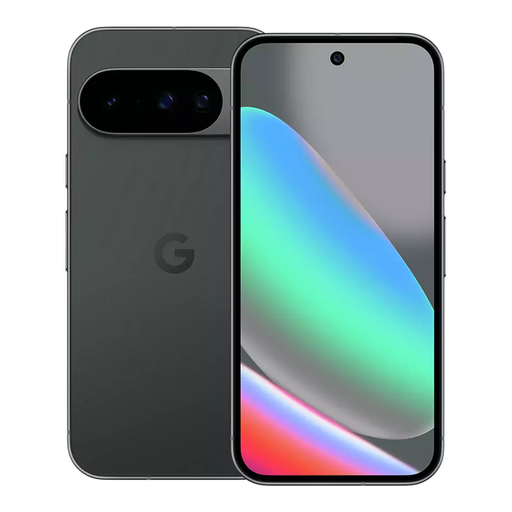 No image available
Consider this model if you want a 6.3-inch screen for checking departures and tickets while travelling.
Google specifies an OLED display and 4,970 mAh typical battery capacity for the Pixel 10. Its quoted fast-charge result requires a compatible 30 W USB-C PPS charger or higher, sold separately; also confirm compatibility with your intended network and tariff.
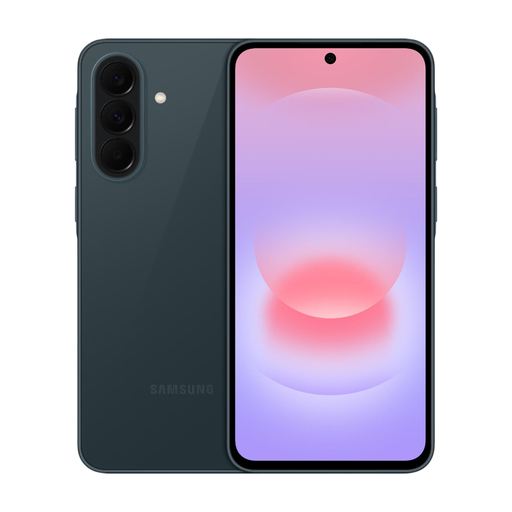 No image available
If you plan to use mobile data for coach updates, check whether your intended network covers the hotel and departure point before choosing this 5G phone.
This is the 128GB/6GB Awesome Graygreen variant. Confirm Wi-Fi-calling support with your provider and tariff if you need it indoors.
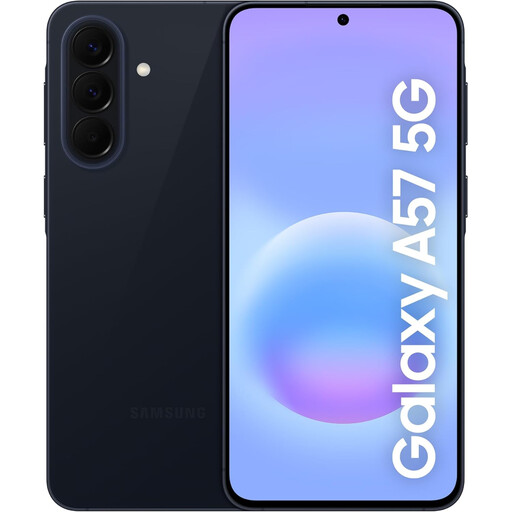 No image available
Consider this variant if you want a phone for opening travel updates and keeping booking information to hand.
256GB, Awesome Navy, with 5G in the model name. Check the hotel-area network and confirm the charging equipment and Wi-Fi-calling support you require.
 No image available
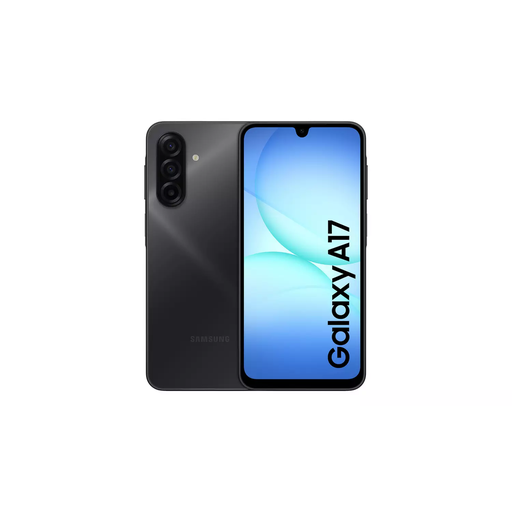
If using more than one mobile line matters on your travels, this Dual SIM variant is one to check for coach-update access.
Galaxy A17 5G A176, 4GB/128GB, Grey. Confirm that your intended SIMs, network and tariff meet your needs, including Wi-Fi calling if required.
Yes, when you can access the relevant service: National Express says CoachTracker shows where a coach is and its estimated arrival time. Open the tracker for your journey while you have an internet connection.
No. Ofcom explains that indoor reception can vary with the building and local conditions, so check your intended network at the hotel postcode and have another way to get online if the update is time-critical.
No. Wi-Fi calling can help with calls and, where supported, texts when mobile reception is weak; the coach website or app still needs a usable internet connection. Confirm support with your handset, provider and tariff, and check how you will join the hotel Wi-Fi.
Not without checking your plan. GOV.UK says surcharge-free roaming in EU and EEA countries is no longer guaranteed for UK customers, so review your operator’s terms for each destination before using live updates abroad.
You can use a usable hotel connection for ordinary ticket access, but take care on unfamiliar networks. The National Cyber Security Centre warns that insecure public Wi-Fi can expose traffic to interception or modification; use the operator’s official service and avoid unnecessary sensitive account changes.