What to check before buying
Decide whether the old phone can take part in a live transfer, then check the data and account access you must preserve. The transfer routes below solve different problems; changing platforms also calls for a separate check of what the destination tool can move.
Direct transfer
Use when: The old phone works and can stay nearby and powered during the new phone’s setup.
Trade-off: Setup timing, available storage and data categories can limit what moves; Apple says both devices remain occupied during a Quick Start migration.
Cloud restore
Use when: A recent backup is available but the old phone may not last through a live transfer.
Trade-off: You need access to the correct account and must check what the backup contains; managed-device restrictions may affect Android backup or transfer.
Computer backup
Use when: You want a local backup before replacing a Galaxy or iPhone and have access to a compatible computer.
Trade-off: You need the backup and its computer for restoration. Apple says Health and Activity data will not transfer from an unencrypted iPhone backup.
| Concern | What to check | Who this matters to |
|---|
| Storage and connection |
Compare the old phone’s used storage with capacity available on the replacement. For a wired route, check both ports and whether the cable transfers data. |
If my old phone still works, I want room for my photos and apps and a connection I can use during setup; roughly 33% of consumers put storage and connection first. |
| Cross-platform data |
Check the switching tool for your exact direction of travel and how to move essential app or encrypted data separately. |
Changing between Android and iPhone makes me concerned about chats and other records that may need their own migration; around 25% of consumers prioritise cross-platform completeness. |
| Account access |
Confirm passwords and an alternative sign-in or two-step-verification method before retiring the old phone. |
If my old phone receives sign-in prompts, keeping access to important accounts matters as much as moving files; roughly 25% of consumers make account access their primary concern. |
| Local backup |
Check that you have the computer, backup and any required encryption password before depending on a restore. |
With an unreliable phone, I want a computer-held copy I can locate and restore; around 17% of consumers put local-backup control first. |
Joybuy transfer accessories
These accessories address a local photo-and-video copy or a wired data connection between compatible devices. Choose the replacement phone and its migration route separately; an accessory does not establish that every app or account will transfer.
 No image available
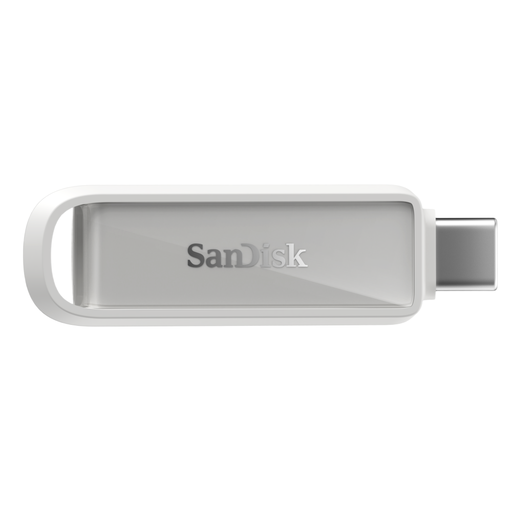
SanDisk Phone Drive with USB-C, Arctic White, 128GB
Consider this for making a separate copy of photos and videos before retiring a compatible phone.
USB-C connection and 128GB capacity. Check compatibility with your phone and the backup app; this is not a substitute for migrating contacts, apps or account access.
View on Joybuy
 No image available
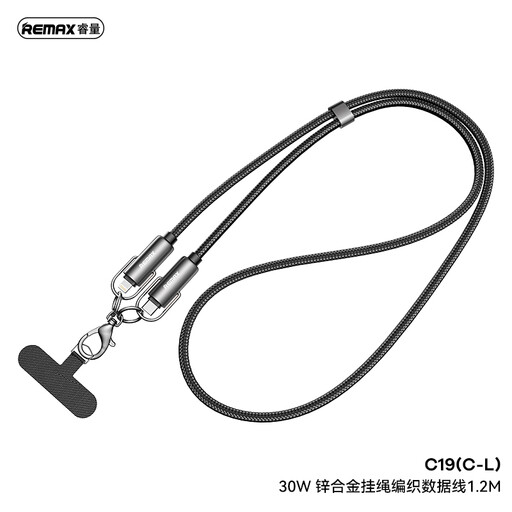
REMAX 30W USB-C to Lightning Braided Data Cable, 1.2m, Black
Consider this for a wired data connection between a Lightning device and a suitable USB-C host.
USB-C to Lightning connectors and a 1.2m length. Check both ports and whether your intended phone-to-phone or computer transfer flow supports this connection.
View on Joybuy
 No image available
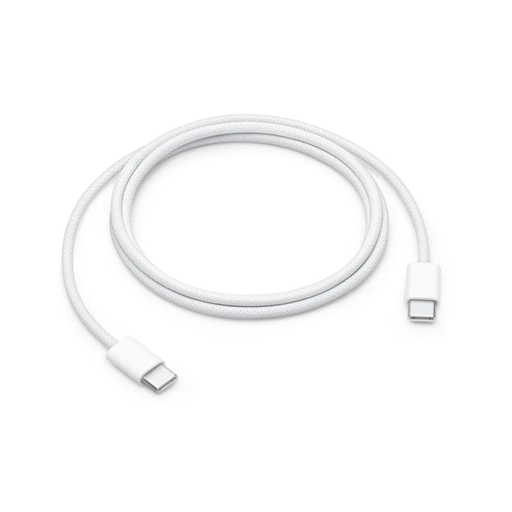
Apple USB-C to USB-C Woven Charge Cable, 1m
Consider this for a wired connection if the phones or computer used in your chosen transfer route have suitable USB-C ports.
USB-C connectors at both ends and a 1m length. Check the transfer flow and port compatibility before buying; the connector shape alone does not establish which data will migrate.
View on Joybuy
Common questions
Should I transfer directly or restore a backup if my old phone is failing?
Use direct transfer if the old phone can stay powered and available throughout setup and the replacement has enough storage. If it may fail, a recent cloud or computer backup offers another route, provided you can access it and have checked that it contains the data you need.
Do I need a cable to move data to a new phone?
Not always: Google Android Help describes cable and wireless Android transfer, while Samsung offers Wi-Fi, USB and computer routes for Smart Switch. For a wired route, check that the cable fits the relevant ports, carries data and works with the transfer flow you intend to use.
Can I run Move to iOS after setting up my new iPhone?
Not through the usual setup flow without starting over. Apple Support says that, after iPhone setup is complete, you must erase the device and set it up again to use Move to iOS; otherwise, move content manually.
What should I do about Google two-step verification before retiring my old phone?
Confirm that an alternative verification method works before erasing the old phone. Google Account Help lists options including another signed-in device, another registered number, saved backup codes, a security key or a passkey on another device.


