What to check before buying
For relevant mains-powered equipment, GOV.UK guidance distinguishes the applicable marking routes for Great Britain and Northern Ireland. A marking alone does not prove that an individual item is safe; check the exact model, seller and manufacturer information as well.
| Concern |
What to check when buying |
Who this matters to |
| Product and seller provenance |
Compare the exact model, seller and manufacturer details with the maker’s information; check relevant markings and product recalls. |
If I want to check who made and supplied an adapter before ordering, provenance comes first; around 29% of consumers prioritise verifiable product and seller information. |
| Device compatibility |
Check the device’s connector, specified power and supported charging mode; for multiport chargers, check each port’s output when used together. |
When replacing a laptop adapter or sharing a charger, I need the output and connection to match my devices; around 29% of consumers put device compatibility first. |
| Cable capability |
Match the cable’s connector and documented power rating to the intended charger and device; check the device maker’s guidance for specific fast-charging modes. |
If my adapter and device are already suitable, I still need a cable rated for that setup; around 18% of consumers make cable capability their primary concern. |
| Charging location and socket load |
Check an extension lead’s marked current rating against the connected load, avoid connecting extension leads to one another, and consider the charging location. |
When choosing where to charge at home, I want to avoid relying on an overloaded lead or placing equipment beside a sleeping area or exit; around 24% of consumers prioritise the home setup. |
Related products on Joybuy
These options cover home socket access, USB-C charging and cables for compatible devices. Check the exact device requirements and intended setup before choosing.
 No image available
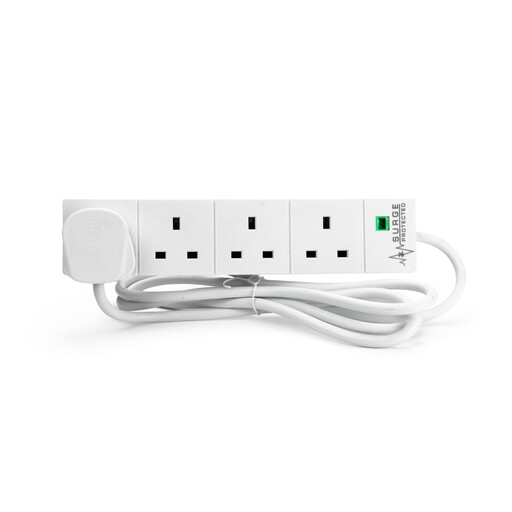
STATUS Extension Lead, 4 Sockets, Surge Protected, 2 Metres, White
For a home charging spot that needs additional socket access; check the connected load and keep to the lead’s stated use limitations.
Four sockets; 2-metre lead; surge protected.
Do not connect this extension lead to another extension lead or cable reel.
Joybuy
 No image available
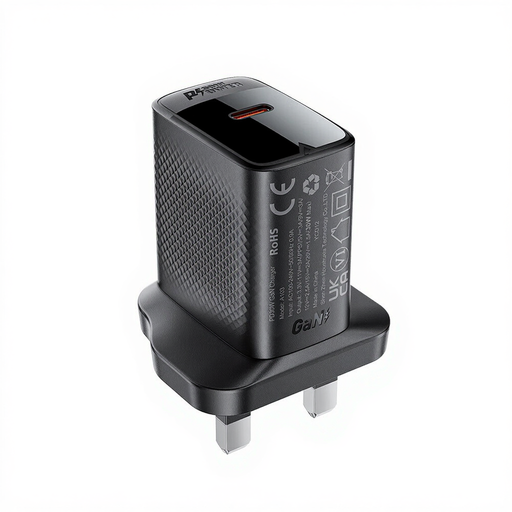
ACEFAST PD30W GaN USB-C Charger, Black
For a compatible USB-C device when its specified charging requirements match the charger’s stated output.
USB-C charger; 30W stated in the product name.
Joybuy
 No image available
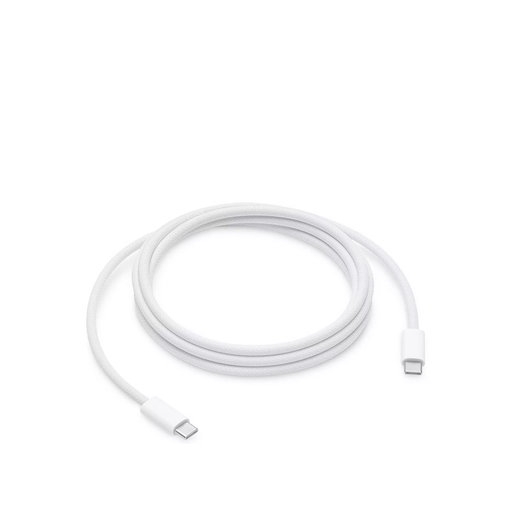
Apple 240W USB-C Charge Cable, 2m
For a compatible USB-C charging setup that requires a cable with the stated power capability; check the device and adapter requirements too.
USB-C charge cable; 240W stated in the product name; 2m.
Joybuy
 No image available
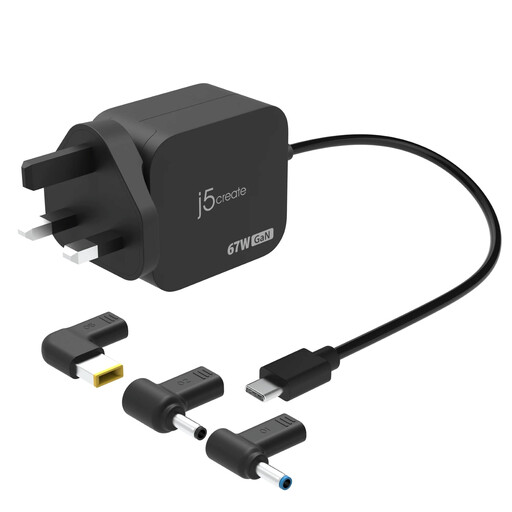
j5create JUP1565DC 67W GaN PD USB-C Mini Charger with 6 Types of DC Connector, UK, Black
For a compatible USB-C device or a DC-input setup only when the connector and charging requirements match.
67W stated in the product name; six types of DC connector stated in the product name.
Joybuy
 No image available
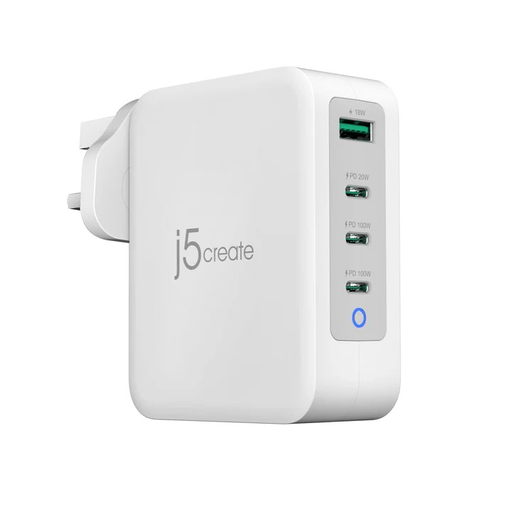
j5create JUP43130F 130W GaN USB-C 4-Port Charger, UK, White & GREY
For charging several compatible devices from one adapter when its port arrangement and output meet each device’s requirements.
130W stated in the product name; four ports stated in the product name.
Joybuy
Frequently asked questions
Does a UKCA or CE logo prove that a charger is safe?
No. For relevant electrical goods, a marking represents a conformity claim, not an independent guarantee about the specific item. GOV.UK guidance sets out different applicable marking routes for Great Britain and Northern Ireland. Check the seller, manufacturer information, instructions, exact model and product recall information as well.
Can a higher-wattage USB-C charger charge my phone?
A compatible device and adapter can use a supported charging mode, but a higher number on the adapter does not guarantee the phone’s fastest charging mode. Check your exact model’s connector and supported mode, along with the maker’s cable guidance; requirements can differ between device models.
Where should I charge at home, and what if equipment looks damaged?
Choose an uncovered location that does not obstruct an exit, and avoid charging while asleep or away, as Scottish Fire and Rescue Service advises. London Fire Brigade also advises against covering chargers or charging devices. Stop using visibly damaged equipment; the Scottish service lists unusual heat, swelling, smoke or unusual sounds among battery warning signs.
Will a surge-protected extension lead make several chargers safe to use together?
No, not by itself. Electrical Safety First advises checking the lead’s marked current rating against the combined appliance load, using one extension device per wall socket and never connecting extension leads to one another. Surge protection addresses a different issue from overloading.
What can I do if a charger bought online is faulty?
Keep the order details and identify the seller and product model. GOV.UK guidance explains that goods that are faulty, not as described or do not do what they are supposed to do qualify for a refund under the applicable rules; some distance purchases also have a cancellation right, subject to its conditions. Check the exact model in the Office for Product Safety and Standards recall information and follow any relevant notice.


