What to consider before buying
Mainstream smartphone
Choose when: Your relative wants everyday apps and is comfortable using a touchscreen once its settings are adjusted.
Trade-off: A simpler home screen does not necessarily make every app or sign-in process simpler, so try the services they intend to use.
Tablet
Choose when: Reading, forms, photos or video calls on a larger display are the main tasks.
Trade-off: Apple lists the Wi-Fi iPad A16 at 477 grams; check whether your relative can hold or support the chosen tablet comfortably.
Simplified smartphone
Choose when: Your relative needs apps but would prefer a more directed interface or physical dialling controls.
Trade-off: The Doro Aurora A20 has physical dialling keys, but app use still involves its touchscreen. A calls-and-texts feature phone is a narrower option.
For households choosing a device for an older relative’s everyday calls and online services, each percentage below refers to consumers who place that concern first.
| Concern |
What to check when buying |
Who this matters to |
| Everyday tasks |
List the intended calls, apps and websites; check their requirements and try the complete task. |
If I need the device to handle specific apps and online services as well as calls, I would check each task before choosing; roughly 25% of consumers put task coverage first. |
| Interface confidence |
Try finding a contact, making a call, returning home and writing a message with the proposed settings. |
If my relative needs controls that feel recognisable and manageable, I would try their usual actions with the interface adjusted; around 25% of consumers prioritise interface confidence. |
| Seeing and hearing |
Test preferred text size, read-aloud features and call volume with the tasks the person uses. |
When readable text or audible interaction is the main need, I would test messages, a webpage and a call rather than relying on screen size alone; about 20% of consumers prioritise sensory access. |
| Handling and controls |
Try holding the device, answering a call, typing and using physical buttons; check accessory fit against the exact model. |
If my relative needs a comfortable grip, physical controls or adjusted touch interaction, I would let them try the device in their usual position; roughly 15% of consumers put handling and controls first. |
| Charging and support |
Check what the bundle includes, practise charging and agree how to contact a trusted helper. |
When a manageable charging routine and accessible help matter most, I would check the supplied equipment and rehearse a support request; around 15% of consumers prioritise daily reliability and support. |
Joybuy product options
These options include Android smartphones, including larger-screen models, and a keypad phone for calls and texts. Check that the chosen phone can handle the online services your relative intends to use.
 No image available
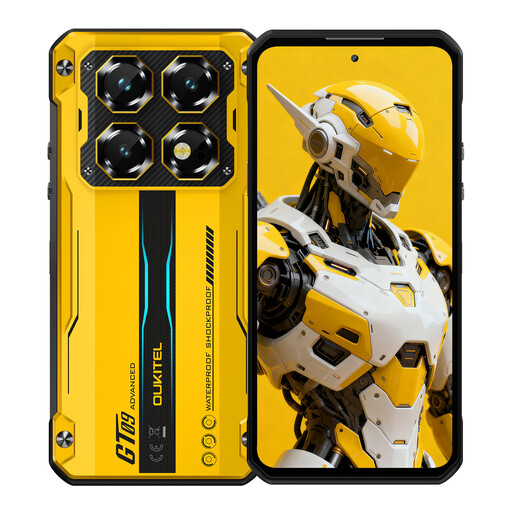
OUKITEL WP60 5G, Yellow, 16GB+512GB
Consider this Android smartphone if your relative prefers a larger-screen phone; test the display and intended tasks together.
7.2-inch display; 10,000mAh battery; Android 15; 5G; 16GB+512GB; NFC; dual SIM.
Joybuy
 No image available
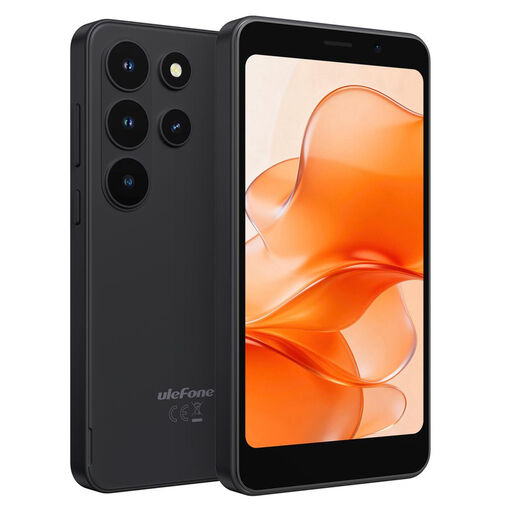
Ulefone Note 22, 3+32, Black
Consider this Android smartphone if a compact-screen phone is preferred, and try the intended services before deciding.
Android 16 Go; dual-SIM 4G. The product title states that no charger is included.
Joybuy
 No image available
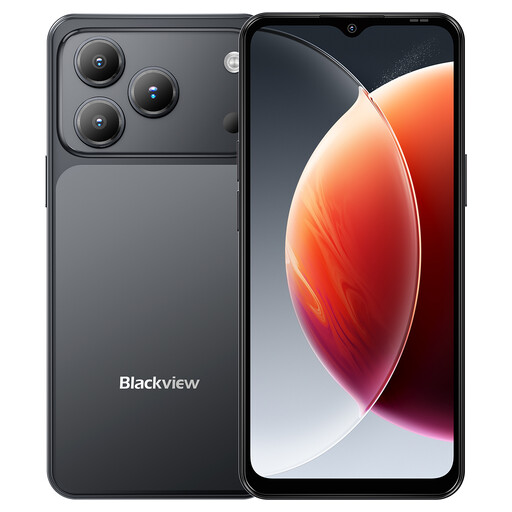
Blackview Wave 7C, Black, 64GB
Consider this smartphone if your relative wants a larger-screen phone; check that its controls and intended apps suit them.
6.56-inch display; Android 16; 4G dual SIM; 16GB RAM (4GB RAM + 12GB); 64GB storage.
Joybuy
 No image available
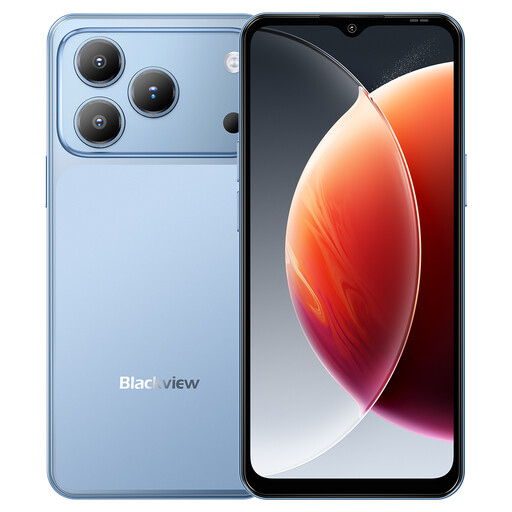
Blackview Wave 7C, Blue, 128GB
Consider this smartphone if your relative wants a larger-screen phone; check that its controls and intended apps suit them.
6.56-inch display; Android 16; 4G dual SIM; 16GB RAM (4GB RAM + 12GB); 128GB storage.
Joybuy
 No image available
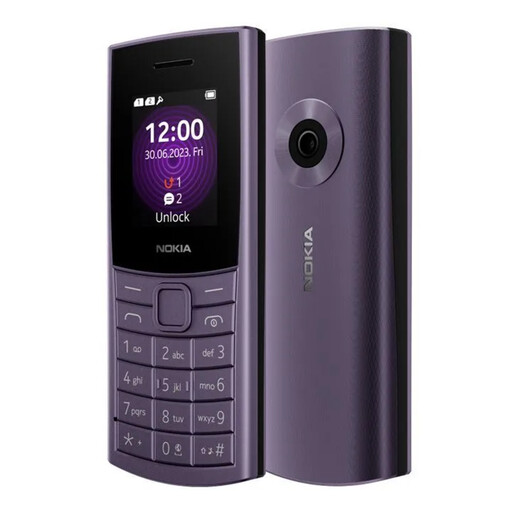
Nokia 110 4G TA-1543 DS, Purple
Consider this keypad phone if the priority is tactile calls and texts. Do not assume it will cover the apps and online services of a smartphone.
4G mobile phone.
Joybuy
Frequently asked questions
Should you try accessibility settings on the existing device before replacing it?
Yes, if the device already handles the tasks your relative needs. Age UK describes options such as enlarging text and having content read aloud, which you can try before choosing new hardware.
Can a calls-and-texts phone replace a smartphone for online services?
Not necessarily. Doro distinguishes its Leva calls-and-texts feature phones from Aurora Android smartphones for apps and internet, so check the exact tasks the phone supports before choosing a simpler model.
Can you help remotely using FaceTime?
Apple documents remote control during a one-to-one FaceTime call when both participants have compatible iOS 18 or iPadOS 18 software or later and the person sharing approves. Apple advises accepting control only from someone trusted, because a helper may be able to change settings, delete items or send messages.
What charging equipment should you check before buying?
Check the exact bundle rather than assuming that a charging cable means an adaptor is included. The Doro Aurora A20 listing excludes a charging adaptor, and Doro lists model-specific charging accessories.
What should you check before choosing a 4G phone for UK mobile calls?
Check that the exact handset and mobile provider support the calling technology your relative needs. Ofcom’s guidance, updated on 10 August 2026, states that UK 3G networks are now switched off and 2G networks are being phased out; an old 3G listing alone does not establish current calling compatibility.


