Joybuy product choices
These choices include macOS laptops, a Windows creator configuration and other Windows laptops for gallery organisation or editing at a shared desk. Match any candidate to your software, colour requirements and desk equipment rather than assuming that every display or connection will suit the same workflow.
 No image available
ASUS ProArt P16 H7606WW-SE006W, 16-inch 4K OLED
Consider this Windows creator configuration if you need to assess a built-in OLED display alongside memory and storage for photo projects.
The product name specifies an AMD Ryzen AI 9 HX 370, NVIDIA GeForce RTX 5080 16GB, 64GB RAM and a 2TB SSD. Check the exact panel’s colour specification and compatibility with your applications and desk equipment.
View on Joybuy
 No image available
Lenovo LOQ Essential 15ARP11, 15.6-inch FHD
This Windows laptop is an option to assess for gallery work if its display and connection options meet your requirements.
Its product name specifies an AMD Ryzen 7 170, 16GB RAM, a 1TB SSD, GeForce RTX 5050 graphics and a 144Hz FHD display. Confirm the panel’s colour characteristics and compatibility with your monitor or dock.
View on Joybuy
 No image available
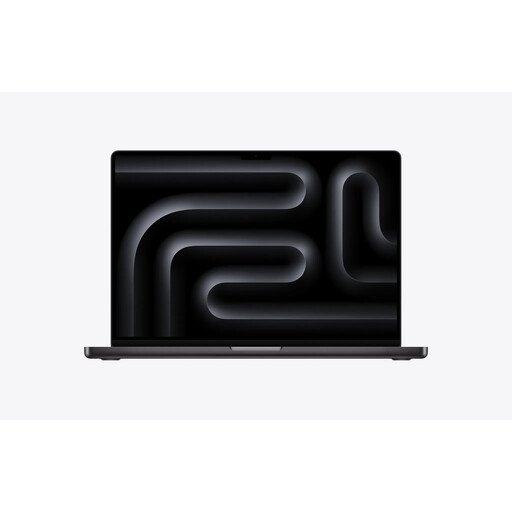
Apple MacBook Pro 16.2-inch M5 Max, 48GB/2TB, Space Black
Consider this larger MacBook Pro configuration if your gallery applications run on macOS and you want a larger built-in screen.
The product name specifies an 18-core CPU, 40-core GPU, 48GB memory and 2TB storage. Check your required plug-ins, colour workflow and monitor or dock compatibility before choosing it.
View on Joybuy
 No image available
Apple MacBook Pro 14.2-inch M5 Pro, 24GB/2TB, Silver
This smaller MacBook Pro configuration is worth considering if you move between desks and use macOS-compatible photo applications.
The product name specifies an 18-core CPU, 20-core GPU, 24GB memory and 2TB storage. Confirm that the built-in display and your intended desk-monitor setup suit the gallery’s output.
View on Joybuy
 No image available
ASUS Vivobook 14 X1407QA-LY003W, Snapdragon X, Quiet Blue
Consider this Windows laptop for gallery organisation at a shared desk if your required photo applications support its Snapdragon configuration.
Its product name specifies 16GB RAM and a 512GB SSD. Check the built-in display against any colour-sensitive work and confirm your monitor and dock connections.
View on Joybuy
Frequently asked questions
How much memory and storage should I look for with Lightroom Classic?
Adobe recommends at least 16GB of memory and a fast SSD for Lightroom Classic, while listing 8GB as its minimum memory requirement. Size storage for your active catalogue and projects, and check Adobe’s additional GPU guidance if your workflow uses a 4K display or GPU-accelerated features.
Is a laptop screen enough for building a photo gallery?
A laptop screen may be enough for organising images, but colour-sensitive editing calls for closer scrutiny of the exact display and intended output. If you work on a desk monitor, check that the laptop, dock and cables support the connection you need, then assess the monitor’s colour setup separately.
What if my newly purchased laptop is faulty?
In the UK, a laptop that fails to meet statutory standards may qualify for a remedy under the Consumer Rights Act 2015, including a short-term right to reject where its conditions apply. The applicable remedy and timing depend on the circumstances; keep your purchase and delivery records and tell the seller about the fault.
Can I hand in an old laptop when buying a replacement?
A UK retailer subject to electrical-waste take-back duties must offer take-back for qualifying old equipment of the same type when you buy a replacement, according to GOV.UK. Check the retailer’s take-back arrangement before travelling, as the way it provides that service can differ.


