For a large photo library kept chiefly at home, a desktop external hard drive is a capacity-led local destination. Choose a portable SSD if you regularly carry a working copy between computers, or consider network-attached storage (NAS) if several devices need scheduled backups. Whichever route you take, confirm how your cloud service exports files, check that the local copy opens and keep another copy separate.
Who needs which kind of copy?
People exporting a large cloud library
If most photos are in a cloud service, establish a workable download route before choosing the destination drive. Google Photos Help describes creating an archive through Google Takeout; Amazon Customer Service says its browser download requires selecting items and cannot download entire albums.
People building a home archive
A growing family photo and video collection needs room for a full local copy and future additions. A desktop drive can serve as the computer-connected destination, but the National Cyber Security Centre advises keeping backup media disconnected when it is not in use.
People carrying a working copy
If you move selected photos or videos between compatible computers, a portable SSD offers a smaller drive to carry. Check the connection before relying on advertised transfer speeds: Samsung says the T7 Shield's maximum speeds require a compatible host and cable.
What matters when choosing storage?
Start with where the photos are now: a suitable drive will not remove a cloud service's download restrictions. Then choose a destination for the full library and decide how you will maintain a separate copy.
Desktop external hard drive
Choose it when: Your full library normally stays at home and substantial local capacity matters more than carrying the drive.
Bear in mind: It needs a desk location and mains power, and one drive alone is not a separate backup plan.
Portable external SSD
Choose it when: You regularly move a working copy between computers or transfer large batches while travelling.
Bear in mind: Advertised maximum speeds depend on the model, computer and connection; a rugged design does not replace another copy.
Network-attached storage
Choose it when: Several devices need a central destination and you want to configure scheduled backups.
Bear in mind: A NAS needs compatible drives and setup, and its network connection makes an additional isolated or separately located copy important.
| Concern |
What to check |
Who this matters to |
| Capacity for the full library |
Measure the photos and videos you intend to export, then leave room for the export and future additions. |
If my library stays at home, I want the entire collection to fit without immediately running out of room. Around 31% of consumers would make capacity their primary concern. |
| Practical cloud export |
Check your service's supported download method and whether it delivers the originals you need; open a sample before transferring everything. |
When my photos mainly live online, I need a way to bring them onto local storage without selecting them one by one. For roughly 25% of consumers, that workflow would come first. |
| An ongoing backup routine |
Decide where another copy will live and whether you will disconnect the drive or configure scheduled backups; test that files can be opened. |
If photos come from several devices, I need a repeatable routine that leaves a copy separate from the live library. About 25% of consumers would prioritise that protection. |
| Portable transfers |
Check drive capacity, connectors and the computer's USB capability; read any speed or protection claims for the exact model. |
When I carry a working library between computers, repeated transfers and a drive I can take with me matter more than a stationary archive. Around 19% of consumers would put portability first. |
Backup mistakes to avoid
-
Treating one external drive as the whole backup plan
A connected USB drive or network drive can be affected alongside the original files. The National Cyber Security Centre describes ransomware incidents involving connected backup storage.
Keep another copy separate, disconnect removable backup media when it is not in use and check that recent files can be opened or restored.
Maintaining a second destination also means making time to update and check it.
-
Buying a drive before checking how photos can be exported
Storage capacity cannot make a restrictive download workflow practical. Google Takeout can create an archive, Apple documents downloading an iCloud Photos library's originals to a Mac, and Amazon Customer Service says its browser route cannot download entire albums.
Identify the service and its supported method, allow space to receive the files, then inspect a sample of photos and videos before a full transfer.
-
Expecting advertised SSD speed on every computer
Samsung says the T7 Shield's maximum sequential speeds require USB 3.2 Gen 2 host and cable support, with UASP enabled. A different connection may not deliver those figures.
Check your computer's port and the cable required for the exact SSD before choosing it for repeated large transfers.
-
Confusing drive protection or a NAS mirror with a separate backup
Samsung's T7 Shield protection claims depend on controlled test conditions, while NAS features must be configured for the intended backup task. Neither a rugged drive nor another drive inside a NAS removes the need for a separate copy.
Check the exact model's protection terms, keep a copy at another destination and test a sample restoration.
Relevant brands to consider
Western Digital
Its My Book line is relevant to a capacity-led desktop archive kept at home.
- Western Digital lists My Book capacities up to 26TB and USB connectivity; check the specifications of the particular model you choose.
- A single desktop drive still needs a separate backup copy.
Seagate
Its Expansion Desktop line is another computer-connected route for a home photo copy.
- Consider the desktop format if you want a drive that stays beside the computer rather than travelling with you.
- Check the capacity and connection of the exact model, and maintain a separate copy of the library.
Samsung
The T7 Shield line is relevant when a portable working copy and repeated transfers matter.
- Samsung lists 1TB, 2TB and 4TB T7 Shield options; its stated maximum transfer speeds require compatible connection conditions.
- Samsung's IP65 and drop-resistance claims are based on controlled tests, and real-world resistance can vary.
Synology
Its NAS products are relevant to a central destination for photos from multiple devices.
- Synology describes manual, continuous and scheduled device-backup options for the DS224+ and DS124.
- Those capabilities require compatible drives and configuration; keep an additional copy away from the live NAS.
Desktop drives for a home photo copy
These Western Digital desktop drives are local destinations for a photo and video library kept chiefly at home. Choose capacity against the size of your intended export and future additions; the drive itself does not provide the cloud download method or replace another backup copy.
 No image available
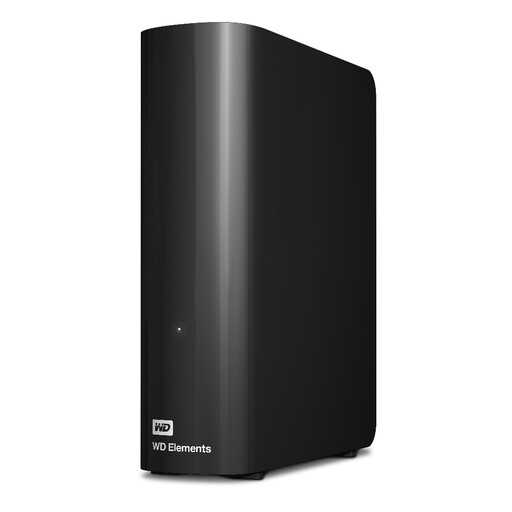
Western Digital WD Elements 20TB Desktop Hard Drive
Consider this desktop drive for a home-based library if your full export and expected growth fit within its stated 20TB capacity.
Check the supplied power adapter's UK plug type and keep another copy of important files.
Joybuy
 No image available
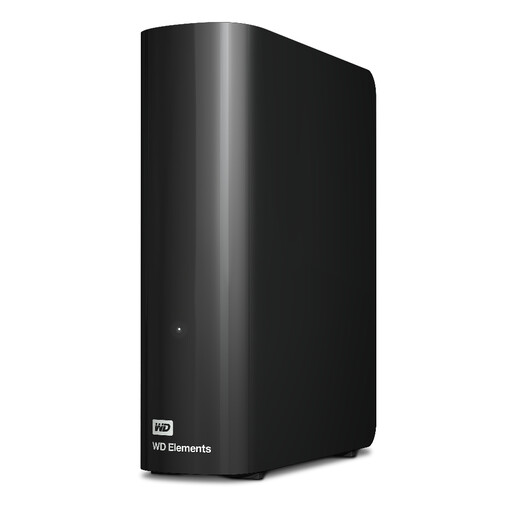
Western Digital WD Elements 16TB Desktop Hard Drive
This 16TB desktop drive is a possible home destination once you have checked the size of the full library and allowed room for growth.
The listing advises reformatting for Mac use; confirm the file system and the supplied power adapter's UK plug type before transferring files.
Joybuy
No image available
Western Digital WD Elements 12TB USB 3.2 Gen1 Desktop Hard Drive
For a stationary photo copy, check whether the complete export and future additions fit within the stated 12TB capacity.
The title specifies USB 3.2 Gen1. The listing advises reformatting for Mac use; also confirm the power adapter's UK plug type.
Joybuy
 No image available
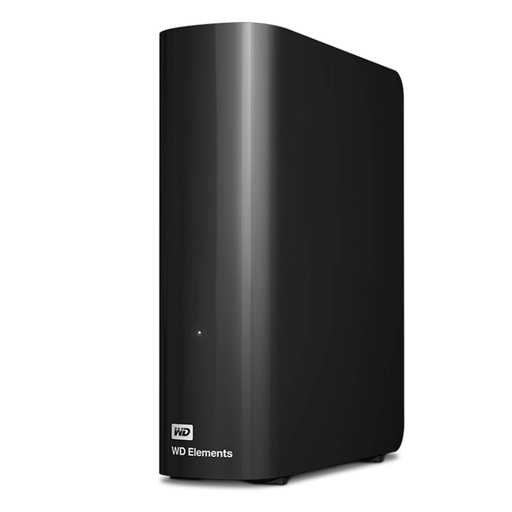
Western Digital Elements 10TB Desktop External Hard Drive
This 10TB desktop drive is a local destination if your planned photo and video copy leaves sufficient room for growth.
The listing advises reformatting for Mac use. Check the intended file system and the supplied power adapter's UK plug type before buying.
Joybuy
 No image available
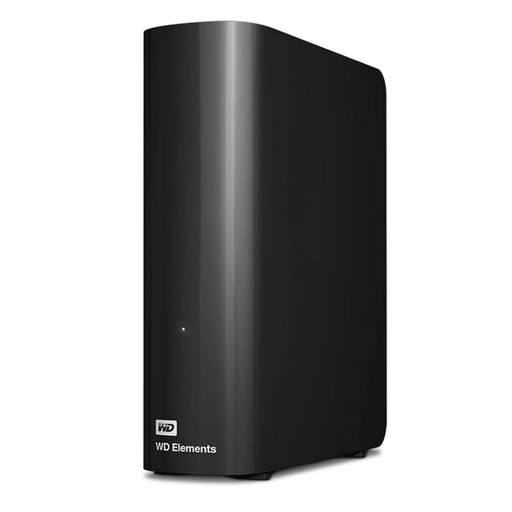
Western Digital Elements 6TB Desktop External Hard Drive
Consider this 6TB desktop drive only after checking that the full export, including videos, will fit with space left for new files.
The listing advises reformatting for Mac use. Confirm the file system and supplied power adapter's UK plug type, and retain a separate backup copy.
Joybuy
Frequently asked questions
Is cloud synchronisation an independent photo backup?
No: synchronisation can carry changes and deletions to other devices rather than preserve an earlier copy. Apple says deleting a photo from a device also removes it from iCloud and other devices using iCloud Photos. Keep a separate copy and check that you can restore files from it.
Can I download a whole cloud photo library to a drive?
The workable method depends on the service, so establish it before choosing the drive. Google Takeout can create a Photos archive, although Google warns that changes during archive creation may not be included. Apple documents downloading an iCloud Photos library's originals to a Mac; Amazon Customer Service says its browser download cannot download entire albums.
How do I copy OneDrive photos that are online-only?
Make the required files locally available before copying them to an external drive. Microsoft Support says OneDrive files can be marked 'Always keep on this device'; wait for the folder to download, then confirm the files are present locally before making the copy.
Should an external photo-backup drive stay connected?
Disconnect a removable backup drive when it is not in use if you rely on it as a separate copy. The National Cyber Security Centre warns that malware can affect attached storage; after each update, check a sample of files and store the drive safely away from the main computer.


