What matters when choosing?
Automatic-feed photo scanner
Consider it when: Most originals are compatible loose prints and working through a large batch matters.
Trade-off: The feeder is not a handling route for fragile, mounted or irregular originals.
Flatbed scanner
Consider it when: Prints need individual placement and can safely lie on the scanning bed.
Trade-off: Positioning each item takes time, and the bed size limits what fits in one pass.
35 mm film scanner
Consider it when: Negatives or mounted slides are an important part of the archive.
Trade-off: Film-specific equipment does not replace a scanner for printed photographs.
Start by sorting the originals by format and condition. Then decide how the files will be used and where recoverable copies will be kept.
| Concern |
What to check |
Who this matters to |
| Batch speed for loose prints |
Check accepted photo sizes and whether the feeder is intended for the prints you have. If backs carry notes, check whether they can be captured. |
With boxes of loose prints, I want to work through compatible photos without positioning each one by hand; around 31% of consumers put batch speed first. |
| Handling delicate originals |
Check whether each item can lie safely on the bed and whether it fits. Seek specialist handling advice before scanning an original that cannot be positioned safely. |
If my prints are mounted, folded or fragile, avoiding unsuitable handling matters more than speed; around 25% of consumers prioritise the originals’ safety. |
| Capturing 35 mm film |
Confirm the accepted negative or slide format, optical resolution, scan time and compatibility with your computer and software. |
When family images survive as negatives or slides, I need a way to capture the film itself; around 25% of consumers place film capture first. |
| Files and long-term access |
Choose output files for sharing or preservation as needed, and plan copies on different media in separate locations. Check cloud access, export and sharing controls if using a service. |
I need scans that my family can still open if a drive fails or an account becomes inaccessible; around 19% of consumers make recoverable files their primary concern. |
External drives for scanned photos
These drives can hold files after you have scanned the originals; they cannot digitise prints or film. Choose capacity for the files you plan to keep, and arrange another copy on different media in a separate location.
 No image available
Western Digital Elements Portable, 4TB, black
A 4TB storage option if your planned family-photo files fit that capacity.
Check connection and computer compatibility; Mac use may require reformatting. This drive alone does not provide a second, separately located copy.
View on Joybuy
 No image available
Western Digital My Passport Portable, 2TB, black
A 2TB storage option for scans when that capacity suits your planned archive.
Check compatibility with your computer; the product information describes macOS use with a driver. Keep another copy on different media in a separate location.
View on Joybuy
 No image available
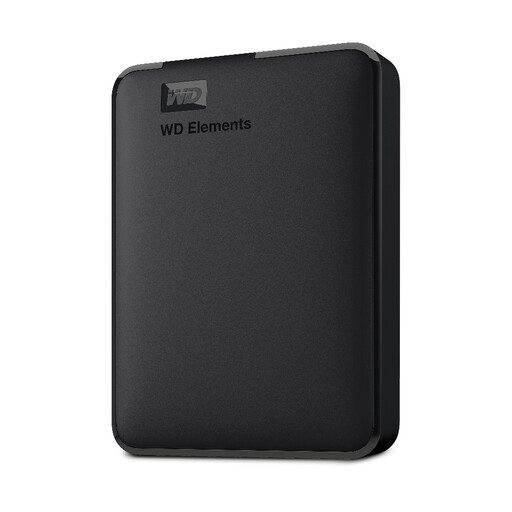
Western Digital Elements Portable, 1TB
A 1TB storage option if your scanned-photo files will fit within that capacity.
Check compatibility before buying: the product information says operating systems other than Windows 10+ may require reformatting. Plan a second copy elsewhere.
View on Joybuy
 No image available
Western Digital My Passport Ultra for Mac, 5TB, silver
A 5TB storage option for a planned archive that fits its capacity and a compatible computer setup.
Check operating-system and driver requirements, as well as the applicable warranty, before buying. One drive still needs a separate backup copy.
View on Joybuy
Frequently asked questions
Should I scan family prints at 300 dpi or 600 dpi?
Choose the setting for what you intend to do with the image. PicSave uses 300 dpi as guidance for viewing, sharing and prints near the original size, and 600 dpi where cropping or enlargement is wanted. These are service guidelines rather than universal thresholds; the Library of Congress also advises considering the original and intended use.
Do I need TIFF files as well as JPEGs?
Not necessarily for every family archive: decide whether you need a higher-quality master as well as convenient sharing copies. Library of Congress preservation guidance favours uncompressed or lossless files where possible, but the original’s detail, scanning workflow and storage capacity should shape your choice.
How should I back up scanned family photos?
Keep recoverable copies on at least two different storage media in separate physical locations, as the Library of Congress advises. Check periodically that the files open and can be recovered, and plan to move saved copies to current storage media as equipment changes.
What should I check before using cloud storage for family photos?
Check capacity, renewal and inactivity terms, export options, sharing permissions and account security, while retaining another accessible copy. GOV.UK warns that suspension or cancellation can remove access to cloud files; the Information Commissioner’s Office advises checking whether a service’s security and availability suit the files you upload.


