What should you check before choosing?
Start with the copy you can actually obtain from your photo service, then choose storage that fits its size, your computer and the way your household will use it.
| Priority | What to check | Your needs |
|---|
| Export workflow |
Check how your photo service downloads or synchronises files. Confirm that you can copy the photos and videos you intend to retain. |
I need a workable way to move my collection out of the service, not just somewhere to put the drive afterwards. |
| Capacity |
Measure the local archive, including videos. Allow for future additions and decide where each planned copy will be stored; usable drive capacity can vary with formatting. |
My collection is still growing, so the current download size alone may not cover what I will want to keep later. |
| Compatibility |
Check the computer’s port, the connection needed by the drive and its file system. For a disk shared between Mac and Windows, Apple specifies ExFAT for disks over 32 GB; formatting erases files on the selected disk or volume. |
I want to be able to write the archive from the computer I use, especially if another household computer will also need access. |
| Separated copies |
Plan where the original and backup copies will live. The NI Cyber Security Centre advises at least three copies on two different devices, with one offline in a different location. |
If a computer and a nearby drive are lost together, I still need another copy from which to recover the photos. |
| Shared access |
Decide whether one disconnectable drive is enough or several devices need a central archive. A NAS also calls for internal drives, setup and its own separate backup. |
Several of us may need to add or view photos without passing one USB drive between devices. |
Portable drives on Joybuy
These portable SSD and HDD options suit households considering a local copy that connects to a computer. Choose capacity against your measured archive, and confirm the drive’s connection and file format for that computer.
 Image unavailable
Samsung T7 Shield Portable SSD, 1 TB, Blue
Consider this portable SSD if you will carry your local photo copy or transfer files frequently. Its listed capacity is 1 TB and its stated connection is USB 3.2 Gen 2; check that the exported archive fits and that the drive’s file format works with your computer. Keep another copy separately.
View on Joybuy
 Image unavailable
Western Digital My Passport Ultra Portable HDD, 5 TB, Blue
This portable HDD is an option for making a local photo copy that you can disconnect and store separately. Its listed capacity is 5 TB; measure your archive and check the connection and file format before copying, particularly if you use a Mac. Keep another backup in a different location.
View on Joybuy
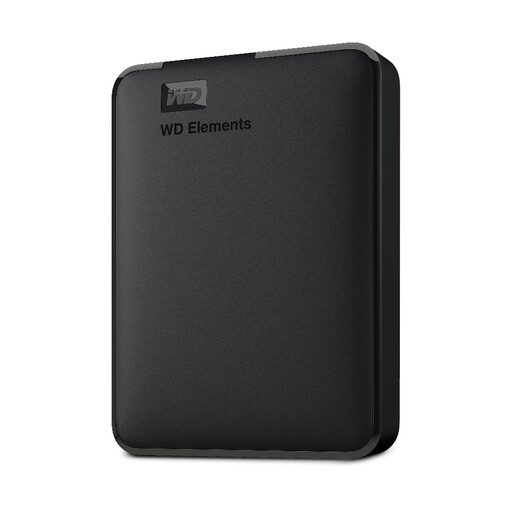 Image unavailable
WD Elements Portable External HDD, 2 TB, USB 3.0, Black
This portable HDD is another option for a disconnectable local photo copy. Its listed capacity is 2 TB and its title specifies USB 3.0; check that your archive fits and confirm read/write compatibility with the intended computer. One drive should not be your only copy.
View on Joybuy
Frequently asked questions
How much storage does a household photo archive need?
Measure the downloaded or locally synchronised archive, including videos, before choosing a capacity. Allow for future additions and plan the space needed at each backup location; a drive’s advertised capacity may differ from the usable space after formatting.
Is one external drive enough to back up family photos?
No: one drive can be lost or damaged alongside the original. The NI Cyber Security Centre advises at least three copies on two different devices, with one kept offline in a different location. Check that you can open and restore files from your local copy.
Which drive format should I use with both Mac and Windows?
Apple specifies ExFAT for a disk over 32 GB intended for use with both Mac and Windows computers. Check your particular computers and drive before changing its format: formatting erases files on the selected disk or volume, so move anything you need to retain first.
Can I copy Amazon Photos to an external drive?
Amazon Customer Service describes downloading selected photos and videos through a web browser, but says entire albums cannot be downloaded as albums. Check the download workflow for your account and confirm that you can obtain the files you want before sizing the local drive.
Does a NAS enclosure include everything needed to store photos?
Do not assume it does. Synology’s DS223 installation guidance requires at least one compatible 3.5-inch or 2.5-inch SATA drive and warns that installing a drive containing data formats it. Plan the internal storage and an independent backup destination as well as the enclosure.


