For building a virtual zoo on a small desk, start with a compact Full HD monitor if a larger screen would crowd your keyboard and mouse or sit too close. A 27-inch QHD monitor gives you more pixels for build and management views, but choose that route only if you can position it comfortably and your PC can handle the higher resolution. Check stand fit and the connection you will use before prioritising a high refresh-rate label.
Who each size suits
Small-desk zoo builders
If the screen must share a shallow desk with your keyboard and mouse, compare compact 23.8- to 24-inch Full HD monitors first. Check the space taken by the stand, not just the panel size, and leave yourself a workable viewing position.
Detail-first habitat designers
If you spend time arranging habitats and using management views, a 27-inch QHD monitor offers more pixels than a Full HD model. It is worth considering when your desk accommodates the larger screen and your PC can run the game at its native resolution.
PC gamers with uncertain graphics headroom
If one monitor will serve Planet Zoo and other games, choose a resolution your existing PC can use comfortably. Compare your hardware with Frontier Developments’ published Planet Zoo requirements, then check your graphics output against the monitor’s inputs.
What matters when choosing
Decide where the screen can sit before choosing between compact Full HD and 27-inch QHD. Then check what your PC and intended connection can support; refresh-rate and comfort features come after those basics.
| Concern |
What to check |
Who this matters to |
| Desk fit and screen position |
Measure usable desk depth with the stand in place and allow room for the keyboard and mouse. Check mount compatibility if you plan to use an arm. |
If the desk is shallow, I need the screen to fit without taking over my working space or forcing it too close. Around 33% of consumers would put desk fit and positioning first. |
| Build-view detail and workspace |
Compare the native resolutions: Full HD is 1920 × 1080, while QHD is 2560 × 1440. Make sure a 27-inch screen can sit at a comfortable distance. |
When I am arranging habitats and checking management views, I would prioritise room for detail over a smaller panel. Around 27% of consumers would make that their main concern. |
| PC and connection fit |
Compare your PC with Planet Zoo’s published requirements. Check its graphics outputs and the refresh rate available through the monitor input you will use. |
I do not want to choose QHD or a refresh-rate target that my current setup cannot make use of. For around 20% of consumers, PC and connection fit would come first. |
| Long-session setup |
Check stand adjustment or mounting options, screen position and reflections from your lighting. Treat listed comfort features as additional options. |
During a long building session, I would care most about being able to position the display and manage glare. Around 20% of consumers would prioritise that setup. |
Buying pitfalls
-
Choosing 27 inches before measuring the desk
A larger panel is less useful if its stand leaves too little room for your controls or puts the screen too close. The Health and Safety Executive advises positioning a display directly in front of you, with its top around eye level and the screen about an arm’s length away.
Measure the desk with the stand’s footprint in mind. If you plan to use an arm, check the monitor’s mounting pattern and weight against the arm specification.
An arm may be an additional accessory if the supplied stand cannot give you the position you need.
-
Expecting a high-refresh monitor to raise the game’s frame rate
A monitor cannot change the PC’s processor, memory or graphics capability. Frontier Developments publishes separate minimum and recommended PC requirements for Planet Zoo; a 180Hz display does not mean the game will run at 180 frames per second.
Check your PC against the game’s requirements and assess Full HD or QHD performance on your own hardware before choosing a refresh-rate target.
-
Assuming every input supports the same refresh rate
Connection limits can differ on the same monitor. Dell lists the G2724D at up to 165Hz through DisplayPort and 144Hz through HDMI, so the advertised maximum may not apply to the port you use.
Read the specifications for the exact model and check that your PC has a suitable output for the resolution and refresh rate you want.
-
Letting an eye-comfort label decide the purchase
Flicker-free and low-blue-light features are model-specific manufacturer specifications, not substitutes for positioning the screen or managing glare. The Health and Safety Executive’s display guidance also addresses viewing position and lighting.
Set the screen height, distance and lighting first, then compare any listed comfort features alongside resolution, fit and connections.
Brands to compare for these monitor formats
ASUS TUF Gaming
The ASUS UK specifications provide compact Full HD and larger QHD examples within the TUF Gaming monitor family.
- ASUS lists the 23.8-inch VG249Q3A at 1920 × 1080 and 180Hz, and the 27-inch VG27AQL3A at 2560 × 1440 and 180Hz.
- Those listed specifications do not establish how Planet Zoo will run on your PC; check desk placement and graphics capability for the model you choose.
AOC
The 24G4XED is an AOC example for consumers considering a compact gaming-oriented Full HD screen.
- AOC lists a 23.8-inch Fast IPS panel, 1920 × 1080 resolution and 180Hz refresh rate for the 24G4XED.
- Full HD provides fewer pixels for build and management views than QHD; decide whether the smaller physical format matters more on your desk.
Dell
The Dell G2724D is a useful 27-inch QHD specification reference when comparing adjustment and connection options.
- Dell lists height, pivot, swivel and tilt adjustment, plus refresh limits of 165Hz through DisplayPort and 144Hz through HDMI.
- Check the current purchase options and whether a 27-inch screen and its stand fit your desk before using this model as your target format.
BenQ
The BenQ GW2490E represents a compact Full HD option for consumers weighing general display features against gaming refresh rate.
- BenQ lists a 23.8-inch IPS panel, 1920 × 1080 resolution, 100Hz refresh rate and flicker-free and low-blue-light features.
- Its listed 100Hz rate differs from the 180Hz gaming examples; compare that distinction with the features you will actually use.
Joybuy product choices
These compact Full HD choices suit consumers trying to keep a virtual-zoo setup on a small desk. They range from 22 to 24.5 inches; compare the actual stand position, screen area and your PC connection before choosing among them.
 No image available
KOORUI MG24A12FV2 24-inch curved FHD 180Hz monitor
Consider this if you want a 24-inch Full HD screen for a constrained desk and prefer the curved format. Its listed specifications include a VA panel, 1500R curvature, 180Hz refresh rate, Adaptive Sync, two HDMI inputs and DisplayPort. Check the assembled stand position and whether your PC can use your intended connection and refresh rate.
View on Joybuy
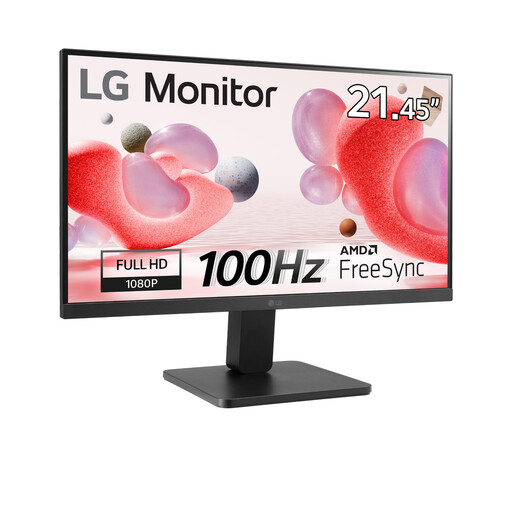 No image available
LG 22-inch FHD VA 100Hz monitor with HDMI
Consider this smaller screen if fitting the monitor onto the desk matters more than physical screen area for zoo-building views. The product name specifies a 22-inch Full HD VA display, 100Hz refresh rate and HDMI. Check that the screen size works for the game’s building and management controls.
View on Joybuy
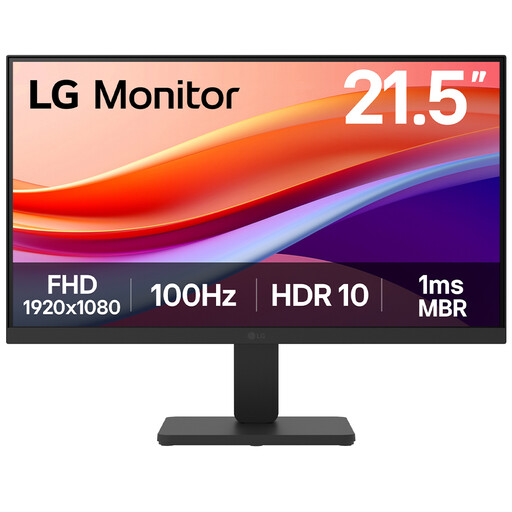 No image available
LG 22U401A-B 22-inch VA Full HD 100Hz monitor
Consider this identifiable 22-inch option where a smaller panel is the priority. Its product name specifies a VA Full HD display, 100Hz refresh rate and HDMI. Allow for the stand when measuring your desk, and check whether the compact screen gives you enough room for detailed game views.
View on Joybuy
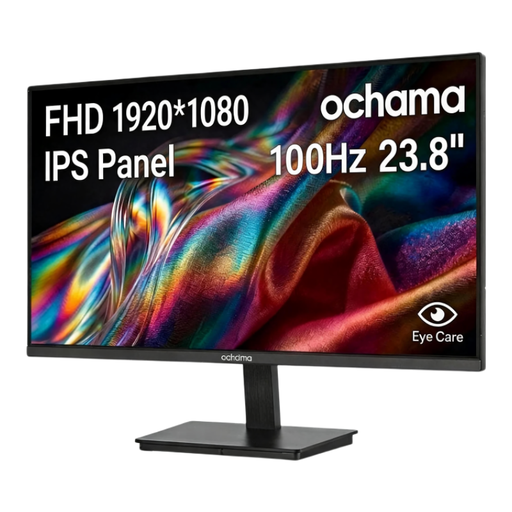 No image available
ochama 23.8-inch 1080p 100Hz monitor
This 23.8-inch Full HD format is worth comparing if you want more physical screen area than a 22-inch option without moving to 27 inches. The product name specifies a 100Hz refresh rate. Check the stand’s fit and any adjustment or mounting feature you need for your viewing position.
View on Joybuy
 No image available
Gawfolk 24.5-inch FHD 100Hz 3000R curved monitor
Consider this option if a curved screen appeals to you and the desk can accommodate a panel slightly larger than the 23.8- to 24-inch examples. The product name specifies 3000R curvature, AMD FreeSync, HDMI and a 75 × 75 mm VESA mount. Check the assembled stand footprint; if response time matters to you, confirm the exact specification before buying.
View on Joybuy
Questions about your setup
Should I choose 24-inch Full HD or 27-inch QHD for a small desk?
Choose a compact Full HD monitor if desk space or viewing distance rules out a comfortable 27-inch setup. Consider 27-inch QHD when the screen can sit roughly an arm’s length away and your PC can handle 2560 × 1440; it supplies more pixels for build and management views but takes more physical room.
Will a 180Hz monitor make Planet Zoo run at 180 frames per second?
No: the monitor’s refresh-rate specification does not determine the game’s frame rate. Performance depends on your PC and game settings, so compare your hardware with Frontier Developments’ published Planet Zoo requirements before choosing a display for its maximum refresh rate.
Does HDMI give the same QHD refresh rate as DisplayPort?
Not necessarily; the answer depends on the exact monitor and your PC’s output. Dell, for example, specifies up to 165Hz over DisplayPort and 144Hz over HDMI for the G2724D. Check both devices’ specifications for the connection you intend to use.
What if I also use the monitor for work?
Set up the monitor for a practical viewing position and discuss workstation arrangements with your employer if it forms a regular part of your work. The UK Health and Safety Executive’s display-screen-equipment guidance addresses employers whose workers regularly use a screen as a significant part of their normal work; its positioning guidance recommends the top of the screen around eye level and the display about an arm’s length away.


