Quick-start intro recorder
If you record short solo or occasional shared-desk introductions, a simple stereo recording may be enough. The trade-off is that you cannot edit each host as an independently recorded voice.


A compact recorder with built-in microphones can suit a short solo introduction, or an occasional two-person recording in a quiet room if one shared stereo recording is enough. For two hosts who need individual microphones and more control when editing, choose a recorder with two microphone inputs; a desk unit makes more sense when that setup is used regularly and hands-on controls matter. Whichever route you take, microphone placement and room noise still affect the recording.
If you record short solo or occasional shared-desk introductions, a simple stereo recording may be enough. The trade-off is that you cannot edit each host as an independently recorded voice.
If two people record together regularly, two close microphones and suitable separate recording tracks give you more control over their levels and later edits.
If introductions are part of a recurring production workflow, a dedicated desk unit may justify the space and setup involved when you need headphone monitoring, physical controls, multitrack recording and computer connections.
Choose it when: You need a quick solo recording or can accept both speakers on one stereo recording in a quiet space.
Trade-off: A recorder placed between two hosts offers less individual voice control, and room reflections remain audible.
Choose it when: Each host needs a close microphone and you want to record their voices separately for editing.
Trade-off: External microphones, cables and suitable placement take more desk space and preparation.
Choose it when: Frequent two-host recording calls for physical controls, headphone outputs and a more established desk workflow.
Trade-off: It is a more involved setup than a handheld recorder and still depends on close microphone placement.
For introductions at a shared desk, decide how close each speaker can get to a microphone and whether their voices need separate tracks before prioritising portability or computer connectivity.
| Concern | What to check | Who this matters to |
|---|---|---|
| Clear speech at the desk | Whether each speaker can use a close microphone; where the recorder can sit away from desk noise and reflective surfaces. | If keyboard noise and room reflections compete with speech, I need a workable close-microphone position. Around 33% of consumers put clearer shared-desk speech first. |
| Two-host editing control | Two microphone-capable inputs and a recording mode that keeps the voices on separate tracks. | When one host speaks louder, I want to adjust or edit their voice without changing the other recording. About 33% of consumers prioritise individual host control. |
| Computer workflow | USB audio-interface operation and compatibility with your intended computer and recording software. | If I alternate between recording on the device and working at a computer, I need a workflow that fits both. Roughly 20% of consumers put that flexibility first. |
| Minimal setup | Built-in microphones, standalone recording and the storage media and power needed to start. | For occasional introductions, I would rather set down one portable recorder than assemble a permanent desk rig. Around 14% of consumers chiefly want that simpler setup. |
Recording format can help with changing speech levels, but it cannot remove the reflections a microphone picks up in an echoey desk area.
Make a short recording at the intended desk and listen for background noise and reflections before settling on microphone positions.
You may also need a quieter location or stands that let speakers get closer to their microphones.
A shared stereo recording gives you less control when one host is louder or an edit should affect only one voice.
For regular two-host introductions, check both the number of microphone inputs and whether the recorder saves the sources on separate tracks.
Moving to individual microphones can also mean making room for cables and stands.
Distant microphones capture more room sound, while poorly positioned individual microphones can pick up more of the other speaker.
Keep each speaker close to their own microphone where possible, angle the microphones to limit spill and test the arrangement before the final take.
An identifiable voice can be personal data. For organisational recording or publication, the applicable UK data-protection duties depend on how the recording is used.
Decide the purpose and assess the appropriate lawful basis, transparency, retention and security arrangements before recording or sharing the file. The Information Commissioner's Office provides guidance on identifying personal data and assessing these duties.
Zoom's H4essential is relevant when a portable recorder needs to work with two external microphones.
TASCAM's DR-07XP represents the compact, self-contained stereo recorder route.
RØDE's RØDECaster Duo is relevant to a recurring two-person desk-production setup.
These portable voice recorders are choices to examine for short solo or occasional shared-desk introductions. If two hosts need separate close microphones and independently editable tracks, confirm those capabilities before choosing any of them.
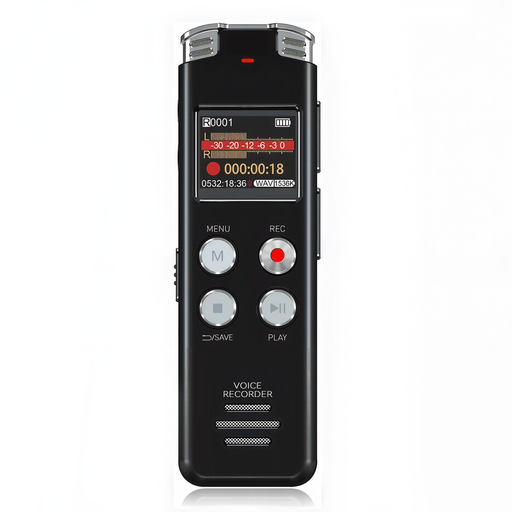 Image unavailable
Consider this portable recorder for short spoken introductions where a compact device is more important than a two-microphone setup.
The product name specifies 128GB and an LCD screen. Check microphone placement at your desk and confirm the inputs and recording tracks if you need to edit two hosts independently.
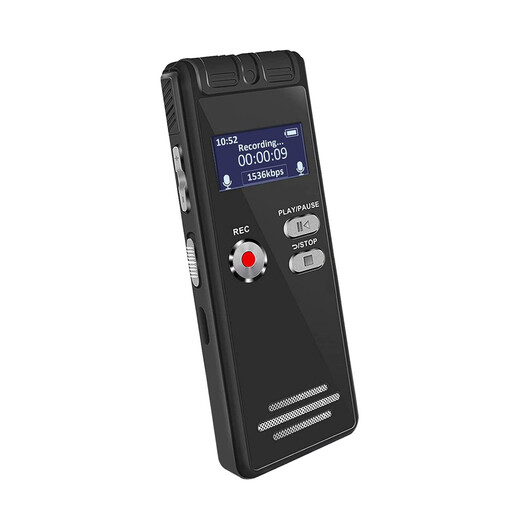 Image unavailable
This is a portable option to examine for occasional spoken introductions rather than assuming it provides individual host tracks.
The product name specifies 64GB and an LCD screen. Confirm whether its storage uses a removable card or built-in memory, as well as the recording and monitoring functions you need.
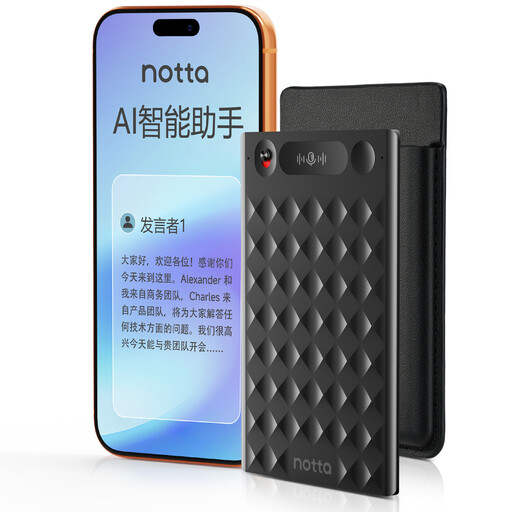 Image unavailable
Consider this for short in-room speech capture if one-press recording and the supplied case suit your routine.
The product name specifies 32GB. Before using recordings in a podcast edit, check the file format, transfer method and whether access to the files depends on an app; also confirm any need for separate host tracks.
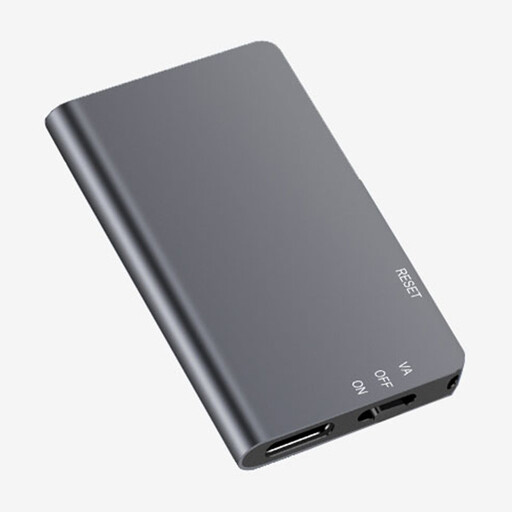 Image unavailable
This portable recorder is worth examining for a quick solo introduction when straightforward operation matters.
The product name specifies 64GB and one-touch recording. For a two-host setup, confirm its microphone connections, separate-track recording and monitoring options before buying.
They can be enough for an occasional introduction in a quiet space if one shared stereo recording meets your editing needs. If each host needs individual level control, check a setup with two close microphones and separately recorded tracks instead.
No. It can help with recording-level management on a device that supports it, but it cannot remove room reflections or background noise picked up by the microphone. Test microphone placement and reduce noise at the desk first.
Give each host a close microphone where the setup allows it, and angle the microphones to reduce pickup from the other speaker. RØDE advises facing microphones away from one another and keeping each less than six inches from its speaker where practical; test the positions in your room before recording the final take.
They can, depending on who records the voices and how the files are used. The Information Commissioner's Office defines personal data by whether information relates to an identified or identifiable person. For organisational recording or publication, assess the applicable lawful basis, how people will be informed, retention and file security for your particular use.