Laptop users reading long reference documents
If you keep a contract, PDF or spreadsheet visible while working in another application, vertical screen space, portrait placement and a stable stand deserve attention.


Choose a portable monitor for a second document by confirming your laptop’s video output before considering the screen layout: a USB-C connection needs a compatible video-capable port, while using USB-A with a hybrid model may require a driver. For long documents, check vertical screen space and portrait placement; consider touch only if you need to interact with the display and your device supports it.
If you keep a contract, PDF or spreadsheet visible while working in another application, vertical screen space, portrait placement and a stable stand deserve attention.
If you set up away from a fixed desk or switch laptops, match the monitor’s connection method to the video capabilities of each laptop port you intend to use.
If you need to control or mark up material on the second screen, check touch support for your device and operating system. Viewing a document alone does not require touch.
Check the laptop-to-monitor connection first, then decide how much document space you need and where the screen will stand. Treat touch as a separate choice for interactive work.
| Concern | What to check | Who this matters to |
|---|---|---|
| Connection and setup | Confirm that the laptop port outputs video and meets the monitor’s power requirements. For USB-A or DisplayLink use, check whether a driver is required. | If I cannot get video from my laptop to the second screen, its other features will not help me read alongside my work. Around 36% of consumers would put connection and setup first. |
| Document layout | Compare aspect ratio, resolution and portrait support; check whether rotation requires software. | When a long page needs to stay visible beside my main task, I want a layout that suits the document rather than choosing by diagonal size alone. Around 29% of consumers would prioritise document space. |
| Carrying and placement | Check the quoted weight, stand or cover arrangement, supported orientations and any input needed at your working locations. | Moving between desks means I need a screen I can carry and position where I work. For around 21% of consumers, portability and placement would be the primary concern. |
| Touch interaction | Check touch support for the intended device and operating system, including any required software. | If I will annotate or present from the second screen, touch has a purpose beyond keeping a page open. It would be the main priority for around 14% of consumers. |
A USB-C charging or data port may not provide the video connection a portable monitor needs. ASUS distinguishes DisplayPort Alt Mode from USB 3.0 connections that use DisplayLink.
Check the exact laptop port and the monitor’s connection requirements before ordering; a matching connector shape is not enough.
Similarly sized screens can have different aspect ratios and resolutions. LG specifies a 16:10, 2560 × 1600 panel for its 16MR70, while other document setups may depend more on portrait placement.
Compare the layout of the pages you read with the monitor’s resolution, aspect ratio and supported orientation.
A cover, foldable stand and other supports offer different placement options; the position you need for portrait reading depends on the particular model.
Check the stand or case arrangement and the desk space needed before relying on a monitor for upright document viewing.
ViewSonic says TD1655 touch feedback does not apply to iOS or iPadOS devices and requires vTouch software on macOS.
If annotation or on-screen control matters, confirm touch support, the connection and any required software for your intended device.
The LG 16MR70 is a 16-inch, 16:10 option for keeping document content visible beside a compatible laptop.
ASUS ZenScreen includes different connection approaches; the MB16ACE is a hybrid-signal model for laptops with differing ports.
ViewSonic’s VA1655 offers a foldable stand and alternative inputs; its TD1655 is a separate option for people considering touch.
The AOC I1601FWUX is a 15.6-inch Full HD IPS option for a laptop setup using USB-C power and video.
These portable displays offer different starting points for keeping a document beside a laptop, from smaller FHD models to larger or higher-resolution screens. Check each model’s connection and placement requirements against your own setup.
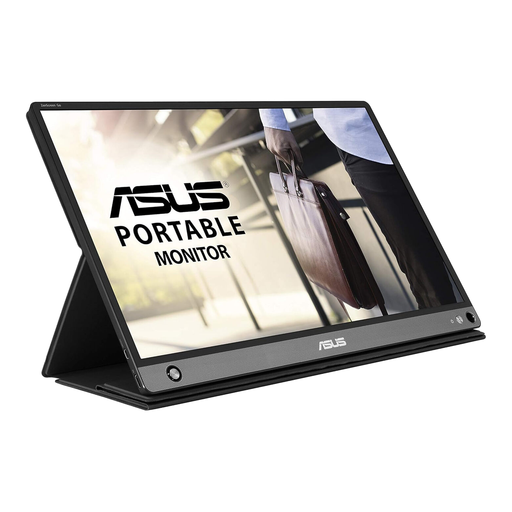 No image available
For a document beside your laptop, check that you can position this screen comfortably at your working location.
The MB16AHP is labelled FHD. Confirm the connection, power and stand arrangement needed for your laptop before ordering.
 No image available
If your second document will sit beside your laptop at a desk, check whether this model’s placement suits the space available.
The product name specifies IPS and USB-C. Confirm the laptop’s required USB-C video capability and the monitor’s power arrangement.
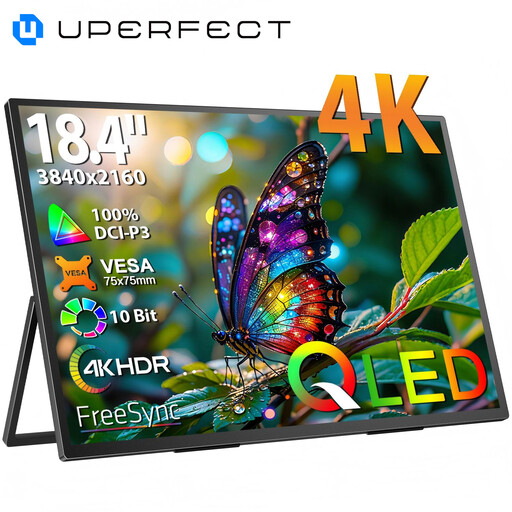 No image available
Consider this larger screen if you want to keep reference material visible and have room to set it up.
The product name specifies 3840 × 2160 resolution, USB-C, Mini HDMI and VESA mounting. Check its weight, included support and portrait capability if you intend to carry it or read upright pages.
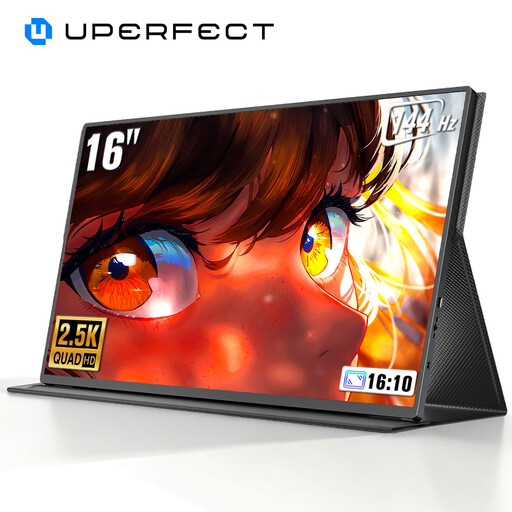 No image available
The stated 16:10 layout makes this model worth considering if vertical page space is important to your document setup.
The product name specifies 2560 × 1600 resolution, Mini HDMI, Type-C and VESA compatibility. Check how you would support it on your desk, particularly if you need portrait placement.
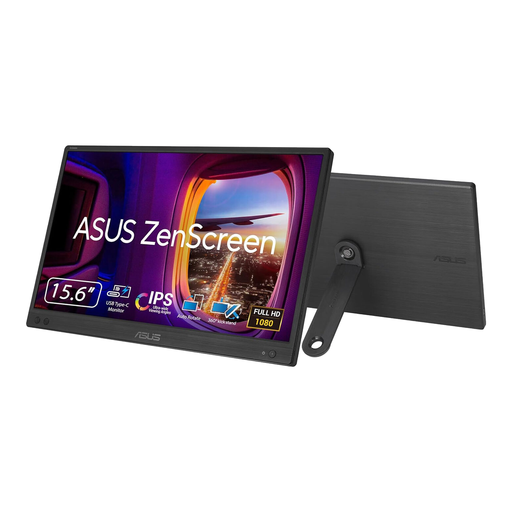 No image available
For a second document beside your laptop, check that this model’s connection and placement work with your setup.
The MB166CR is labelled FHD. Verify the laptop’s USB-C video output before relying on that connection, and check how the screen can be positioned for reading.
No: the connector alone does not establish video capability. ASUS distinguishes USB-C DisplayPort Alt Mode from USB 3.0 connections using DisplayLink, so check the laptop’s port specification and the monitor’s required connection method.
Portrait orientation can suit long pages when the monitor can be positioned securely and your setup supports rotation. Check the stand or cover position and whether rotation needs software for your operating system.
Not necessarily: some portable monitors draw power from a connected device. LG says its 16MR70 has no built-in battery and can use a separate USB-C charger when the connected laptop battery is low; check the power method for any model you plan to use away from mains power.
For UK distance sales covered by cancellation rules, GOV.UK says customers can cancel up to 14 days after delivery without giving a reason. A fault is a separate matter: the Consumer Rights Act 2015 requires supplied goods to be of satisfactory quality, so do not treat a change-of-mind cancellation policy as the limit of your rights concerning faulty goods.