What matters when choosing?
Confirm the approved device and the required key layout first. Then decide whether sustained typing, switching devices, a shared-room setup or carrying the keyboard is the main constraint.
| Concern |
What to check |
Who this matters to |
| Accurate record entry |
Check the physical layout and key feel for lengthy sessions; confirm whether you need a dedicated number pad. |
If I update many records at one desk, I need keys I can use without repeatedly correcting entries. Around 36% of consumers put sustained typing control first. |
| Device switching |
Check supported operating systems and how many approved devices the keyboard can pair with. |
I move between the shared workstation and another approved device, so changing connections needs to fit my workflow. Switching is the primary need for around 29% of consumers. |
| Shared-room use |
Check whether the keyboard's sound suits the room; separately confirm screen-lock and display-position procedures. |
When colleagues work alongside me, I want typing to cause less disruption and member details kept from unauthorised view. For around 21% of consumers, this shared-room concern comes first. |
| Carrying between locations |
Check dimensions, weight and key protection against the amount of typing required away from the desk. |
I carry the keyboard between venues or temporary workstations and need it to remain practical to pack and use. Carrying convenience comes first for around 14% of consumers. |
Joybuy keyboard choices
These keyboards cover different shared-desk and carrying needs. Check each variant's layout and connection requirements against the devices used for membership records.
 No image available
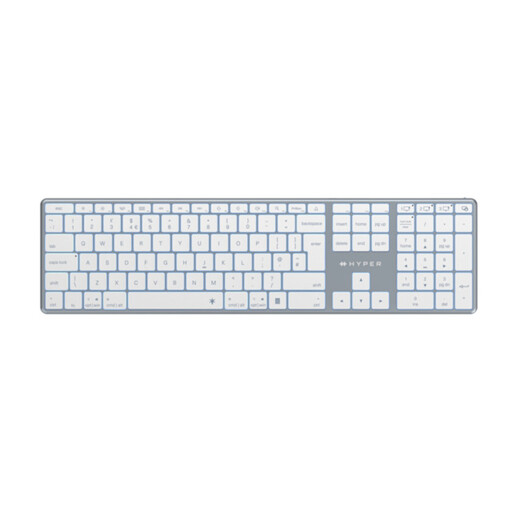
Hyper® HyperSpace Next Bluetooth Keyboard (UK), White
Consider this UK-labelled variant if the keyboard needs to move between approved workstations. Check its dimensions and whether its key layout includes the controls your records workflow needs.
View on Joybuy
 No image available
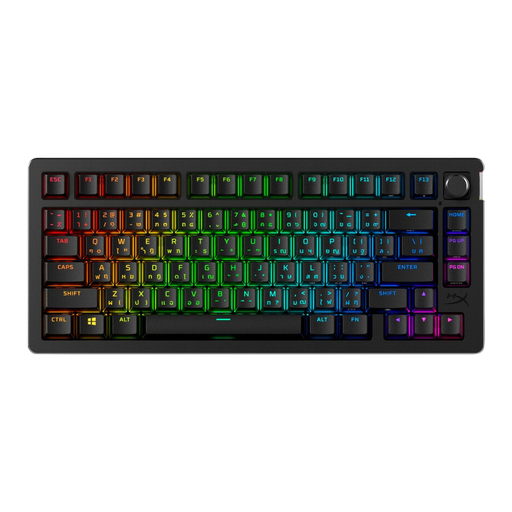
HyperX Alloy Rise 75 Wireless Keyboard, UK
For a shared desk where space matters, assess whether this UK variant's key arrangement leaves the navigation and number-entry controls you use within easy reach. Check its weight and typing sound if it will be carried or used close to colleagues.
View on Joybuy
 No image available
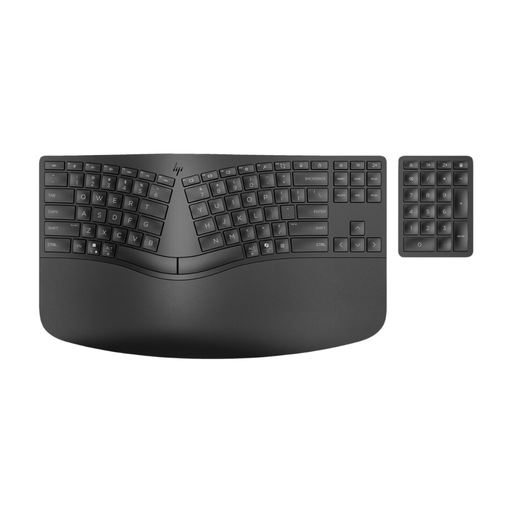
HP 960 Ergonomic Split Layout Wireless Keyboard with Padded Wrist Rest
For regular entry at a mostly fixed desk, assess whether the split layout and padded wrist rest suit the people who will use it. Confirm the exact regional key layout and the space needed to carry and set up the keyboard.
View on Joybuy
 No image available
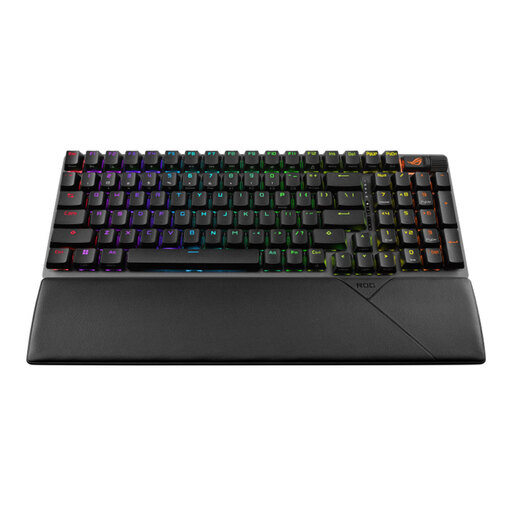
ASUS ROG Strix Scope II 96 Wireless Gaming Keyboard, Black, UK Layout
If this keyboard will stay mainly at a desk, check whether its UK-layout variant provides the number-entry controls your membership system requires. Assess its carrying weight and typing sound separately before using it for mobile or quiet-room shifts.
View on Joybuy
 No image available
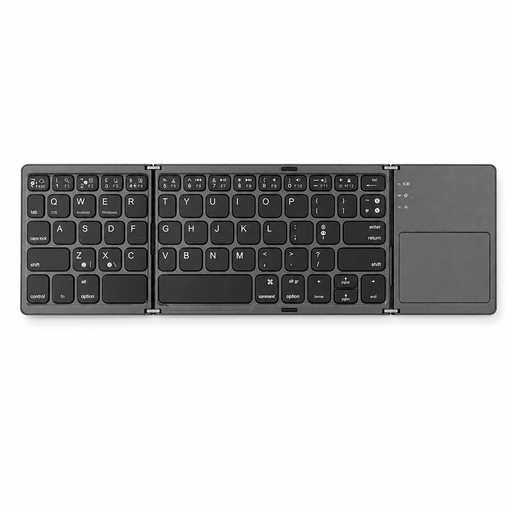
VoxorAI B033 Black Bluetooth Keyboard
If carrying a keyboard is your main need, check this model's dimensions and physical key arrangement against the amount of record entry you do. Confirm its regional layout and compatibility with the organisation's exact devices before choosing it.
View on Joybuy
Frequently asked questions
Does a keyboard make membership-record handling compliant with UK GDPR?
No keyboard alone determines UK GDPR compliance. The Information Commissioner's Office says security measures for personal data must be appropriate to the circumstances and risks; the organisation must address access to the records and protection of the connected device as well as choosing a suitable keyboard.
What should staff do before leaving a shared workstation?
Follow the organisation's access procedures and lock the screen when leaving it unattended. The Information Commissioner's Office also advises setting screens to lock automatically after an appropriate period and positioning devices to reduce unauthorised viewing.
Can one portable keyboard connect to a laptop, tablet and phone?
Some models can connect to up to three devices, but each device must meet the exact keyboard variant's requirements. Logitech specifies three-device switching for the Pebble Keys 2 K380s and Keys-To-Go 2; check the approved devices and operating systems before relying on that setup.
Should we choose a UK keyboard layout?
A UK or British English variant is worth checking when staff routinely enter names, email addresses and punctuation using that layout. Regional variants can differ within a model range, so confirm the listing's layout designation and key legends for the exact keyboard being ordered.
How do we prepare a Bluetooth keyboard for a shared-workspace shift?
Pair it with an approved device and test the connection before entering live membership records. Logitech's pairing guidance directs users to select the keyboard in the host device's Bluetooth settings; follow the chosen model's instructions for entering pairing mode and confirming any requested code.


