What should you check before buying?
For a phone-heavy workday that may include a flight, establish charging compatibility first; then weigh the energy reserve, flight rules and how easily you can recharge and carry the bank.
| Concern |
What to check |
Who this matters to |
| Device and cable compatibility |
Confirm the device’s charging input and the bank’s output from one suitable port. For USB-C charging, check whether USB Power Delivery (PD) and the cable rating meet the device’s requirements. |
If I rely on a tablet or laptop as well as my phone, I need the whole charging setup to work with that device. Around 29% of consumers would put compatibility first. |
| Energy reserve |
Compare each bank’s stated Wh rating alongside mAh, and consider how many devices you need to charge. Do not treat capacity as a measure of charging speed. |
When navigation, calls and photos run through a long day, I want enough reserve before I next reach a socket. Roughly 29% of consumers would make reserve their primary concern. |
| Flight carriage |
Read the bank’s Wh rating and the current rules for every booked airline; check any approval or storage conditions. Inspect the bank for damage before travelling. |
If a flight is part of my journey, I need a bank I can carry under my airline’s rules, not simply one with a large capacity label. For about 24% of consumers, flight requirements would come first. |
| Daily charging routine |
Check the bank’s stated input for recharging it, whether the cable fits your device and how output is shared when several ports are used. |
If I refill the bank between workdays or pack it in a hurry, I care about the effort of keeping the setup ready. Around 18% of consumers would prioritise that routine. |
Joybuy power banks for these needs
These choices cover phone-oriented banks with integrated cables, a higher-output USB-C model and a magnetic phone-charging option. Before choosing any of them for a flight, check its stated Wh rating against your booked airline’s rules.
 No image available
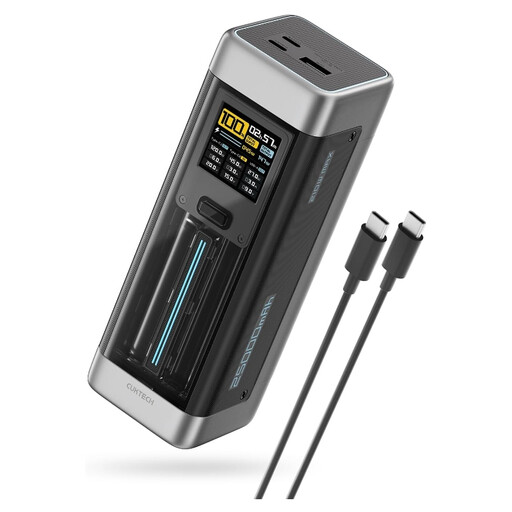
CUKTECH NO.20 P23 Power Bank, 25,000mAh, 140W, Grey
Consider this for a compatible USB-C laptop or several devices when higher stated output matters. The title specifies 140W USB-C output, three ports and PD3.1; check the output of the port you will use, cable capability and the bank’s Wh rating before buying for a flight.
Joybuy
 No image available
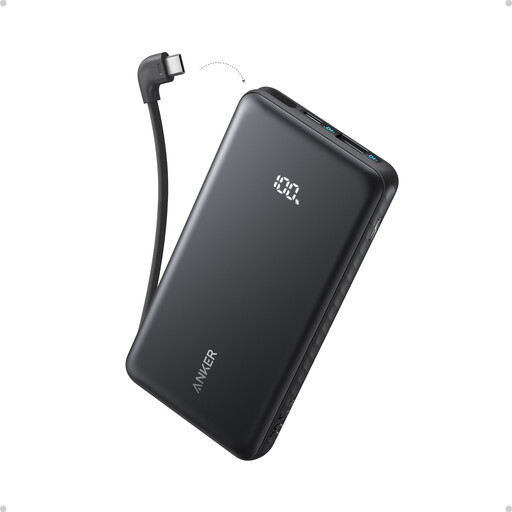
Anker Zolo Power Bank, 10,000mAh, 22.5W
For a phone-focused workday, the built-in USB-C cable avoids packing a separate cable if it fits your phone. Check your phone’s charging requirements and the bank’s Wh rating if you plan to fly.
Joybuy
 No image available
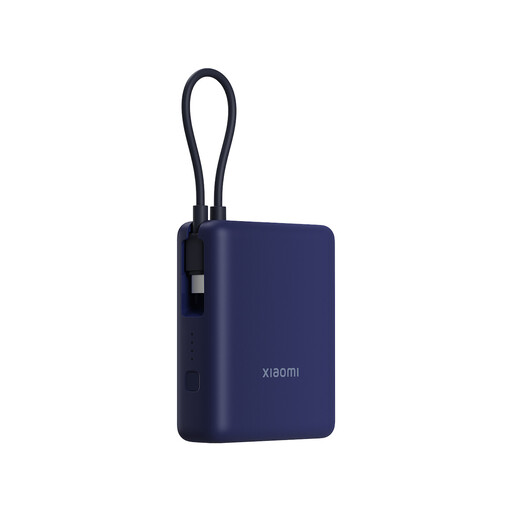
Xiaomi 33W Power Bank, 10,000mAh, Integrated Cable, Ice Blue
This is a phone-oriented choice if an integrated cable suits your device and packing routine. Confirm the cable connector, your phone’s charging requirements and the bank’s Wh rating before travelling by air.
Joybuy
 No image available
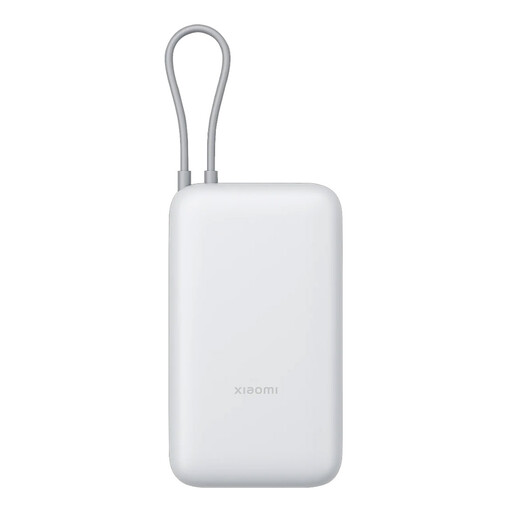
Xiaomi Power Bank, 20,000mAh, Integrated Cable, GL Light Grey
Consider this if stated capacity and an integrated cable matter more to your phone-charging routine than a laptop-oriented output. Check its output against your device, and confirm its Wh rating and your airline’s rules before flying.
Joybuy
 No image available
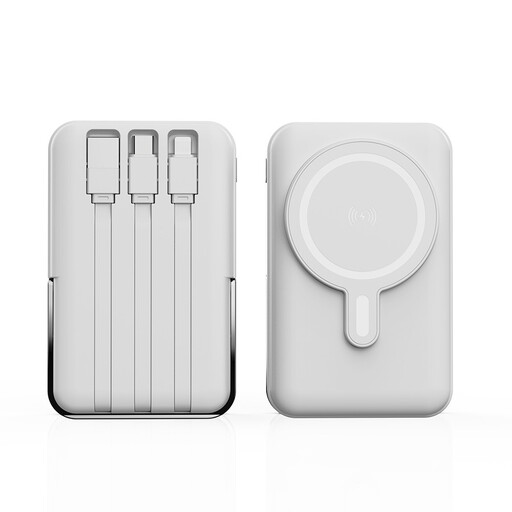
XBJ 852 Magnetic Power Bank, 10,000mAh, 22.5W Max, White
Its stated magnetic wireless charging and adjustable stand may interest you if you use your phone while stationary. Confirm that your phone supports the charging arrangement and check the bank’s Wh rating before taking it on a flight.
Joybuy
Power bank questions
Can I pack a power bank in checked luggage?
No. The UK CAA says power banks must travel in the cabin, not in checked luggage. If your cabin bag is taken for hold loading, remove the power bank first.
How many power banks can I take on a flight?
The UK CAA limits passengers to two power banks per person and says they must not be recharged onboard. Check your airline’s current conditions for your booking as well.
When does a power bank need airline approval?
UK CAA guidance says batteries from 100Wh to 160Wh require airline approval and those over 160Wh are prohibited in passenger baggage. Your airline may be stricter: Ryanair says devices or batteries exceeding 100Wh are not permitted on its flights, so check the rules for every carrier on your itinerary.
Why check Wh when the capacity is given in mAh?
Airline battery limits are expressed in Wh, whereas the energy represented by mAh depends on voltage. Read the rating for the individual bank: UGREEN, for instance, specifies one 20,000mAh model at 3.6V and 72Wh; that does not establish the Wh rating of other 20,000mAh banks.
Will any USB-C power bank charge my USB-C laptop?
Not necessarily. Confirm that the laptop accepts USB-C charging, then compare its required input with the bank’s output from one port and the cable’s power rating. A USB-C connector or a bank’s total output figure alone does not establish compatibility.


