What matters when choosing?
Start with the function you cannot do without: charging a phone, receiving broadcasts or powering a defined set of equipment. A compact device that combines lighting with another function is a separate convenience choice, not an automatic replacement for those plans.
Power bank
Choose it when: Phones and other compatible USB devices need portable charging.
Keep in mind: Stored capacity alone does not establish which devices or cables it can charge.
Battery-powered or wind-up radio
Choose it when: Receiving local broadcasts matters even if internet access is unavailable.
Keep in mind: A radio receives information; it does not restore calls or guarantee reception.
UPS
Choose it when: You want short backup power for a known, compatible set of networking devices.
Keep in mind: Runtime falls as the connected load rises.
Portable power station
Choose it when: Several devices or a longer planned runtime call for a larger battery.
Keep in mind: Capacity and output ratings do not, by themselves, establish runtime for your equipment.
| Concern |
What to check |
Who this matters to |
| Phone charging |
Check usable capacity, USB ports, output and cable compatibility with the phones you intend to charge. |
If I rely on a phone for updates and calls when signal is available, I need a way to recharge it away from a wall socket. Around 40% of consumers would put phone and USB charging first. |
| Independent updates |
Check the radio’s power options and whether its DAB, DAB+ or FM reception suits local stations. |
When online updates may be inaccessible, I want another way to hear broadcasts. For around 30% of consumers, independent information access would be the primary need. |
| Network-equipment power |
Add up the watts of the intended devices, then check the exact UPS or power station’s output and runtime at a comparable load. |
If I need my router and fibre equipment powered, I must plan for both devices rather than just one. Around 20% of consumers would prioritise this defined equipment setup. |
| Light and backup in one device |
Check torch runtime and the separate specifications for any radio or charging function. |
With limited storage space, I may prefer a light that also offers another useful function, while accepting its limits. That combined convenience would come first for around 10% of consumers. |
Joybuy products for charging and equipment power
These power banks address portable USB charging, while the portable power stations are options to assess for a defined set of communications equipment. Check device compatibility and runtime before relying on any of them during an outage.
 No image available
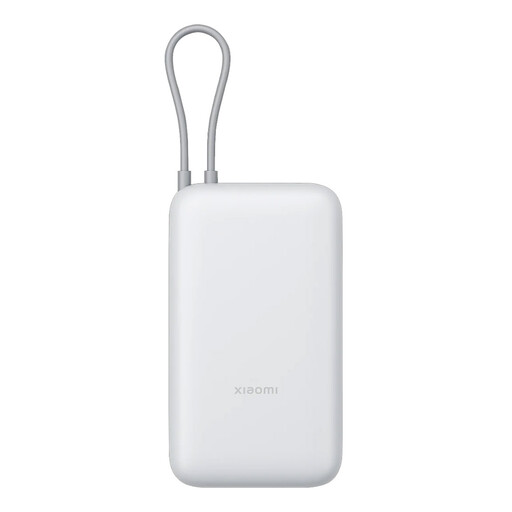
Xiaomi Power Bank 20000mAh, Integrated Cable, GL Light Gray
Consider this for portable charging if its integrated cable and output suit your phone. The stated capacity is 20000mAh; check usable energy and the output available for the devices you plan to connect.
View on Joybuy
 No image available
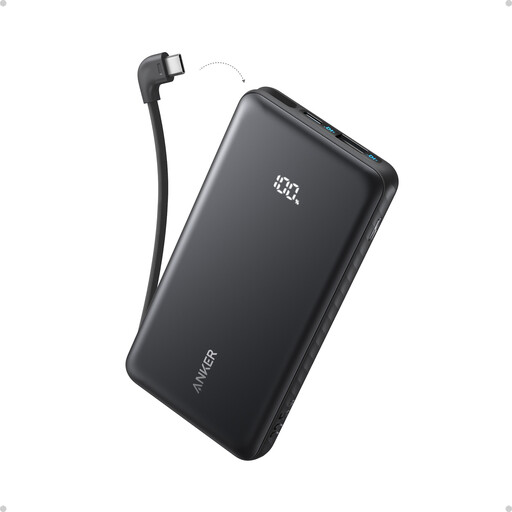
Anker Zolo Power Bank, 10,000mAh 22.5W, Built-in USB-C Cable
Consider this for phone charging if your device works with the built-in USB-C cable. The 22.5W figure is a maximum output, not a charging speed promised for every phone; check compatibility and output if charging more than one device matters.
View on Joybuy
 No image available
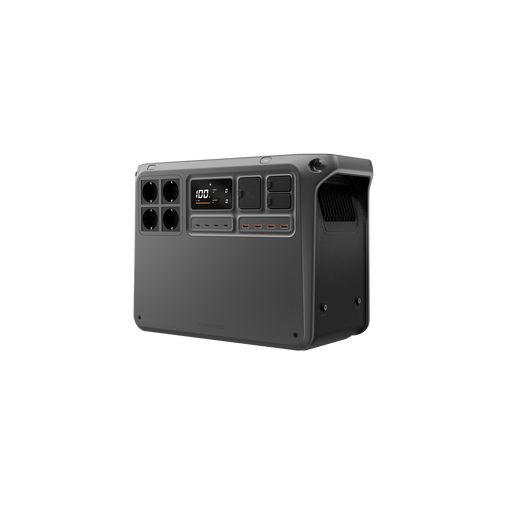
DJI Power 2000 Portable Power Station, UK Version, 2048Wh
Consider this for several compatible devices or a defined networking setup after checking the complete load. Its title states an LFP battery and 3000W continuous output; confirm connections and runtime at your equipment’s combined wattage.
View on Joybuy
 No image available
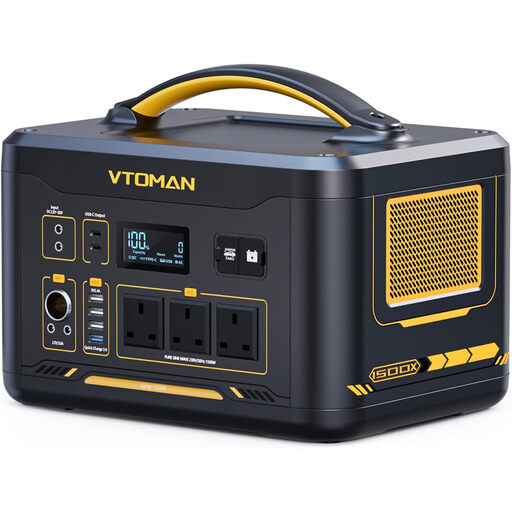
VTOMAN Jump1500X Power Station, 828Wh, 1500W AC, 100W USB-C
Consider this for a planned equipment load if its AC and USB-C outputs match your devices. Expansion to 2376Wh requires the specified compatible battery; check runtime at your combined load before making it part of an outage plan.
View on Joybuy
 No image available
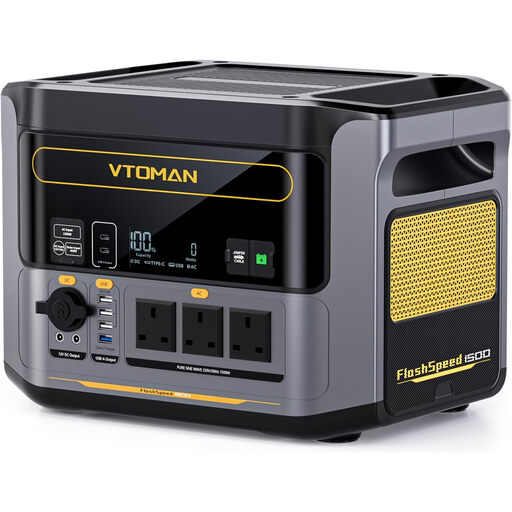
VTOMAN FlashSpeed 1500 Power Station, 1548Wh, 1500W AC, 100W USB-C
Consider this larger battery for a defined set of compatible communications devices. Its title states a LiFePO4 battery; check the devices’ combined load, their power connections and this model’s runtime at that load.
View on Joybuy
Questions about power-cut communications
Who should I contact to report a power cut?
The Energy Networks Association says to call 105 in England, Scotland or Wales; for Northern Ireland, it gives 03457 643643. Keep the relevant number written down in case internet access is unavailable.
Will a UPS keep my broadband and digital landline working?
A UPS can power compatible equipment for its load-dependent runtime, but it cannot guarantee either service. Ofcom says broadband-delivered voice needs backup measures during a power cut; ask your provider which equipment and service arrangements apply at your address.
What if I use a care alarm or another device connected to my phone line?
Tell your communications provider about the device and ask how it will work during a premises power cut. Ofcom specifically advises customers to disclose care alarms, health pendants, security alarms and other connected devices when discussing a move to a digital landline. A consumer power bank or UPS is not a substitute for a medically required continuity plan.
How do I choose a UPS for a router and fibre terminal?
Add the watts of every device that must remain powered, check that the combined load is within the UPS’s watt rating, and consult that model’s runtime chart at a comparable load. CyberPower notes that adding devices reduces runtime; a VA rating or runtime quoted for a different load is not enough.
How should I charge and store a power bank?
Follow the maker’s instructions, inspect the pack for damage and keep it away from heat and liquids. Electrical Safety First advises charging it uncovered in a ventilated place, not overnight or while you are out of the house.


