
24/7 Customer Support

Free returns

Same-day & Next-day Delivery

Quality Guaranteed

Unlock Your Welcome Offers: FREE Delivery | Up to 80% OFF | Free 30-day JoyPlus trial
Download the APP
As a content creator, your monitor is not just a screen; it is your window to the digital world, where every pixel and shade of colour matters. Choosing the right professional 4K HDR monitor is a critical investment. However, the market is filled with technical jargon and marketing claims that can easily lead to a costly mistake. This guide will help you navigate the essential specifications and avoid common purchasing pitfalls.
Before diving into specifications, it is crucial to recognise a few common traps that can catch out even experienced professionals.
To make an informed decision, focus on these non-negotiable technical features. They are the true indicators of a professional-grade display.
The most significant advancement in recent display technology is the backlight. For a true HDR workflow, a mini LED monitor for video editing is fast becoming the standard.
For any content creator monitor, colour is paramount. Your display must represent colours exactly as they will appear on the final output.
The physical attributes of the monitor directly impact your productivity and comfort.
We have identified several monitors that align with these critical standards, matching them to specific professional profiles.
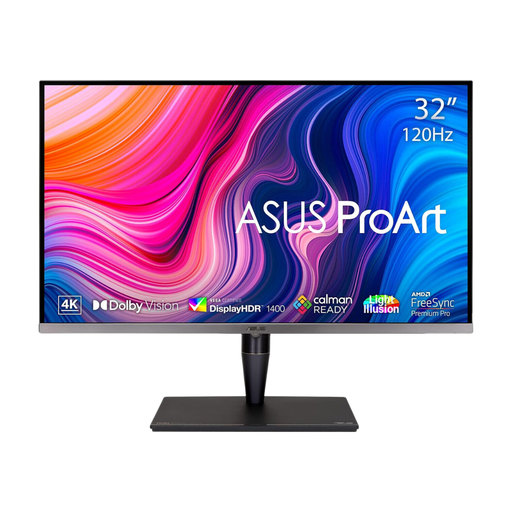
Why This Fits Their Persona: This is a flagship ASUS ProArt monitor for colourists, high-end video editors and VFX artists who require reference-grade performance. Its combination of Mini LED, extreme brightness and comprehensive calibration options meets the demands of commercial HDR workflows.
It delivers true HDR with its 1600-nit peak brightness and Mini LED backlight, avoiding the "fake HDR" trap. Its factory calibration (Delta E < 1) and hardware calibration support ensure lasting, verifiable accuracy.
Supports multiple HDR formats including Dolby Vision, HDR10 and HLG. Features a 120Hz variable refresh rate for smooth motion and versatile connectivity with Thunderbolt 3 and HDMI 2.1.
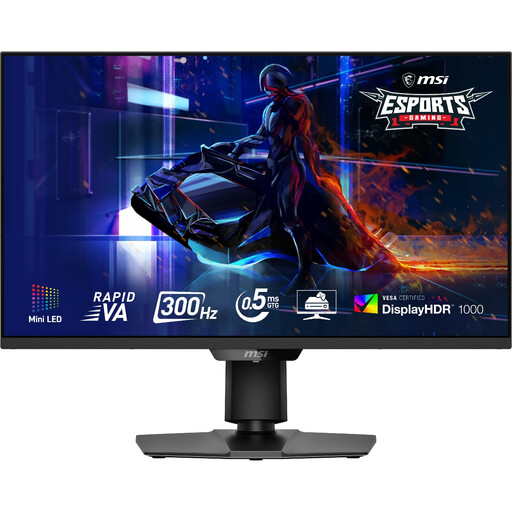
Why This Fits Their Persona: Ideal for the professional who is also a passionate gamer. This monitor blends a high-performance Mini-LED panel suitable for creative work with an ultra-fast 300Hz refresh rate for competitive gaming, offering a versatile "work and play" solution.
Its VESA DisplayHDR 1000 certification and 1,152 local dimming zones provide genuine HDR performance, unlike many gaming monitors. The 97% DCI-P3 coverage offers strong colour reproduction for creative tasks, not just gaming.
Exceptional motion clarity with a 300Hz refresh rate and 0.5ms response time. The Mini-LED backlight delivers excellent contrast and brightness for both immersive gaming and HDR content creation.
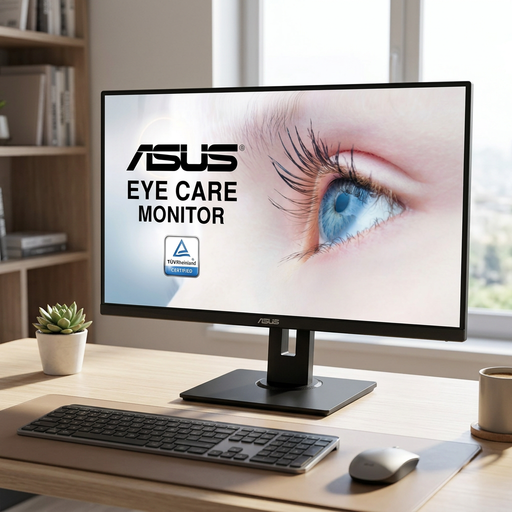
Why This Fits Their Persona: A practical choice for aspiring creators, students or professionals focused on web design and SDR content. It provides a large, colour-accurate canvas for productivity without the premium cost of a full-spec HDR grading monitor.
This monitor focuses on delivering core quality where it counts for its target user. It provides a solid WQHD IPS panel with 100% sRGB coverage, avoiding the trap of overpaying for professional HDR features that are not required for SDR work.
Offers a large 31.5-inch IPS screen for an immersive workspace. The 100% sRGB gamut ensures accurate colour for web-based content and its WQHD resolution is a significant step up from 1080p for detail and clarity.
A professional workspace is more than just the monitor. Proper illumination reduces eye strain and improves perceived colour. We have compiled a complete list of accessories that meet strict selection criteria.
1. How often should I perform hardware calibration on my professional monitor? For colour-critical work, it is good practice to calibrate your monitor at least once a month. If your work environment has fluctuating light or temperature, or before starting a major project, calibrating more frequently (e.g., every one to two weeks) will ensure maximum consistency.
2. Is a Mini LED monitor worth the extra cost for video editing? If your workflow involves HDR content, then yes, a Mini LED monitor is a worthwhile investment. The superior contrast and brightness control are essential for accurately grading HDR footage. For SDR (Standard Dynamic Range) work, a high-quality conventional IPS monitor can suffice, but Mini LED still offers benefits in contrast and screen uniformity.
3. Can I use a high-refresh-rate gaming monitor for professional colour grading? It depends on the monitor. Many gaming displays prioritise speed over colour accuracy, often with oversaturated colours and no calibration options. However, hybrid models like the MSI recommendation above, which feature Mini LED backlights, high colour gamut coverage (DCI-P3) and good HDR certification, can serve both purposes well. Always check for Delta E values and calibration features before using a gaming monitor for colour-critical tasks.