Hosts with guests in side seats
When friends or family are spread across a sofa and other chairs, the screen needs to remain usable from the outer seats, not just look bright from the centre.


For a football final watched from side seats, start with a wide-viewing-angle screen rather than relying on projector brightness alone. ProjectorCentral explains that lower-gain screens have wider half-gain viewing angles than higher-gain screens, making a wide-angle matte-white surface a sensible starting point when you can dim the room. If room light or limited placement space calls for a different setup, check the exact screen’s viewing angle and projector compatibility before choosing a brighter or ultra-short-throw projector.
When friends or family are spread across a sofa and other chairs, the screen needs to remain usable from the outer seats, not just look bright from the centre.
An afternoon or early-evening match may leave daylight or room lighting to contend with. These viewers need to consider room light without overlooking the screen’s viewing angle.
Limited projector-to-screen distance may make a short-throw or ultra-short-throw setup worth considering. The chosen screen must suit that projector type.
Plan the widest side seat and screen position first, then assess room light, projector placement and how you will receive the match broadcast.
| Concern | What to check | Who this matters to |
|---|---|---|
| Side-seat picture | Compare the exact screen material’s published viewing angle with the widest planned seat. Check its gain rather than treating higher gain as an automatic upgrade. | If I am hosting people seated well to either side, I want the picture to stay visible from their chairs. Around 33% of consumers put side-seat picture consistency first. |
| Room light | Note where daylight or lamps will fall, then check the exact projector’s stated brightness. If considering an ambient-light-rejecting screen, check its viewing angle and projector-type compatibility too. | When I cannot darken the room for kick-off, I need an image I can follow without giving up the outer seats; around 27% of consumers prioritise visibility with room light. |
| Placement and screen fit | Measure projector-to-screen distance and intended image size. Check the exact model’s projection table or throw-distance calculator and match any optical screen to its projector type. | If my projector has to sit in a fixed position, the planned image must fit that space. Placement and compatibility come first for around 20% of consumers. |
| Match source and motion | Check connections for your streaming device or set-top box and any audio equipment. Treat sport or motion-processing modes as features to assess, not a guarantee of a smoother broadcast. | Once everyone can see the screen, I want to connect my match source and decide whether I like the motion settings; around 20% of consumers make playback and connectivity their primary concern. |
A brighter projector may help in a lit room, but it cannot widen a screen’s viewing cone. ProjectorCentral notes that higher-gain screens can lose brightness more quickly away from the centreline.
Choose the screen with the widest planned seat in mind, then assess projector brightness for the room and image size.
Optical screen materials have projector-type and viewing-angle requirements. Elite Screens says its Aeon CLR material is not compatible with short- or standard-throw projectors.
Confirm the exact material supports your projector type and that its stated viewing angle covers the side seats.
An incompatible screen may need replacing to complete the setup.
Whether a projector can produce the planned image size depends on the exact model and available projector-to-screen distance.
Measure the intended position and screen size before ordering, then check a model-specific projection table or throw-distance calculator.
Motion interpolation is intended to reduce judder, but its appearance may not suit everyone. A branded sports-mode claim is not a test of how your match source will look.
Check the source connection first, then assess any motion mode through a demonstration or during the applicable return period if possible.
These brands illustrate projector and screen features to compare; specifications and compatibility depend on the particular model or material.
Its UK range includes home-entertainment and sports-oriented projectors, including standard- and short-throw options.
Its UK home-cinema range includes conventional-throw and ultra-short-throw models.
Its screen materials offer distinct viewing-angle and projector-compatibility specifications relevant to this seating arrangement.
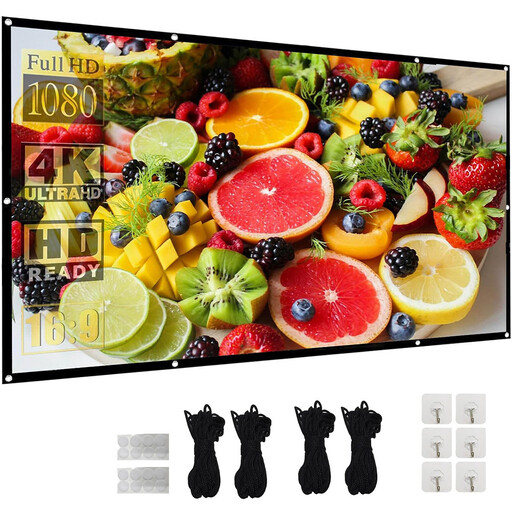
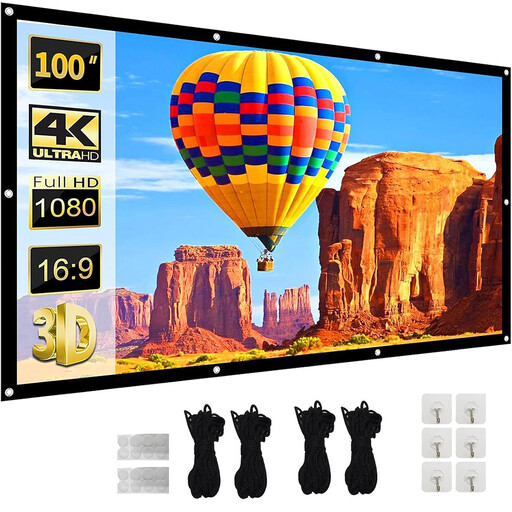
These foldable projection screens address the screen side of a side-seat football setup. Check their stated viewing angles against your seating plan and confirm that the chosen size and material suit your projector.
 No image available
For off-centre football viewing, consider this size only if it fits the room and your projector can produce the intended image.
The listing describes a double-sided screen supplied with ropes and hooks and states a 160° viewing angle. Check the exact material’s gain and viewing-angle behaviour before relying on that figure for the outer seats.
 No image available
If a 100-inch image fits your measured setup, check whether this screen’s viewing angle covers everyone watching from the sides.
The listing describes double-sided projection and included ropes and hooks, and states a 160° viewing angle. Confirm the material’s gain and viewing-angle behaviour, as well as projector compatibility, before choosing it.
Not on its own: projector brightness can help with room light, while the screen’s viewing-angle behaviour affects what people see off-centre. ProjectorCentral explains that higher-gain screens tend to have narrower half-gain viewing angles, so compare the exact screen material before choosing brightness for the room.
No: check that the screen material is intended for ultra-short-throw projection and covers your side seats. Elite Screens states that its Aeon CLR material is not compatible with short- or standard-throw projectors, illustrating why screen materials should not be treated as interchangeable.
4K resolution is not a substitute for a screen that remains visible from the side. Start with seating, room light and throw-distance checks, then compare the resolution and connections of models that fit your setup and match source.
Check the product documentation and conformity information for the market where the projector will be used. GOV.UK publishes sector-specific guidance for products placed on the market in Great Britain; confirm which requirements apply to the exact product rather than relying on a plug photograph or a general listing claim.
Check the exact model’s lamp-life rating, replacement-lamp availability and warranty terms. For instance, Epson lists up to 5,000 hours in Eco mode for the EH-TW7000; that model-specific figure should not be applied to other projectors.