For tennis viewers sitting to the side, check the screen’s viewing cone and the seating angle before choosing a projector: a short-throw lens changes projector placement, not how the screen looks from the side. Choose a shorter throw if room depth is the problem, and assess light output alongside screen size and room lighting if you watch in daylight. Confirm the screen material, projector distance and route to live coverage before buying.
Who should consider this setup?
Side-seat tennis viewers
If you usually sit well to the left or right of the image, start with the screen material’s viewing cone and the angle from your seat. ProjectorCentral’s screen guidance explains why the screen surface affects off-axis viewing.
Households watching with the lights on
Daytime matches or shared rooms call for a practical balance of room-light control, image size and the exact projector model’s stated light output. A brightness figure alone cannot establish how the image will look from a side seat.
Watch-party hosts with limited room depth
When a projector farther into the room would obstruct seating or a walkway, short-throw or ultra-short-throw placement is worth considering. Check the seating and screen first, then calculate whether the chosen projector can make the intended image size.
What matters when buying?
For tennis from a side seat, establish where people will sit and how the screen behaves from those positions; then decide how much room depth, light control and setup convenience you need.
| Concern |
What to check |
Who this matters to |
| Visibility from side seats |
Measure the angle from each main seat to the screen centre. Check the screen material’s specified viewing cone and how its brightness changes off-axis. |
If I sit near the edge of a group, I need the court to remain visible from my seat, not just from the sofa’s centre. Around 36% of consumers put side-seat visibility first. |
| Tennis with room lights on |
Check the exact model’s stated light output and its unit against your intended screen size and room lighting; confirm any sports or motion mode on that model. |
When daylight or household lights will stay on, I want to follow the ball without relying on a dark room. For around 29% of consumers, visibility in ambient light is the primary concern. |
| Projector placement |
Measure usable lens-to-screen distance and check the model’s throw ratio or projection calculator for the intended image width. |
In a shallow or shared room, I need a position that produces the intended image without putting equipment in the way. Placement comes first for around 21% of consumers. |
| Live-sport setup |
Confirm support for your chosen viewing service, the required connection and sound arrangement; check TV Licence requirements for live coverage. |
If I regularly set up matches for a group, I want a straightforward way to start the coverage and hear it. Around 14% of consumers prioritise that ease of setup. |
Mistakes to avoid
-
Replacing the projector but keeping a narrow-viewing-cone screen
ProjectorCentral’s screen guidance distinguishes broad light diffusion from surfaces that direct more light towards viewers in front. A brighter projector does not, by itself, resolve an off-axis screen limitation.
Ask for the screen material’s viewing-cone specification and assess it from the intended side seats. Consider changing the screen orientation where the room permits.
Changing the screen or seating layout may also be necessary.
-
Expecting short throw to fix the side-seat angle
Throw ratio relates projector distance to image width; the viewer’s angle to the screen is a separate consideration. A short-throw projector can fit a shallow room while leaving side-seat visibility unchanged.
Choose a throw distance for the room, then check the screen surface and seating geometry independently.
-
Treating every lumen figure as directly comparable
BenQ states ANSI lumens for the TK705STi, while XGIMI states ISO lumens for the HORIZON S Max. The stated numbers alone are not a like-for-like test of how either image will look in your room.
Keep each figure with its stated measurement unit and assess the intended screen size and lighting rather than choosing solely by the larger number.
-
Assuming a streaming subscription settles live-viewing requirements
TV Licensing says its licence covers live TV through channels and streaming services, as well as BBC iPlayer. The display device does not remove the need to check the rules for the coverage you plan to watch.
Check your TV Licence position before watching live tennis through a projector.
Relevant brands to consider
These model examples illustrate different placement choices; none establishes how a particular screen will look from your side seats.
BenQ
The TK705STi is a short-throw example for a room where projector distance is limited.
- BenQ specifies a 0.8 throw ratio, 4K output, 3,000 ANSI lumens and sports-oriented motion features for this model.
- Those model specifications do not establish visibility from a side seat; check the screen material separately.
Epson
The EH-LS650B illustrates ultra-short-throw placement close to the wall.
- Epson specifies an image of up to 120 inches, 3,600 lumens, Android TV and built-in Yamaha sound for this model.
- Wall-side placement does not remove the need to assess screen flatness, material and viewing angles.
Optoma
The UHZ66 offers a conventional-throw route when there is room for the projector farther from the screen.
- Optoma’s UHZ66 datasheet specifies 4,000 lumens, 1.6x zoom and a 1.4:1–2.24:1 throw-ratio range for placement planning.
- The available room depth and screen viewing cone still determine whether this arrangement works for the seating layout.
XGIMI
The HORIZON S Max is relevant if the projector is moved between uses rather than permanently mounted.
- XGIMI describes a flexible built-in stand and automatic keystone adjustment for this model.
- Automatic alignment does not change the screen’s off-axis viewing behaviour; confirm physical placement and screen suitability.
Joybuy screen choices
These are screen options for the screen-and-seating part of a side-seat tennis setup, not projector alternatives. Choose an image size that fits the room, and check the viewing behaviour from your intended seats before relying on a listing’s angle claim.
 No image available
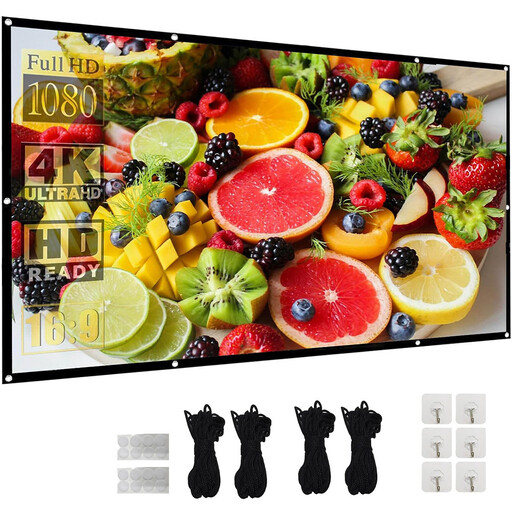
XBJ 120-inch 16:9 foldable projector screen
Consider this screen if a 120-inch image fits your seating layout. The double-sided screen is listed with a 160° viewing angle; check how its brightness behaves from your actual side seats rather than treating that figure as a guarantee. A suitable projector is required.
View on Joybuy
 No image available
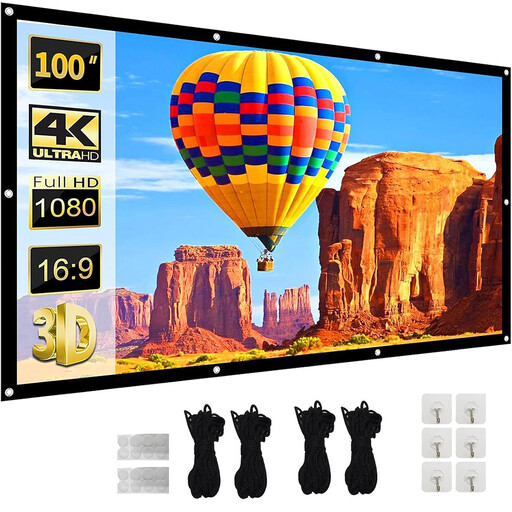
XBJ 100-inch 16:9 foldable projector screen
Consider the 100-inch size if it suits the available wall space and viewing distance. This double-sided screen is listed with a 160° viewing angle, but check the material’s usable viewing cone and brightness from your side seats. A suitable projector is required.
View on Joybuy
 No image available
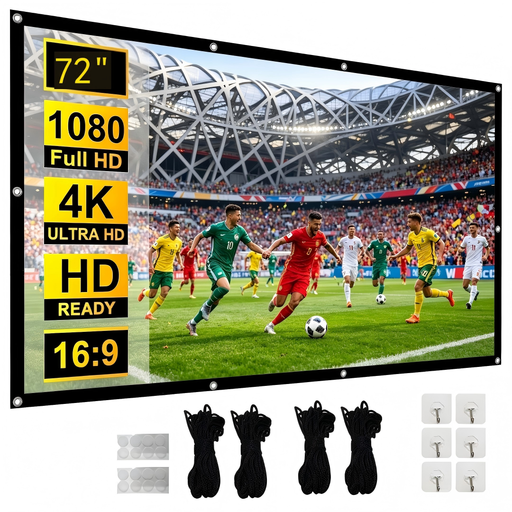
XBJ 72-inch 16:9 foldable projector screen
Consider this smaller screen where a 72-inch image suits the room and seating distance. Its listing describes a foldable, double-sided 16:9 screen; check its viewing cone and brightness from the intended side seats before choosing it for off-centre viewing. A suitable projector is required.
View on Joybuy
Frequently asked questions
Will a short-throw projector make tennis easier to see from a side seat?
Not by itself. Short throw reduces the projector-to-screen distance needed for an image; it does not widen the screen material’s viewing cone. Check the angle from your seat and whether the screen can face the seating area more directly.
How do I check whether a projector will fit the room?
Measure the intended image width and usable lens-to-screen distance, then check the exact model’s throw ratio or projection calculator. ProjectorCentral defines throw ratio as projector distance divided by image width; a model’s available zoom range also affects workable placement.
Do I need a TV Licence to watch live tennis on a projector in the UK?
If you watch live TV through a channel or streaming service, you need to check your TV Licence position regardless of whether the image appears on a projector. TV Licensing also says a TV Licence covers BBC iPlayer; a streaming subscription does not replace that check.


