Owners who want PS5 games ready to launch
A compatible internal M.2 NVMe SSD adds space from which PS5 games can be played. A USB archive cannot do that without a transfer back to console or compatible M.2 storage, as PlayStation explains.


Choose a compatible internal M.2 NVMe SSD if you want PS5 games to launch from the added storage; check the exact drive and heatsink against PlayStation’s current requirements before buying. USB extended storage suits an archive, but PS5 games must be moved back to console or compatible M.2 storage to play. If deleting and re-downloading finished games works for you, managing existing storage avoids adding a drive.
A compatible internal M.2 NVMe SSD adds space from which PS5 games can be played. A USB archive cannot do that without a transfer back to console or compatible M.2 storage, as PlayStation explains.
USB extended storage can hold PS5 games between play sessions if you are willing to move a game back before launching it. It can also be used to play PS4 games directly, according to PlayStation.
Check the exact M.2 interface, capacity and assembled drive-and-heatsink fit against PlayStation’s current guidance. An M.2 label or a general PS5 claim is not a complete compatibility check.
Choose when: You want PS5 games installed on added storage and ready to launch.
Trade-off: The exact SSD and cooling assembly must meet PlayStation’s requirements and be installed in the console.
Choose when: You mainly want to keep PS5 games for later or play PS4 games from an external drive.
Trade-off: PlayStation requires PS5 games to be moved back to console or compatible M.2 storage before play.
Choose when: You can delete finished games and re-download purchases when you want them again.
Trade-off: This frees existing space but adds no local game capacity.
| Priority | What to check | Your needs |
|---|---|---|
| Ready-to-play games | Decide whether PS5 games must launch from the added drive. PlayStation permits this from compatible internal M.2 storage, but requires a transfer back from USB extended storage. | I want more PS5 games installed and ready to play without moving them between drives. |
| Internal SSD fit | Check for a supported PCIe Gen4x4 M.2 NVMe SSD with Key M and 250 GB–8 TB capacity, as specified by PlayStation. Check the complete drive-and-heatsink dimensions and cooling requirements against its current guidance. | If I add an internal drive, I want to check the exact variant and its assembled fit before ordering. |
| USB setup and files | Check PlayStation’s current USB extended-storage requirements and the drive’s connection details. Back up files before formatting; PlayStation warns that formatting erases existing data. | An external archive appeals to me, but I need to keep files already on the drive safe during setup. |
| Space without a drive | Review games you can delete and re-download later. This frees space already in the console rather than increasing its capacity. | My installed library may be small enough to manage without adding hardware. |
M.2 describes a physical format, not complete compatibility. PlayStation specifies a supported PCIe Gen4x4 M.2 NVMe SSD with Key M, suitable capacity and heat dissipation; M.2 SATA is not supported.
Compare the exact model and its full heatsink assembly with PlayStation’s current installation requirements before buying.
PlayStation says PS5 games on USB extended storage must be moved back to console or compatible M.2 SSD storage before they can be played.
Choose internal M.2 storage for a play-ready PS5 library; use USB storage when that transfer fits your routine.
PlayStation warns that formatting for USB extended storage erases existing data. Disconnecting a drive improperly can also put stored data at risk.
Back up files before formatting, and use the console’s safe-removal process before unplugging the drive.
PlayStation does not guarantee that every third-party M.2 SSD appearing to meet its published specifications will work.
Check the exact drive, capacity and assembled dimensions rather than relying on a general retailer or manufacturer claim.
These examples illustrate different storage routes; a brand reference does not establish that every model in its range meets PS5 requirements.
SCAN UK presents the WD_BLACK SN850 as a PS5-oriented internal M.2 SSD with a heatsink.
Seagate describes its Game Drive for PS5 as an external drive for storing PS5 games until they are transferred for play.
Crucial lists a P310 4TB M.2 2280 SSD variant with a heatsink for buyers considering an internal drive with cooling attached.
These external drives are options for keeping PS5 games between play sessions, not for launching PS5 games directly. Check each drive against PlayStation’s current USB extended-storage setup requirements before choosing one.
 No image available
Consider this external drive for a 6TB PS5 game archive or PS4 games. PlayStation requires archived PS5 games to be moved back to console or compatible M.2 storage before play.
 No image available
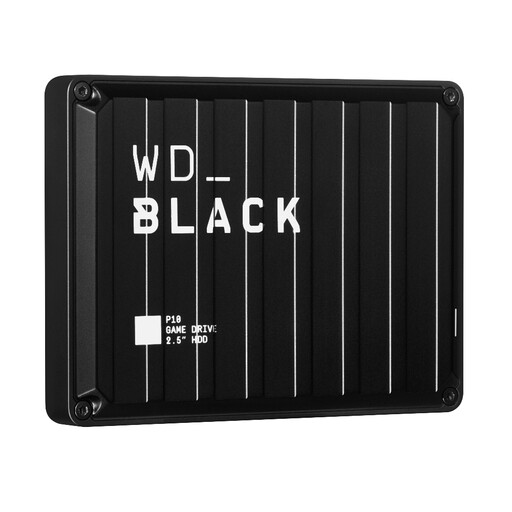
This 5TB external drive is an option for keeping PS5 games off console storage between sessions. PS5 games must be transferred back to console or compatible M.2 storage before they can launch.
 No image available
This USB 3.2 Gen.2 external SSD is an option for storing PS5 games between sessions. Check the exact capacity of the variant before choosing it; PS5 games still need transferring back to console or compatible M.2 storage for play.
 No image available
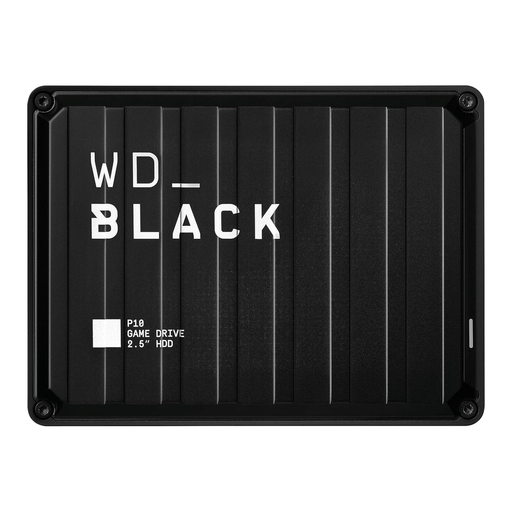
This 2TB external drive suits a PS5 archive workflow if you can transfer games back before playing. PlayStation allows PS4 games to play directly from qualifying USB extended storage.
 No image available
This 2TB portable SSD is an option for archiving PS5 titles externally. Its PlayStation 5 naming does not change the USB rule: move PS5 games to console or compatible M.2 storage before playing.
No. PlayStation says USB extended storage can hold PS5 games, but you must move a game to PS5 console storage or compatible M.2 SSD storage before playing it.
Yes. PlayStation says PS4 games can be installed and played directly from qualifying USB extended storage on a PS5.
Check the exact drive against PlayStation’s current PS5 requirements: a supported PCIe Gen4x4 M.2 NVMe SSD with Key M, 250 GB–8 TB capacity, suitable physical fit and effective heat dissipation. Check the assembled SSD and heatsink, not just the bare drive, and update the console’s system software before installation.
No. PlayStation says it cannot guarantee every third-party M.2 SSD that appears to meet its listed specifications. Compare the exact model and cooling assembly with its current guidance before buying.
Yes. PlayStation warns that formatting erases data already on the drive. Back up files you want to keep before setting the drive up as USB extended storage.