What matters when buying
For a bright-window workspace, settle the screen question first, then check the tools your course uses and the exact laptop configuration you would carry or keep at your desk.
| Concern | What to check | Who this matters to |
|---|
| Readable code near a window |
Check the exact panel's brightness in nits and whether its finish is described as anti-glare or anti-reflective. Brightness alone does not establish reflection control. |
If reflections make small code and terminal text hard to read, I would put the screen ahead of processor comparisons; roughly 42% of consumers put window-side readability first. |
| Python and Linux-tool workflow |
Match the operating system to your course. For Microsoft's streamlined WSL installation, check for Windows 10 version 2004/build 19041 or later, or Windows 11. |
When coursework uses Bash or Linux-oriented tutorials, I need those tools to fit my laptop setup; around 33% of consumers make workflow compatibility their primary concern. |
| Portable everyday learning |
Confirm the selected memory, storage, keyboard and connections against your editor, browser and course requirements; do not treat one model's configuration as a universal Python minimum. |
If I move between study spaces, I want a laptop I can carry and use for an editor, interpreter and browser; about 25% of consumers prioritise this general learning setup. |
Windows laptop options on Joybuy
These laptop options offer different configurations for Windows-based Python learning. For use beside a bright window, check each selected display's brightness and glare treatment; the product list does not establish that every screen will suit your lighting.
 No image available
Lenovo IdeaPad Slim 3 83K7009MUK, 15.3-inch WUXGA
For Windows-based Python study at a window-side desk, confirm the exact panel's brightness and how it handles reflections in your lighting.
AMD Ryzen 5 7535HS; 24GB DDR5 RAM; 512GB PCIe SSD; Windows 11 Home.
View on Joybuy
 No image available
Lenovo LOQ Essential 15ARP11, RTX 5050
If you will study beside a bright window, assess the offered screen in comparable light if possible; its stated anti-glare treatment alone does not settle whether the display will be comfortable there.
AMD Ryzen 7 170; 16GB RAM; 1TB SSD; 15.6-inch 144Hz FHD display; GeForce RTX 5050. Check whether its listed 2.30kg weight suits how often you will carry it.
View on Joybuy
 No image available
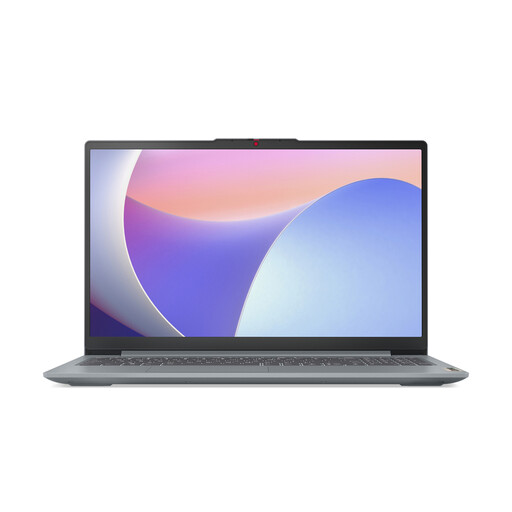
Lenovo IdeaPad Slim 3 15IAH8 83ER00G4UK
For window-side learning, confirm the brightness of the selected screen and whether its glare treatment suits your desk. If you need to study away from a socket, check the offered configuration's battery-life claim against your plans.
15.6-inch display; Intel Core i5; 8GB RAM; 512GB SSD.
View on Joybuy
 No image available
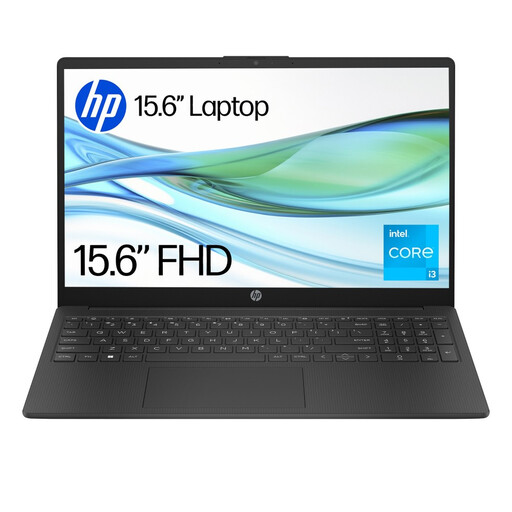
HP 15-fd0060na, Windows 11 Home in S Mode
Check both the screen in window-side light and your course's interpreter-installation instructions. S Mode restricts app installation to Microsoft Store apps; the listing describes switching out of S Mode as irreversible.
Intel Core i3-N305; 4GB RAM; 128GB UFS storage. Check that the memory and storage suit your intended editor and coursework.
View on Joybuy
 No image available
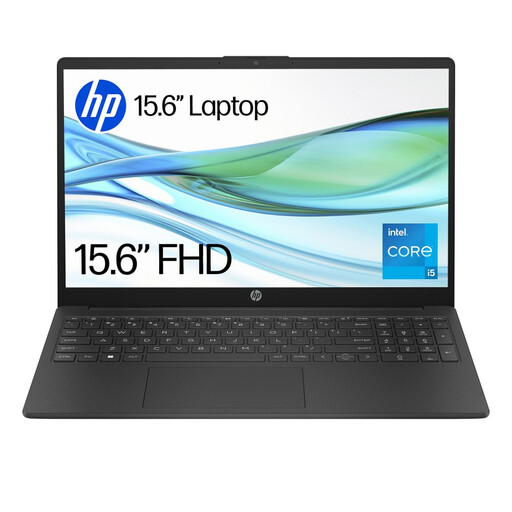
HP 15-fd0064na, 15.6-inch FHD
For a Windows Python-learning setup beside a bright window, confirm this exact configuration's screen brightness and glare treatment before deciding whether it fits your desk.
Intel Core i5-1334U; 8GB RAM; 256GB SSD; Windows 11 Home.
View on Joybuy
Questions about choosing and setup
Is a 500-nit laptop automatically suitable beside a bright window?
No: stated brightness and reflection control are separate checks. Lenovo and Dell specify anti-glare or anti-reflective treatment for particular 500-nit options, while Apple's cited 500-nit MacBook Air specification does not describe an anti-glare finish. Check the exact panel and, if possible, view it in similarly bright light.
Can I learn Python on Windows, macOS or Linux?
Yes. The Python Software Foundation offers downloads for all three. If your course uses Linux tools on Windows, Microsoft's streamlined WSL installation requires Windows 10 version 2004/build 19041 or later, or Windows 11; for the cited VS Code workflow on macOS, install a separate Python interpreter.
Does installing VS Code also install Python?
No. VS Code says its Python extension does not include a Python interpreter. For that workflow, install VS Code, its Python extension and an appropriate interpreter as separate components, following any version requirements set by your course.
What if a laptop bought from a UK trader is faulty?
A faulty laptop may qualify for remedies under the Consumer Rights Act 2015; this is distinct from a retailer's change-of-mind returns policy. The Act's explanatory notes describe a minimum 30-day period for the short-term right to reject, subject to its conditions, and explain that the period pauses during repair or replacement. Keep your order confirmation, the selected specification and evidence of the fault.
Can I return an old laptop for electrical recycling when buying a new one?
GOV.UK guidance says retailers subject to the applicable take-back duty must accept waste electrical equipment of the same type or function as the new item. Check the retailer's take-back arrangements before ordering, particularly how and where it accepts an old laptop.


