What matters when choosing?
Start with the software and files the computer must handle. Then weigh desk space against the connections and expansion the shared workstation will need.
Small-form-factor desktop
Consider it when: Desk space is limited, but you want to assess options for adding memory, storage or connected devices later.
Check: Expansion and display connections vary by configuration, even within the space-saving HP ProDesk and Lenovo ThinkCentre ranges.
Micro desktop
Consider it when: Preserving desk area takes priority and substantial internal expansion is not planned.
Check: Confirm the exact model's monitor connections, ports and upgrade options before committing to a compact layout.
Tower desktop
Consider it when: Planned changes to memory, internal storage or connected hardware justify a larger chassis.
Allow for: More desk or floor space; HP describes flexible memory, storage and USB options for its ProDesk tower range, not an automatic performance advantage over every smaller PC.
| Concern |
What to check |
Who this matters to |
| Analysis capacity |
Check the required application and version, installed RAM and SSD working space against your files and concurrent applications. IBM lists 4 GB RAM as required and 8 GB as recommended for 64-bit SPSS Statistics client platforms; these are not a specification for every workload. |
When I clean survey files while keeping spreadsheets and other applications open, I need capacity for that combined workload. Around 33% of consumers put analysis capacity first. |
| Shared-desk fit |
Confirm monitor outputs, network and USB connections for the exact PC, then assess screen placement and cable space at the shared desk. |
At a desk used by several colleagues, I need the PC and peripherals to fit without obstructing each person's setup. Shared-workspace fit comes first for around 25% of consumers. |
| Expansion |
Check the supported memory limit, available slots or storage connections, and service options for the selected configuration. |
If our questionnaire files and tools may change, I want a way to adapt the computer rather than choose solely for today's tasks. Around 25% of consumers prioritise expansion and service life. |
| Shared-device deployment |
Confirm the required operating-system edition and your organisation's account, update and data-handling policies. Review the workstation under applicable Health and Safety Executive display screen equipment guidance. |
Where colleagues share access to questionnaire data, I need the desktop to fit our IT arrangements and workstation responsibilities. Secure deployment is the primary concern for around 17% of consumers. |
Joybuy desktop options
These mini PCs suit a desk-space-led shortlist; the tower is worth examining where a larger chassis fits the workspace. Compare each configuration with your analysis software, monitors and IT requirements before choosing.
 No image available
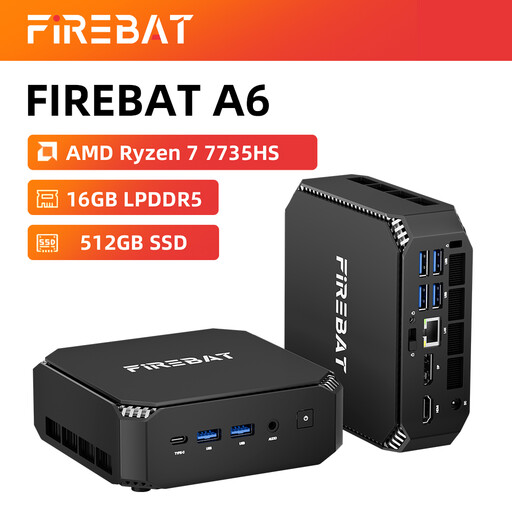
FIREBAT Mini PC, AMD Ryzen 7 7735HS, 16 GB RAM, 512 GB SSD
Consider this compact PC where shared-desk space matters, after confirming that its operating system runs your analysis software.
The product name specifies Radeon 680M graphics, dual M.2 slots and triple-display support. Check the intended monitor connections and storage-upgrade configuration before relying on those options.
View on Joybuy
 No image available
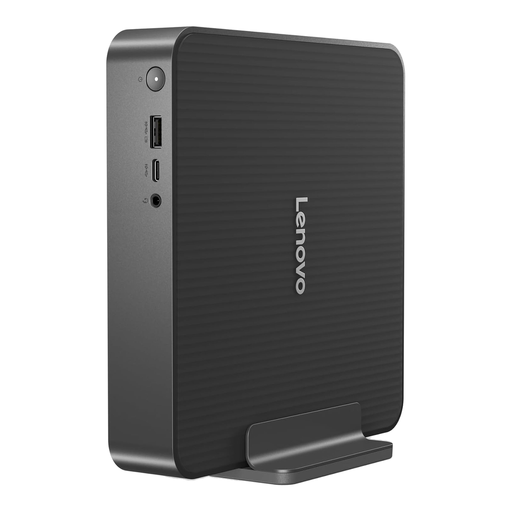
Lenovo IdeaCentre Mini PC 01IRH10R, 91B2000XUK
This compact desktop is an option for a shared desk if its software compatibility and display outputs match the intended setup.
The listed variant has an Intel Core 5 processor, 16 GB RAM and a 512 GB SSD. Check whether its memory can be upgraded if the workload may grow.
View on Joybuy
 No image available
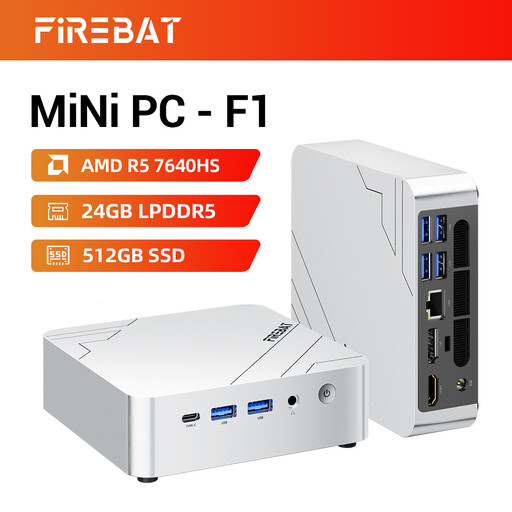
FIREBAT F1 Mini PC, Ryzen 5 7640HS, 24 GB RAM, 512 GB SSD
Its mini-PC format may suit a crowded shared desk, provided the operating system supports the organisation's analysis applications.
The product name specifies LPDDR5 memory, a PCIe 4.0 SSD, USB 4.0, HDMI 2.1 and 2.5G Ethernet. It also claims 4K triple-screen output; confirm the exact monitor combination you need and whether memory or storage can be upgraded.
View on Joybuy
 No image available
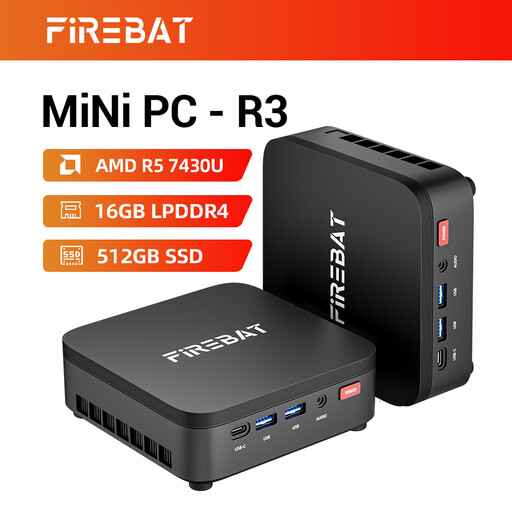
FIREBAT R3 Mini PC, Ryzen 5 7430U, 16 GB RAM, 512 GB SSD
Consider this mini PC where desk area is limited, after checking its operating system against the required analysis software.
The product name specifies LPDDR4 memory, Wi-Fi 6 and triple-screen support. Confirm that the intended monitors can connect and check upgrade options if future changes matter.
View on Joybuy
 No image available
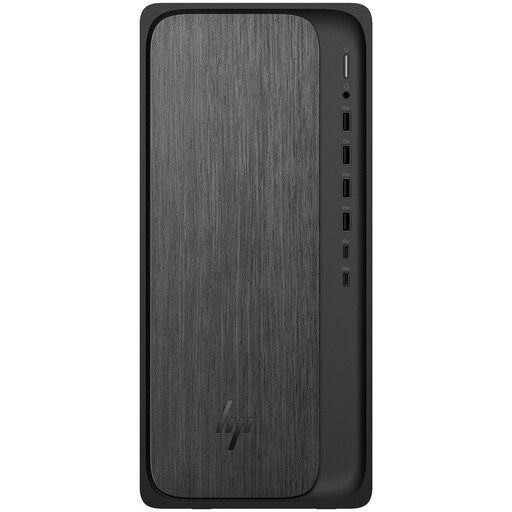
HP M02-0005na OmniDesk, Ryzen 5 8500, 8 GB RAM, 1 TB SSD
This tower is an option where the shared workspace has room for a larger desktop and local storage is a priority.
The listed variant runs Windows 11 Home. IBM recommends 8 GB RAM for 64-bit SPSS Statistics client platforms, but that does not establish headroom for your files and concurrent applications; check software, IT-management and memory-upgrade requirements.
View on Joybuy
Frequently asked questions
Is 8 GB RAM enough for questionnaire analysis?
It meets IBM's stated recommendation for a 64-bit SPSS Statistics client platform, but that figure does not establish how a PC will handle your dataset alongside spreadsheets and other open applications. Check the actual workload and whether the chosen desktop allows a memory upgrade.
Do we need a tower for statistical analysis?
Not solely because the work involves statistical analysis. Consider a tower if planned internal expansion justifies its size; a small-form-factor desktop may also be suitable if its exact memory, storage and connections meet your requirements.
What should we check at a shared workstation?
Check that each user can work with the screen, chair, lighting and peripherals arranged appropriately, as well as confirming the PC's connections. The Health and Safety Executive says its display screen equipment guidance applies to workers using such equipment daily for continuous periods of an hour or more and includes hot-desking.
Should we check Windows compatibility before replacing an office PC?
Yes: confirm that the new desktop supports the required operating system, analysis applications and your organisation's management arrangements. Microsoft states that Windows 10 support ended on 14 October 2025; operating-system requirements alone do not determine the capacity needed for analysis work.
What should happen to the old desktop?
Arrange secure removal of organisational data and an appropriate reuse or recycling route. UK waste electrical and electronic equipment rules provide a framework for recovery, reuse and recycling, but responsibilities depend on the parties involved; confirm the arrangements with your organisation's IT asset-disposal provider.


