For locally installed racing games and frequent handheld play, consider a compact gaming-focused Android tablet; for existing iPad games and a compatible controller, consider an 11-inch iPad Air. A larger Android tablet makes more sense if the screen and wider holiday use matter most. Whichever route you choose, check the exact game and controller before buying, and do not make cloud gaming the main plan until you have checked the cottage connection.
Who is each tablet route for?
Offline-first racing players
If cottage broadband is uncertain, you want an offline-capable racing game installed before travelling. A compact device with gaming-oriented hardware may suit handheld sessions, but check the particular game rather than assuming its performance from tablet specifications.
Controller-led iPad players
If your intended games are available on iPad, you may prefer a portable tablet that can connect a compatible Bluetooth or wired controller. Apple Support documents those connection options, while controller support within each game still needs checking.
Shared-holiday Android users
If the tablet will also be used for downloaded media or shared viewing, a larger Android screen and expandable storage may influence your choice. Check where the intended game stores its files: a microSD slot does not mean every game can run from a card.
What should you check before buying?
Decide whether the racing game must run on the tablet without a connection before weighing screen size and controller options. If you plan to stream instead, check the connection at the cottage rather than relying on the tablet’s wireless specification.
Compact gaming-focused Android
Consider it when: locally installed games and handheld play are your priorities; Lenovo lists gaming-oriented hardware and an 8.8-inch display for the Legion Tab Gen 3.
Trade-off: its screen offers less viewing space than the larger tablets here, and its specifications do not establish a particular game’s frame rate.
11-inch iPad Air
Consider it when: your intended games are on iPad and you want Apple’s documented options for connecting a compatible controller.
Trade-off: pairing a controller does not establish support in a particular game; a Wi-Fi model also needs a working connection for cloud play.
Larger-screen Android
Consider it when: shared viewing and storage for other holiday uses matter alongside racing games; Samsung lists a 10.9-inch screen and microSD support for the Galaxy Tab S10 FE.
Trade-off: a larger screen takes more room to carry, and expandable storage does not establish where an individual game can be installed.
| Concern |
What to check |
Who this matters to |
| Local racing games |
Confirm that your game runs on the exact tablet and can be played offline. Compare the model’s processor, internal storage and cooling information without treating display refresh rate as a game benchmark. |
If I want to keep racing when the cottage connection drops, the game must work on the tablet itself. Around 36% of consumers put local play first. |
| Cottage connectivity |
Check broadband availability for the cottage and ask about its Wi-Fi. For cloud gaming on iPad, Xbox Support recommends at least 20 Mbps and a 5 GHz Wi-Fi network; check mobile coverage and your data allowance if considering cellular. |
If I plan to stream games, an uncertain cottage connection could change the whole setup. For around 29% of consumers, connectivity is the primary concern. |
| Carrying and controls |
Compare the exact model’s size and weight, then check both tablet pairing and controller support in the racing game. Apple Support notes that some wired iPad setups need an adapter. |
When I pack a controller and play away from a desk, I want a tablet I can comfortably handle and controls the game recognises. Around 21% of consumers put this setup first. |
| Shared use and storage |
Check internal storage, whether removable storage suits your games or media, and the seller’s box contents. Samsung says its UK Galaxy Tab S10 FE package does not include a travel adapter. |
If the tablet will also serve as our holiday screen, I need room for other uses and a charging setup I can pack. This is the leading need for around 14% of consumers. |
What is easy to overlook?
-
Planning cloud play around an unchecked cottage connection
Ofcom says its broadband checker shows predicted availability and speeds; the service at a property can differ. Xbox Support also identifies connection quality as important to cloud play.
Check the cottage address, ask whether 5 GHz Wi-Fi is available and download an offline-capable game and its updates before departure.
If you expect to fall back to mobile data, check coverage and your plan’s allowance: Xbox Support warns that cloud gaming can use substantial data.
-
Assuming a paired controller will work in the game
A tablet’s ability to connect a controller is separate from the controls supported by an individual racing game.
Check the game’s controller information and your intended controller model. If possible, try the combination before travelling.
-
Reading display refresh rate as a promised game frame rate
A stated 90 Hz or 165 Hz describes the display, not the frame rate delivered by every racing game.
Check the game’s frame-rate settings and information about its performance on the exact tablet before making refresh rate decisive.
-
Leaving the charging setup until packing day
Samsung says the UK Galaxy Tab S10 FE and S10 FE+ package does not include a travel adapter; seller bundles can differ.
Check the exact box contents and bring a compatible adapter and cable for the tablet you choose.
Relevant brands to consider
Lenovo
The Legion Tab Gen 3 is Lenovo’s compact Android option for players considering locally installed racing games. Lenovo lists an 8.8-inch 165 Hz display, Snapdragon 8 Gen 3, cooling hardware, two USB-C ports and a 350 g weight.
- Its compact dimensions and stated gaming hardware are relevant to handheld play.
- The smaller screen gives less viewing space than the larger options here; check the intended game and controller separately.
Apple
The 11-inch iPad Air with M4 is an iPad option for players whose intended games are available in Apple’s ecosystem. Apple lists a 464 g weight for the 11-inch Wi-Fi model, and Apple Support explains how to connect compatible controllers.
- Documented Bluetooth and wired controller connection options allow a choice of setups.
- Controller support remains game-specific, and the Wi-Fi model needs a connection for cloud gaming.
Samsung
The Galaxy Tab S10 FE is Samsung’s larger-screen Android option in this comparison. Samsung lists a 10.9-inch 90 Hz display, microSD support up to 2 TB and IP68-rated dust and water resistance.
- The screen and expandable storage may matter when the tablet is also used for media during the trip.
- Check whether the intended game can use removable storage; Samsung says its UK retail package does not include a travel adapter.
Joybuy tablets for this trip
These Joybuy tablets cover iPad play and several Android screen sizes for a cottage break. Check your racing game on the exact model; the list does not establish game performance or cover every tablet route discussed above.
 No image available
Xiaomi Pad 8 Pro, Grey, 12G RAM, 512G storage
Consider this configuration if internal space for locally installed games is important while cottage Wi-Fi is uncertain.
The product name specifies 12G RAM and 512G storage. Check that your racing game runs on this exact tablet, and check its weight if handheld play matters.
View on Joybuy
 No image available
Apple 11-inch iPad Air (M4), Wi-Fi, 128GB, Space Grey
Consider this iPad if your intended racing game is available for it and you want to use a compatible controller.
Apple lists a 464 g weight for the 11-inch Wi-Fi configuration. Apple Support documents Bluetooth and wired controller connections, but the game must support your controller; some wired setups need an adapter.
View on Joybuy
 No image available
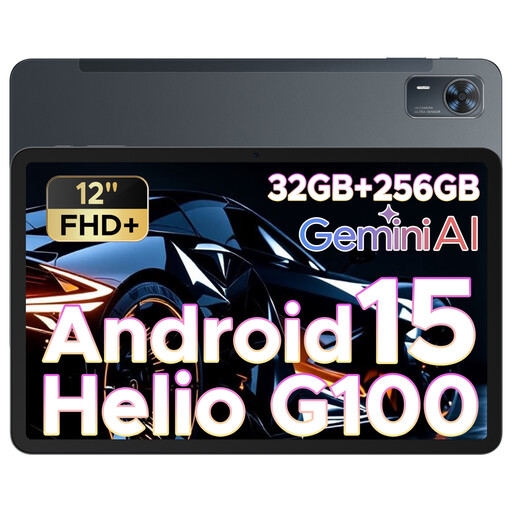
DOOGEE Tab E3+, 12-inch, 256GB, Grey
Consider this larger Android tablet if shared viewing matters alongside downloaded racing games.
Its product name lists a 12-inch FHD+ 90 Hz display, Helio G100 processor, 256GB storage and 8800mAh battery. Check game and controller compatibility, as well as its weight, before choosing it for handheld play.
View on Joybuy
 No image available
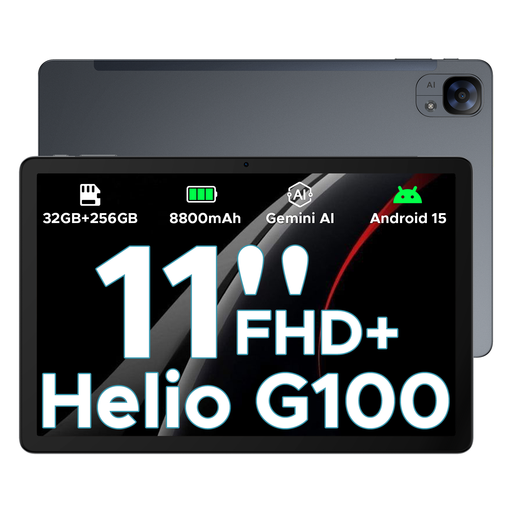
DOOGEE Tab E3, 11-inch, 256GB, Grey
Consider this Android model if you want an 11-inch screen and internal storage for a downloaded-game plan.
Its product name lists an FHD+ 90 Hz display, Helio G100 processor, 256GB storage and expansion up to 2TB. Confirm where your game can be installed; the display rating does not establish its in-game frame rate.
View on Joybuy
Frequently asked questions
Can I rely on cottage Wi-Fi for cloud racing games?
Only after checking the connection at the property. Ofcom cautions that its broadband availability results are predictions and actual service can differ; for cloud gaming on iPad, Xbox Support recommends at least 20 Mbps and 5 GHz Wi-Fi. Download an offline-capable game and updates before travelling if the connection is uncertain.
Will a controller work with an iPad racing game?
It will work only if the controller can connect to the iPad and the particular game supports it. Apple Support describes Bluetooth and wired connections for compatible controllers and notes that some wired combinations need an adapter.
Will every Android racing game run on any Android tablet?
No. Google Play Help says app availability and compatibility can vary with the device, Android version, location and developer settings. Check the intended game’s listing for the exact tablet before choosing it for that game.
What should I pack for playing at the cottage?
Bring the charging equipment and any compatible controller your setup requires, and install an offline-capable game and its updates in advance. Check the seller’s box contents: Samsung says the UK Galaxy Tab S10 FE and S10 FE+ package does not include a travel adapter.


