Joybuy product options
Joybuy smartphone options for continuing with Android or iOS while planning app, account and data migration.
 No image available
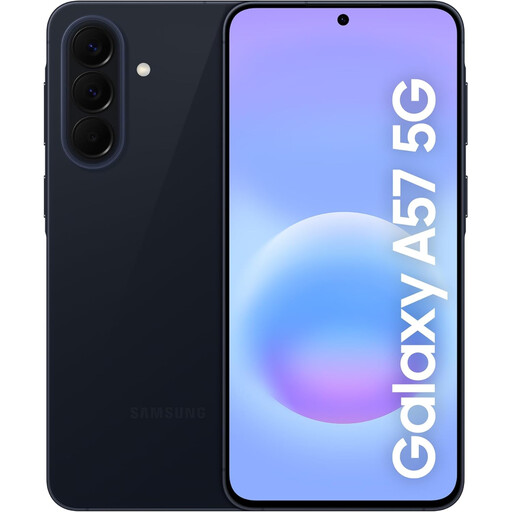
Samsung Galaxy A57 5G 256GB
For an Android or Galaxy replacement where you want to use Smart Switch while the old handset remains available.
Stated Android 16, 256GB storage, dual Nano SIM/eSIM support and USB-C. The listing states 231.9GB available and includes a USB-C cable, but not a charging adaptor. Check that the capacity matches your current use and future headroom.
Joybuy
 No image available
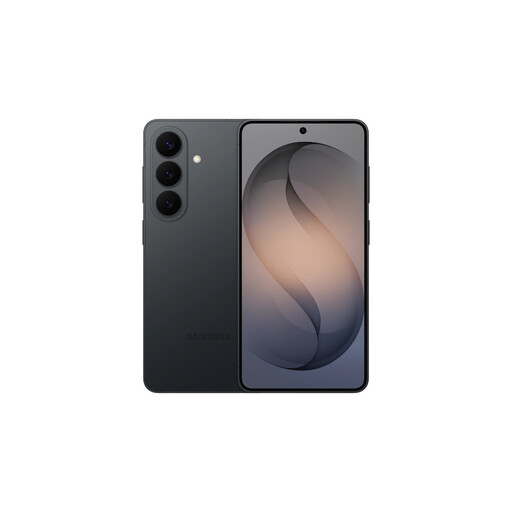
Samsung Galaxy S26 12GB 256GB
For an Android user planning a Smart Switch transfer by cable or wirelessly from an accessible old phone.
Stated Android 16, 12GB RAM, 256GB storage, USB-C, NFC and dual Nano-SIM plus eSIM. A USB-C cable is included; the referenced 45W charger is not included. Check messaging, password-manager and paid-app procedures separately if moving from iPhone.
Joybuy
 No image available
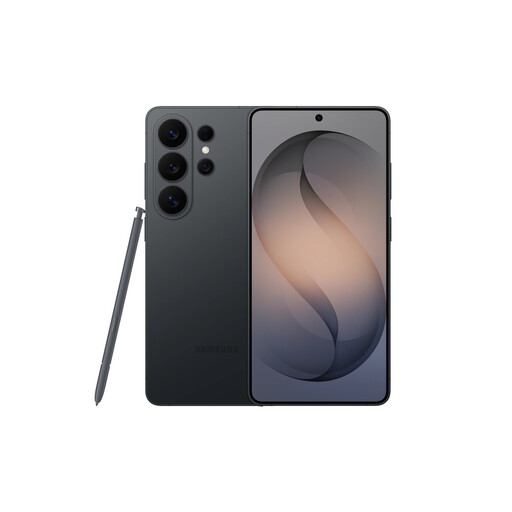
Samsung Galaxy S26 Ultra 12GB 256GB
For an Android-based routine where Smart Switch and account checks can be completed before retiring the previous handset.
Stated Android 16, 12GB RAM, 256GB storage, USB-C, NFC, dual Nano-SIM and dual eSIM support. A USB-C cable is supplied, while a charger is not included. Confirm your network’s eSIM route before deactivating the old phone.
Joybuy
 No image available
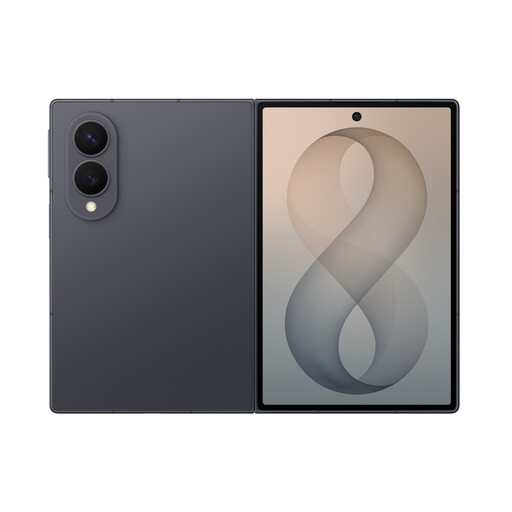
Samsung Galaxy Z Fold 8 256GB Graphite
For an Android-to-Galaxy replacement or an iPhone-to-Galaxy move using the listed QR transfer and Smart Switch setup options.
Stated 256GB storage, USB-C, 5G and an included data cable. Confirm this SKU is the 256GB version because the description also mentions other storage options. No travel adaptor is included.
Joybuy
 No image available
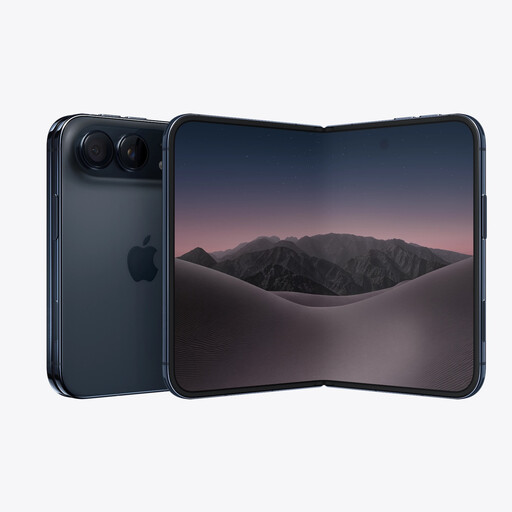
iPhone Duo 256GB Night Sky
For an existing iPhone user who wants to restore data from a previous device and continue using an Apple Account.
Stated iOS 27, 256GB storage, USB-C and eSIM-only operation. Check your UK provider’s eSIM support and the specific Apple Watch compatibility requirements before moving service or erasing the old phone. A USB-C charge cable is included; the 60W adaptor is sold separately.
Joybuy
Frequently asked questions
Can all apps and their data move when I switch between Android and iPhone?
No. Setup tools can copy selected apps and data, but app-specific data transfer is not universal. Apple says iPhone-to-Android third-party app data transfer depends on developer support, and Samsung says Apple Keychain passwords and Apple-owned apps are not transferred through Smart Switch. Check each critical app’s transfer, backup, subscription and sign-in guidance before choosing the new operating system.
How should I handle WhatsApp history when moving from iPhone to Android?
Use the documented WhatsApp transfer process before relying on the new phone. Google says the listed process requires the same phone number and the old iPhone’s charging cable, and chat history should be transferred before using WhatsApp on the new device. A later transfer can vary by device or require a factory reset.
Will my Apple Watch or Pixel Watch work after I change phone operating systems?
Not necessarily. Apple Watch requires a compatible iPhone and compatible iOS and watchOS versions, while Google states that Pixel Watch does not support iPhones and requires a compatible Android phone. Treat a platform change as a possible wearable-replacement decision, not only a phone-data transfer.
Do I need to contact my UK provider to move an eSIM?
Possibly. Apple’s Android-to-iPhone guidance says that some providers and selected manufacturers support direct transfer, including EE for its listed UK path, but the provider may need to activate the eSIM where direct transfer is unavailable. Do not erase the old phone until calls and mobile connectivity work on the new one.
Do I need to erase data before selling my old phone in the UK?
You should remove personal information before selling or disposing of the phone. The Information Commissioner’s Office advises this because phones can contain passwords, payment information and other personal data. Follow the manufacturer’s account-removal and factory-reset steps, then check that the information is no longer accessible before handing the device over.


