Families with busy weekdays
If nobody is home to start or rescue a clean, mapping, scheduling and a manageable emptying routine matter more than a long feature list.


For weekday cleaning while the family is out, start with a robot that supports mapping, scheduled runs and navigation suited to the objects commonly left on your floors. A self-emptying dock reduces bin handling; a mop-washing dock makes more sense if you regularly mop hard floors and have space for the dock and time to maintain it. Neither removes the need to prepare cluttered rooms or clean deep carpets and tight corners by another method.
If nobody is home to start or rescue a clean, mapping, scheduling and a manageable emptying routine matter more than a long feature list.
Hard floors may benefit from regular mopping, while rugs and carpets call for a clear plan to prevent unwanted wetting. A mop dock also brings water and pad upkeep.
Hair, cables, shoes and toys make brush care and the exact model’s obstacle-handling features important when a run is scheduled for an empty house.
Decide whether reliable scheduled vacuuming meets your main need, then consider self-emptying and mop-dock functions only for tasks you want the robot to take over. The priorities below distinguish consumers by the need they would put first, even when several needs apply at home.
| Concern | What to check | Who this matters to |
|---|---|---|
| Weekday upkeep | Check scheduling, mapping and whether the exact dock empties the dustbin. Allow for brush, bag or bin care. | If I am out at work, I want cleaning to run routinely without needing to empty the robot after every visit. Around 36% of consumers put low-intervention weekday upkeep first. |
| Floor clutter | Check which objects the model is designed to recognise and whether its app offers no-go zones; plan to secure loose cables. | With toys, shoes or pet items moving around the room, I need a scheduled run that is less likely to stop on them. Reliable navigation comes first for around 29% of consumers. |
| Mixed floors | Check the exact mop-lift, mop-removal or carpet-avoidance approach, plus access to dock water tanks. | I want hard floors mopped without sending wet pads over my rugs, and I can take on the dock upkeep that comes with it. Around 21% of consumers make mixed-floor cleaning their main concern. |
| Necessary functions | Compare the dock tasks you would use with its space and maintenance requirements; check the exact model rather than relying on suction pressure alone. | If routine pickup is enough for my home, I would rather manage a simpler setup than maintain mop functions I seldom use. Around 14% of consumers prioritise core automation over additional dock functions. |
Cables, toys, furniture bases and pet items can interrupt a run. Which? includes household obstacles such as trailing wires and rugs in its robot-vacuum testing; a model’s object-recognition feature is not a promise that it will avoid everything.
Complete supervised mapping and cleaning runs first. Secure loose items and set supported no-go zones before using a workday schedule.
A dock that washes and dries pads can reduce handling between cleans, but its tanks and cleaning parts still need attention.
Measure the intended location and check access to the socket, water tanks and removable components for the exact model.
Dust bags, filters, brushes and mop pads may need replacing; clean-water filling and waste-water emptying remain household tasks.
Quoted suction pressures do not, by themselves, show how different robots pick up debris or navigate a particular home. Which? also assesses practical cleaning and ease of use in its testing.
Look for independent results relevant to your floors where available, then check the exact model’s brush design, navigation and maintenance needs.
Its Qrevo Curv 2 Pro is an example to examine if mop handling, obstacles and carpets all affect your weekday routine.
The X10 Pro Omni and Omni C28 illustrate different eufy vacuum-and-mop models with automated dock tasks.
The Roomba Plus 505 Combo is relevant when mapping, stated object identification and an AutoWash dock are on your checklist.
These choices range from a mapped robot with a manually emptied dustbin to vacuum-and-mop models with more dock functions. For cleaning while you are out, check scheduling on the exact model and plan supervised runs before leaving it to work alone.
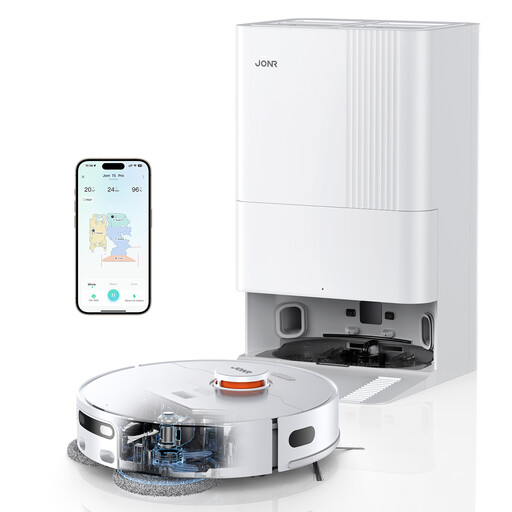 No image available
Consider this model if your weekday routine calls for navigation around furniture and a dock that handles mop care. Its title specifies LiDAR navigation, obstacle avoidance, an anti-tangle side brush, hot-air drying and 8,150 Pa stated suction.
Check how its mop behaves on your particular rugs, and measure the space needed for the dock. Supervise initial runs where cables or small items may be left on the floor.
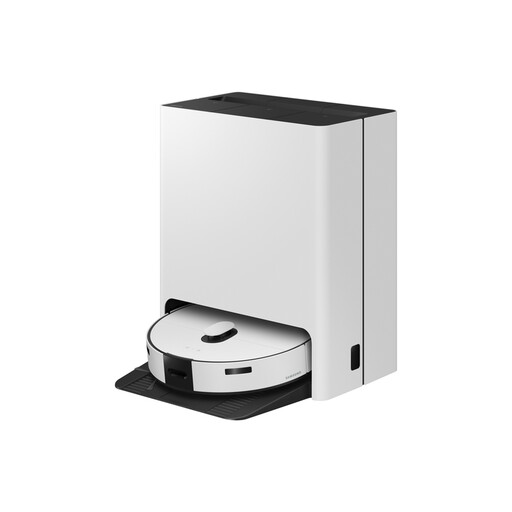 No image available
This vacuum-and-mop option is worth considering for a home with hard floors and low-pile carpets where dock-based pad care would be useful. Check how the exact model keeps mops off carpets before scheduling a mixed-floor clean.
Allow space to reach the dock’s tanks and cleaning parts, not just to park the robot.
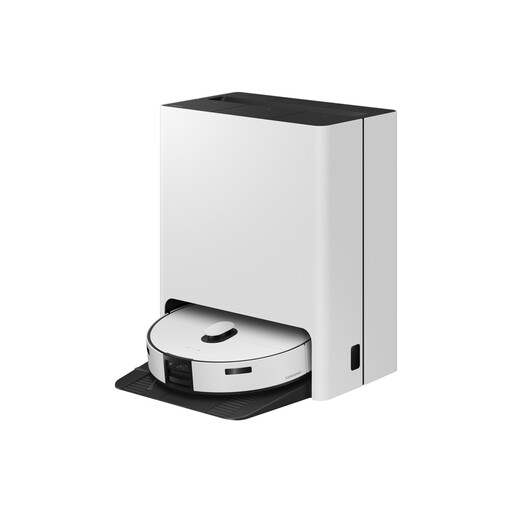 No image available
Consider this vacuum-and-mop model if scheduled room cleaning and less routine dust and mop-pad handling are priorities. Confirm how the exact model protects carpets during mopping before including rugs in a weekday run.
Check the station’s footprint and how its water tanks and cleaning parts are maintained.
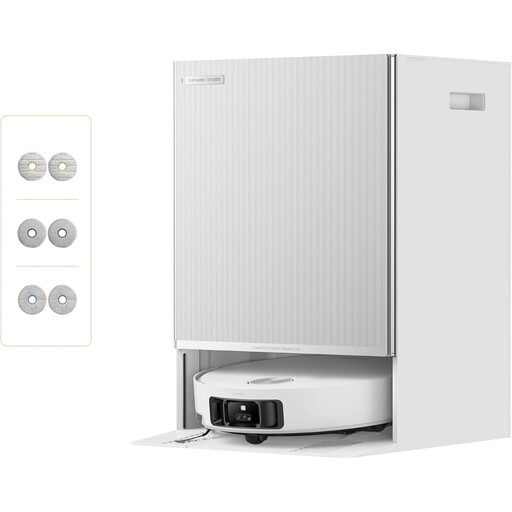 No image available
Its stated multi-mop switching, self-emptying and refilling functions make this a model to examine for frequent hard-floor cleaning. The title also states 30,000 Pa suction; that figure alone does not establish how it will clean your rooms.
Confirm that its scheduling controls fit your workday routine, and check mop clearance against your rugs and the dock’s space and upkeep needs.
 No image available
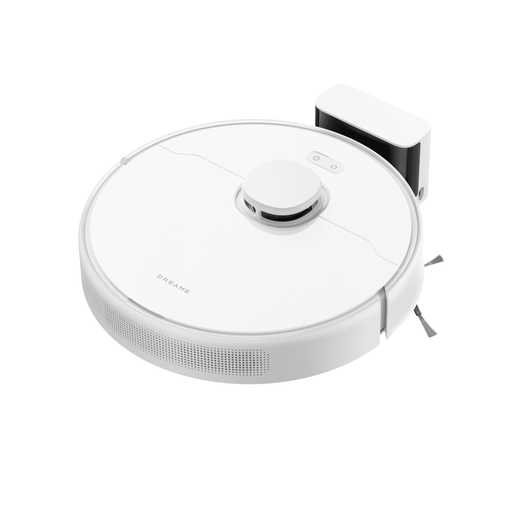
This is a route to consider when mapped routine vacuuming matters more than automated dock upkeep. Its title specifies LDS navigation and a 570 ml dust box; its static mops require a different care routine from a mop-washing dock.
Self-empty docking is not supported, so plan to empty the onboard bin and care for the mop pads yourself.
Not completely: Which? says robot vacuums cannot fully replace an upright for deep-cleaning carpets and reaching tight corners. Use the robot for routine floor maintenance and keep another way to clean areas it cannot reach.
Map the home and run the robot under supervision first. Secure cords and small loose items, then set no-go zones where the model supports them; documented obstacle recognition can reduce interruptions but cannot guarantee that every object will be avoided.
It can reduce pad handling, but you will still need to manage water, debris and dock cleaning. For instance, eufy describes automatic emptying, pad washing and drying on the X10 Pro Omni; how often its bag or tanks need attention will depend on use.
Check the exact product and seller for your delivery region, keep its identifying details and consult the GOV.UK product-safety alerts and recalls service. Great Britain and Northern Ireland have different applicable product provisions, so do not assume that guidance for one applies unchanged to the other.
Yes. Before enabling remote access or camera-based features, read the exact product’s privacy notice and permissions, use a strong, unique account password and decide which connected functions your household needs.