What matters when choosing
Choose the level of bin and mop maintenance you are willing to do, then check whether the robot can follow the routes through your home.
Mapped robot with an onboard bin
Choose it when: Loose dust pickup is the main job and manual bin emptying fits your routine.
Trade-off: Mapping can organise cleaning around unpacked rooms, but it does not empty the bin for you.
Vacuum with a self-emptying dock
Choose it when: You mainly want dry debris collected with less frequent handling of the robot’s bin.
Trade-off: The dock needs space and does not remove brush, filter or bag maintenance.
Vacuum-and-mop station
Choose it when: Regular hard-floor mopping matters alongside dust pickup and you want a dock to handle some pad care.
Trade-off: Water tanks, trays and mop supplies add upkeep; carpet protection depends on the exact model.
| Concern |
What to check |
Who this matters to |
| Repeatable dust pickup |
Check mapping, room selection and no-go zones, plus how often the onboard bin needs emptying. |
If I am still unpacking, I want to schedule finished rooms while keeping the robot out of cluttered areas. Around 36% of consumers would put a straightforward daily-dust routine first. |
| Less bin and pad handling |
Check whether a dock empties debris, washes and dries pads, or does only some of these tasks; allow space for the station. |
When daily cleaning adds too many emptying or pad-washing chores, I would rather have a dock take on part of that work. Roughly 29% of consumers would make reduced handling their primary concern. |
| Thresholds and carpets |
Measure door thresholds and rug edges; for mopping, check the exact model’s mop-lift or mop-detachment behaviour. |
If my route crosses door bars and carpeted rooms, I need to know where the robot can travel without taking a wet mop onto a rug. About 21% of consumers would prioritise mixed-floor fit. |
| Hair and brush care |
Examine brush design and the availability of compatible brushes and filters for the exact model. |
With long hair or pet fur in the daily dust, I want to understand how much brush cleaning the routine will involve. Around 14% of consumers would place hair management first. |
Brands to consider
These named product lines illustrate different maintenance and floor-handling features; compare the exact variant rather than assuming a feature applies across a brand.
eufy
The Clean L60 is a mapped option to examine for routine dust pickup when manual emptying is acceptable.
- eufy lists LiDAR navigation for the Clean L60; its UK information also describes no-go zones and a stated climbing capability of up to 20 mm.
- The Clean L60 is not a self-emptying setup on its own. Check replacement-kit compatibility for the exact L60 variant.
Roborock
The Qrevo S5V and Qrevo 2 Pro are relevant when comparing dock care and carpet-aware mopping.
- Roborock lists mop washing and warm-air drying for the Qrevo S5V station, and automatic mop detachment for carpets on the Qrevo 2 Pro.
- Those are features of different named models; check which one has the functions your floors require.
ECOVACS
The DEEBOT T30C is a docked vacuum-and-mop option for consumers considering less direct debris and mop-pad handling.
- ECOVACS lists auto-emptying, hot-water mop washing and warm-air drying for its T30C station.
- The station still calls for space and routine care; manufacturer feature claims are not a cleaning-performance comparison with other brands.
iRobot
The Roomba Max 705 Vac addresses vacuum-focused auto-emptying, while the Roomba Plus 405 Combo adds docked mop care.
- iRobot lists an AutoEmpty Dock and dual rubber brushes for the Max 705 Vac, and carpet-sensing mop-pad lifting for the Plus 405 Combo.
- Check current availability and the exact dock and carpet functions for the model you intend to buy.
Joybuy product choices
These robots offer different ways to approach daily floor dust after a move, from onboard-bin cleaning to models with dock and mop functions. Compare the functions named for each variant with your floor route and willingness to do routine maintenance.
 No image available
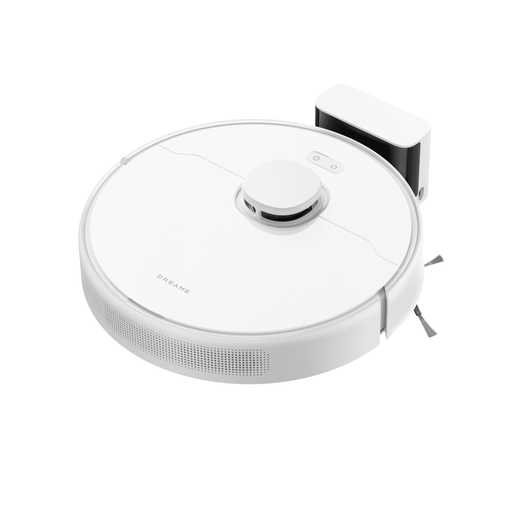
Dreame D9 Max Gen 2 Robot Vacuum with Static Mops
Consider this model if mapped daily dust pickup matters more than reducing manual bin care.
The product title specifies LDS navigation, a 570 ml dust box and claimed 6,000 Pa suction.
Measure thresholds and check compatible replacement parts for your cleaning routine.
View on Joybuy
 No image available
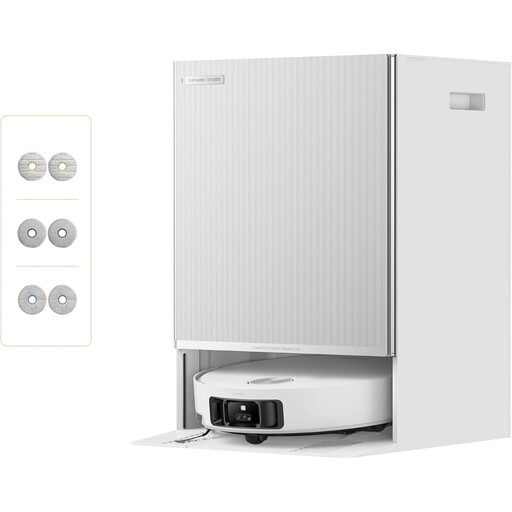
Dreame Matrix10 Ultra Robot Vacuum with Multi-Mop Switching
Consider its dock functions if routine mopping as well as dust pickup would reduce the chores you handle directly.
The product title lists self-emptying and refilling, mop self-cleaning and claimed 30,000 Pa suction.
Check dock placement, compatible consumables and carpet settings before deciding whether this setup fits your home.
View on Joybuy
 No image available
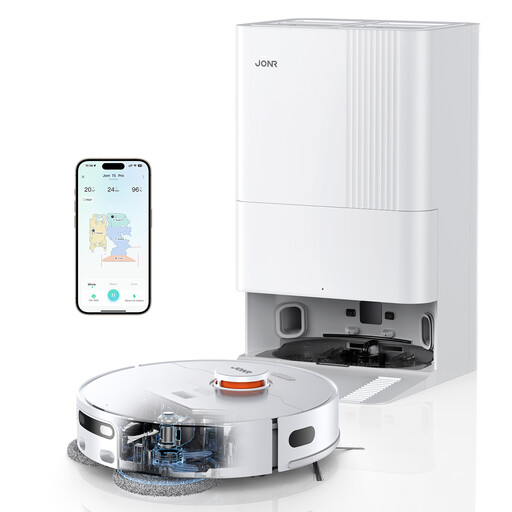
JONR T5 Pro Robot Vacuum with Wiping Function and Dock
This is an option to examine if you want a wiping function alongside vacuuming and have room for a dock.
The product title lists LiDAR navigation, an anti-tangle side brush, hot-air drying and claimed 8,150 Pa suction.
Check the dock’s upkeep and the model’s carpet settings against your planned cleaning route.
View on Joybuy
 No image available
Lefant M310 Ultra Robot Vacuum Cleaner
Consider this model for routine dust pickup if its navigation and manual-care arrangement suit your rooms.
The product title lists ToF laser navigation, an anti-tangle design, app and Alexa control, and claimed 6,000 Pa suction.
Measure thresholds, and check the instructions before including carpeted areas in a mopping route.
View on Joybuy
 No image available
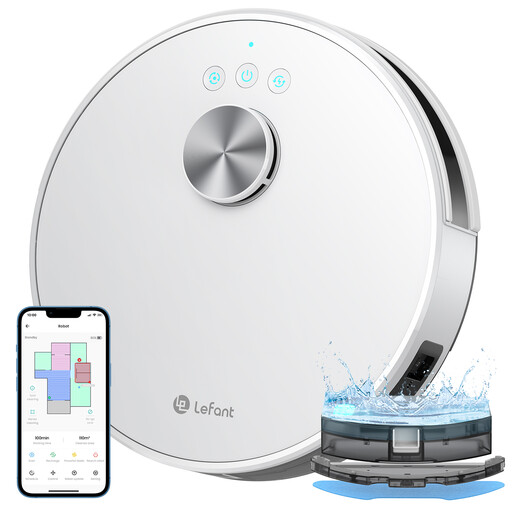
Lefant M1 Robot Vacuum Cleaner
This model is worth comparing if mapped room cleaning is your priority and you can manage the robot’s routine care yourself.
The product title lists LiDAR navigation, multi-stage mapping, app and Wi-Fi control, and claimed 5,500 Pa suction.
If the robot will cross carpets while mopping, check the exact instructions; also measure the thresholds on its route.
View on Joybuy
Common questions
Do I need a self-emptying dock for daily dust?
No, not if you are comfortable emptying an onboard bin as part of the routine. For a model-specific reference, eufy states that the Clean L60’s 350 ml bin holds around two to three days of dust and hair; choose a self-emptying arrangement when that handling is the inconvenience you want to reduce.
Will a robot vacuum cross my door thresholds and rug edges?
It depends on the measured obstacle and the exact robot, so check the route before buying. eufy states a climbing height of up to 20 mm for the Clean L60, but the shape and surface of a threshold or rug edge still matter.
Can a vacuum-and-mop robot avoid wetting carpet?
Some named models have carpet-handling features, but they are not standard across all vacuum-and-mop robots. Roborock lists mop detachment for the Qrevo 2 Pro, while iRobot lists carpet-sensing mop-pad lifting for the Roomba Plus 405 Combo; check the chosen model’s settings and instructions for your rugs.
Which replacement parts should I check?
Check compatible filters and brushes, plus mop pads and dock bags if the setup uses them. The exact model and variant matter: eufy, for example, lists an L60-series replacement kit for models T2267 and T2268.
Where can I check UK product safety alerts?
Search the GOV.UK Product Safety Alerts, Reports and Recalls service using the robot’s brand and exact model. The Office for Product Safety and Standards service covers electrical appliances and equipment; keeping the model details makes later checks easier.


