Joybuy product options
These Joybuy options are robot vacuums for floor cleaning; check each model’s multi-floor mapping procedure and station arrangements before relying on it for separate levels. Plan a separate way to clean stair treads.
 No image available
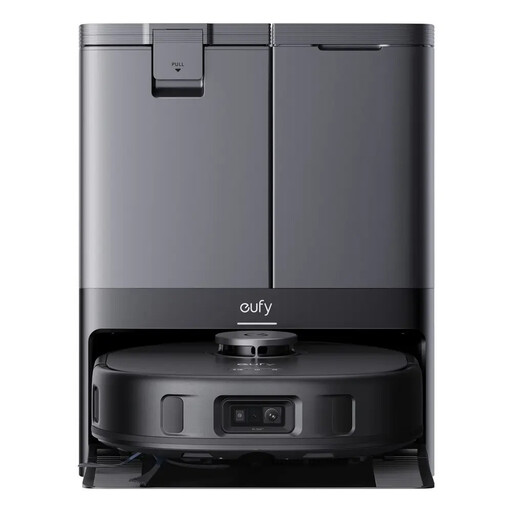
eufy X10 Pro Omni Robot Vacuum and Mop with All-in-One Station
Consider it if you want one robot for mapped floor cleaning and can carry it between levels. Eufy says it can save up to five maps when Multi-Map Saving is enabled; the station stays on its chosen floor.
The product name identifies vacuuming, mopping and an all-in-one station.
View on Joybuy
 No image available
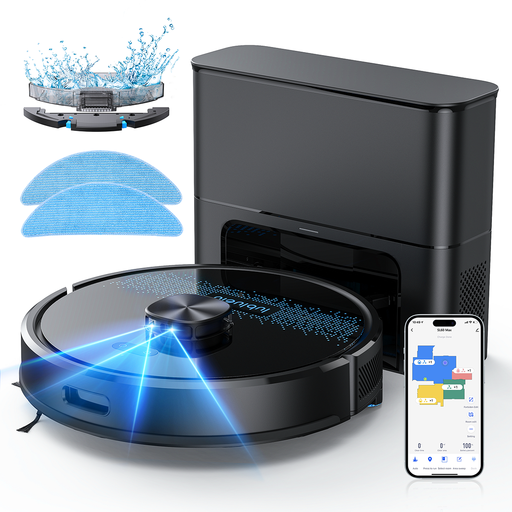
Lubluelu SL60MAX Robot Vacuum Cleaner with Suction Station 3-in-1
Consider it for app-managed floor cleaning, but check the exact model’s multi-floor map support before planning repeated use on separate levels.
The product name specifies laser navigation, app control and a suction station.
View on Joybuy
 No image available
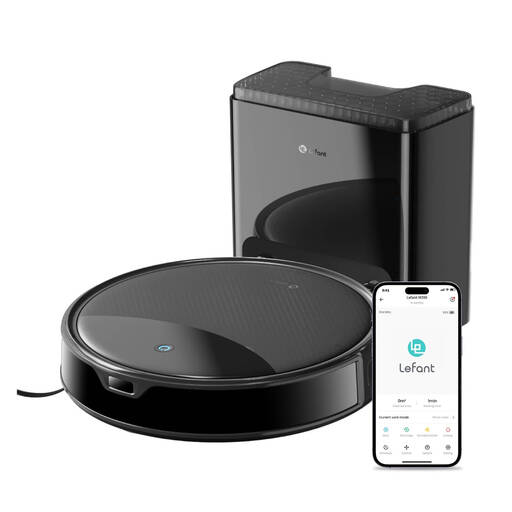
Lefant M350 Robot Vacuum Cleaner with ToF Laser Mapping
Consider it if map-guided cleaning is relevant to your floors; confirm whether the exact model supports and retains separate floor maps.
The product name lists ToF laser mapping, 6,000 Pa suction, a 40-day auto-empty station and a 7.9 cm profile.
View on Joybuy
 No image available
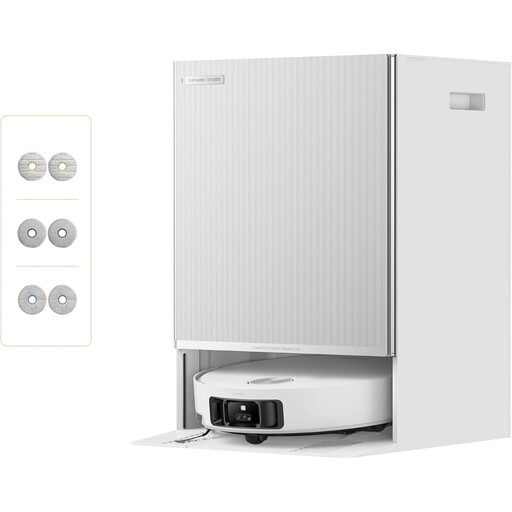
Dreame Matrix10 Ultra Robot Vacuum with Multi-Mop Switching
Consider it if you are assessing floor transitions, but do not treat an advertised obstacle figure as a guarantee for every doorway or as stair-climbing ability.
The product name advertises 8 cm obstacle clearing and 30,000 Pa suction. ECOVACS UK Support notes that threshold shape, width and approach angle can affect crossing.
View on Joybuy
 No image available
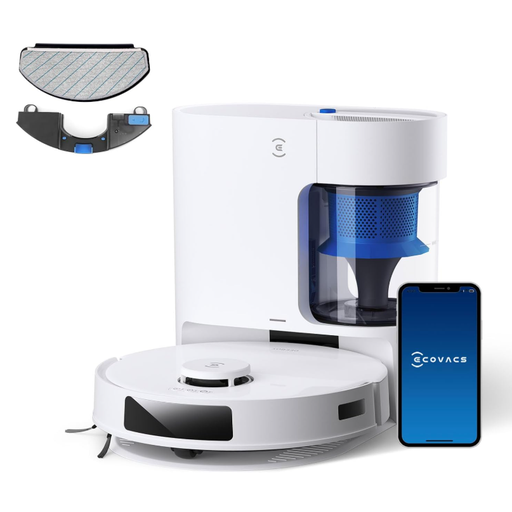
ECOVACS DEEBOT N20 PLUS Robot Vacuum with LDS Navigation
Consider it for app-managed mapped cleaning, but check multi-floor map support for this exact model before planning separate levels.
The product name lists LDS navigation, mopping, 8,000 Pa suction and a self-empty station.
View on Joybuy
Frequently asked questions
Will a saved map let a robot reach the next storey?
No. A saved map can help a supported robot navigate after you move it to another level; it does not make the robot climb stairs. Follow the exact model’s instructions for creating and selecting each floor map.
Can I leave the dock downstairs?
That depends on the model and the tasks you expect upstairs. Roborock says models on its support list can recognise a mapped floor without moving the dock, while iRobot advises against moving its dock between floors. Check which functions depend on the station and whether a compatible second dock is an option for your model.
Why might a robot fail at a threshold near its advertised limit?
ECOVACS says a threshold’s shape and width, as well as the robot’s approach angle, can affect crossing; its cited 20 mm figure comes from a lab condition. Measure the doorway and compare it with guidance for the exact model rather than assuming the figure guarantees passage.
What should I check when setting up and maintaining a multi-floor robot?
Check the exact model’s map-saving and floor-selection procedure, then follow its instructions for sensors, brushes and the dock. For the X10 Pro Omni, Eufy says to enable Multi-Map Saving before making another map; otherwise, a new map replaces the old one.
What product-safety information should I check in the UK?
UK Office for Product Safety and Standards guidance advises checking for appropriate marking and the manufacturer’s name and address on electrical goods. Do not assume that only UKCA marking is acceptable throughout the UK: government guidance describes CE-mark recognition for applicable goods placed on the Great Britain market and provides separate guidance for Northern Ireland.


