Renters who regularly mop hard floors
If the living and kitchen area is mostly sealed hard floor, a vacuum-and-mop robot may suit your routine. Check whether there is room to remove the dock’s water tanks and how the robot handles any rugs.


Choose the robot-vacuum format around your floor mix and the maintenance you are willing to do, rather than suction figures alone. A vacuum-only or self-emptying model suits mainly dry debris; a vacuum-and-mop dock is worth considering when most of the area is sealed hard floor and you have space to handle its water tanks. Check rug protection, clutter handling and the dock’s working location before deciding.
If the living and kitchen area is mostly sealed hard floor, a vacuum-and-mop robot may suit your routine. Check whether there is room to remove the dock’s water tanks and how the robot handles any rugs.
If dust, crumbs and hair are the main jobs, a vacuum-only robot avoids mop-pad and water-tank care. A self-emptying dock can reduce how often you empty the robot’s bin, but adds a station and dust bags.
Where cables, shoes or bags often end up on the floor, look at model-specific obstacle avoidance and mapping controls. Clear small hazards before an unattended clean even when a robot advertises object recognition.
Choose it when: You mainly need dry cleaning and are content to empty the robot yourself.
Trade-off: You do not get dock-led bin emptying or automated mop care.
Choose it when: Dry debris is the priority, but you want to empty the robot’s bin less often.
Trade-off: The dock takes space and uses dust bags; it does not wash floors.
Choose it when: Most floors are suitable for damp mopping and you can reach the dock to refill and empty its tanks.
Trade-off: Automated mop care still leaves tank, tray, brush and filter maintenance.
| Concern | Buying checks | Who this matters to |
|---|---|---|
| Floors, mopping and rugs | Check whether the floor finish permits damp mopping and compare each rug’s pile and edges with the exact model’s mop-lift or avoidance controls. | If I want to mop the connected hard-floor area, I also need a way to keep nearby rugs dry. Around 40% of consumers put floor and mopping fit first. |
| Dock space and upkeep | Measure the dock position and tank-removal clearance; check the replacement bags, filters, brushes and pads the model uses. | I would rather empty the bin or wash pads less often, provided the station remains practical to maintain. For around 30% of consumers, dock upkeep is the primary concern. |
| Navigation and clutter | Look for model-specific obstacle avoidance and map boundaries; plan to clear cables, liquids and small objects before scheduled runs. | When belongings move around an open-plan room, I need cleaning routes that I can manage without relying on obstacle detection alone. Navigation comes first for around 20% of consumers. |
| Electrical setup and support | Check the plug, cable and socket, the product instructions, replacement-part access and the support route for the exact listing. | Before leaving a dock connected in my rented flat, I want a sound electrical setup and a clear route for appliance support. Around 10% of consumers prioritise those checks. |
A vacuum-and-mop station also needs accessible space for removing tanks and cleaning its tray.
Measure the intended position and working clearance before ordering; check consumables for the exact model.
Allow for replacement bags, filters, brushes and mop pads, as well as time to clean the tanks and tray.
Lift height is model-specific, and a rug’s pile and raised edges affect whether its surface stays clear of the mop.
Compare the stated lift with each rug, try the robot cautiously and set no-mop zones where protection is uncertain.
Object-recognition features are not a guarantee that the robot will avoid every small hazard.
Pick up charging leads, liquids and loose items before an unattended run, and use no-go zones around recurring problem areas.
Electrical Safety First warns that overloading an extension lead or connecting extensions to one another can cause overheating.
Use an undamaged socket and cable, follow the product instructions and stop using the equipment if a plug or socket shows heat damage, buzzing or repeated tripping.
The X10 Pro Omni is a vacuum-and-mop dock example for predominantly hard floors.
The Qrevo S Pro is another vacuum-and-mop dock example with liftable mops.
The Roomba Max 705 Vac + AutoEmpty Dock illustrates the dry-cleaning, self-emptying route.
These models represent the vacuum-and-mop dock route for open-plan floors. If you mainly want dry cleaning without water-tank care, compare the simpler formats above rather than treating this product list as a choice between all three routes.
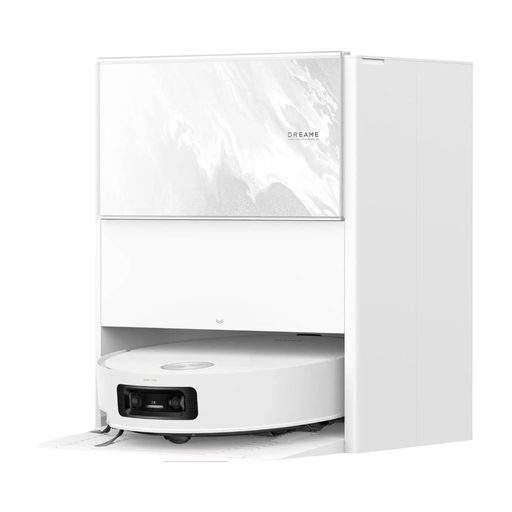 No image available
Consider this vacuum-and-mop model if regular hard-floor mopping matters and you have room to maintain a dock.
The product name states 25,000 Pa suction and 100°C mop self-cleaning. Check its rug handling and the clearance needed around the dock against your flat.
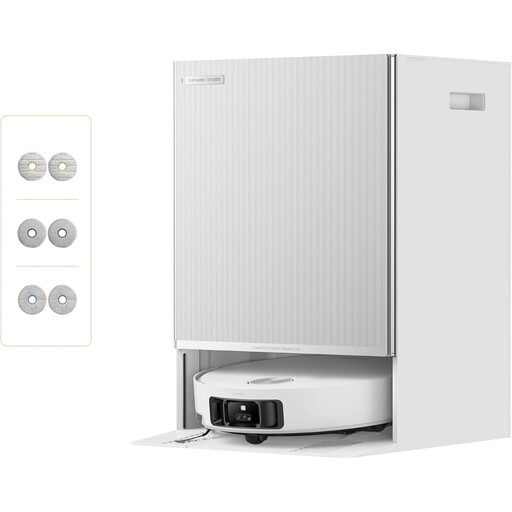 No image available
Consider its multi-mop format if vacuuming and mopping both form part of your floor-cleaning routine.
The product name states 30,000 Pa suction and self-emptying, refilling and mop cleaning. Measure dock access and check any rug edges or floor thresholds against the exact model’s stated capabilities.
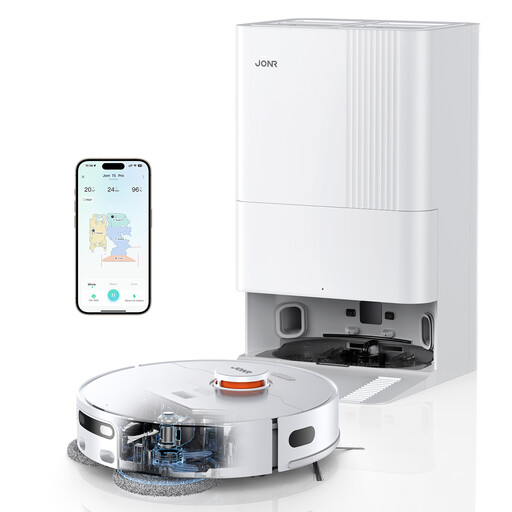 No image available
This vacuum-and-mop format suits someone willing to maintain a dock in exchange for automated dust emptying and mop care.
The product name lists 8,150 Pa suction, LiDAR navigation and hot-air drying. Check mop clearance against your rugs and measure the dock position before buying.
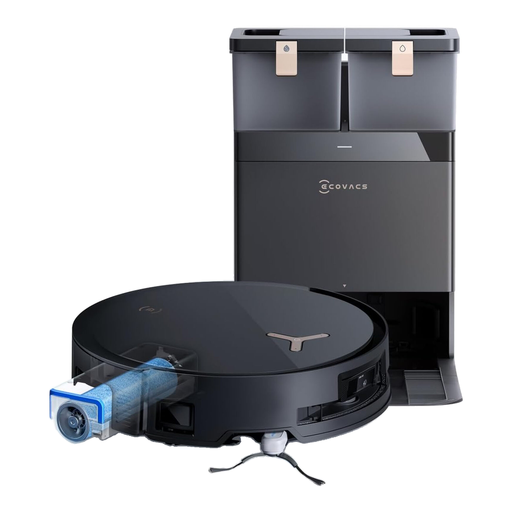 No image available
Consider this roller-mop and dock format where regular hard-floor cleaning matters and there is space for station upkeep.
The product name states 18,000 Pa suction and identifies an OZMO ROLLER self-washing system. Check rug clearance, floor transitions and dock access for your layout.
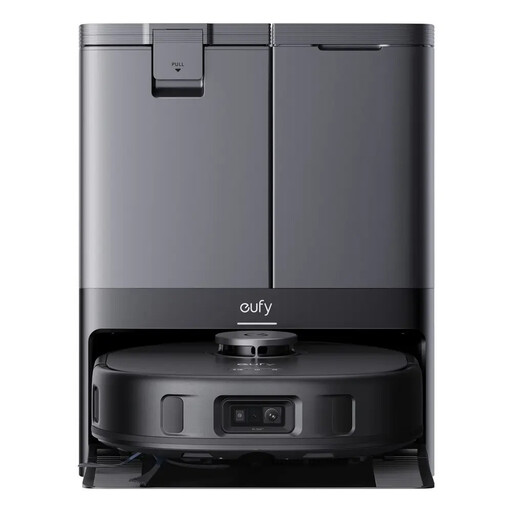 No image available
This vacuum-and-mop model is worth considering for mostly hard floors when you can access the station for routine water and mop care.
The product name states 8,000 Pa suction and dual mops. eufy UK specifies a 12 mm carpet mop lift for the X10 Pro Omni; compare that figure with your rugs rather than assuming they will all remain dry.
Use an undamaged plug, cable and socket, and follow the product instructions. Electrical Safety First warns against overloaded or daisy-chained extension leads; stop using the setup if you notice heat damage, buzzing or repeated tripping.
Register it with the manufacturer where registration is available and keep your proof of purchase. Electrical Safety First advises tenants to register and maintain electrical products they bring into the property.
It does not replace checking and maintaining the robot vacuum you bring into the flat. Electrical Safety First advises tenants to look after their own electrical products and raise problems with the property’s electrical installation.
Check the exact model, suitable mains connection, clear instructions, replacement consumables and the applicable support and warranty terms. For Great Britain, the Electrical Equipment (Safety) Regulations 2016 address identification and understandable safety information for covered equipment placed on the market; an individual listing’s warranty terms still need checking separately.