What to compare before buying
Small wearable action camera
Consider it when: you want to minimise the camera worn and can accept shorter standalone recording or use a separate pod.
Trade-off: camera-only weight and runtime may not describe the complete setup or the configuration used for a longer recording.
Chest-mounted action camera
Consider it when: a hands-free chest view and a harness you can secure and adjust suit your route.
Trade-off: the camera’s stated weight does not include the harness, and runtime varies with recording settings.
Body camera with pre-event buffering
Consider it when: you mainly want to retain footage around an event rather than save every minute of the route.
Trade-off: the camera, control unit and cable all need to be secured on your running kit; buffering is not the same as saving a whole route.
| Concern |
What to check when buying |
Who this matters to |
| Low worn weight and secure attachment |
Compare camera and mount weight; check the attachment instructions and try the assembled position on a short run. |
If I want less kit on a solo run, I need to know how much the complete setup adds and whether its attachment suits my clothing. Around 29% of consumers put low-profile wear and secure attachment first. |
| Recording the whole route |
Match battery life at your chosen resolution and frame rate to the run; check storage and whether the mode overwrites older footage. |
If I want to keep the full route, I need continuous recording that fits my planned duration and storage. Around 29% of consumers prioritise retaining the whole route. |
| Capturing an event |
Check the pre-event buffer length, how recording is activated and whether the clip is saved afterward. |
If I mainly want footage around an unexpected event, I need to understand what the camera retains before and after activation. Around 21% of consumers put event capture first. |
| A stable forward view |
Confirm that the mount suits the camera and your running layers; check the angle and attachment instructions while wearing the setup. |
If keeping a forward view correctly positioned matters to me, I would compare the complete mount and accept extra equipment only if I can secure it. Around 21% of consumers prioritise a stable viewpoint. |
For reference, Insta360 specifies approximately 39.1 g for the GO 3S camera alone, while its pendant instructions caution against high-intensity activities. These details do not establish the comfort or security of a complete setup on a particular runner.
Joybuy products
Joybuy camera choices related to recording running routes. Check each model’s form, mounting options and recording mode against how you plan to carry it.
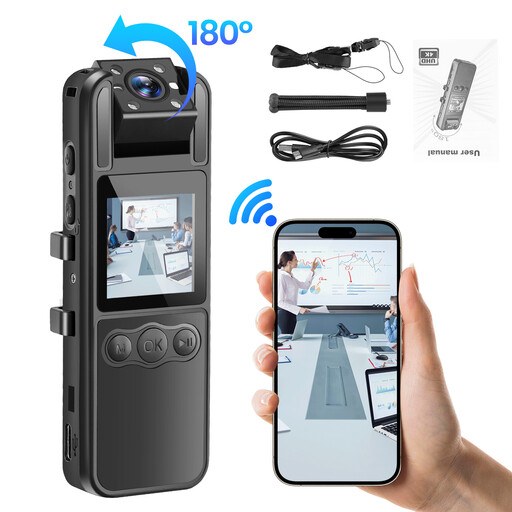 Image unavailable
64GB Body Camera 1080P with Night Vision and Audio Recording
The listing names running and sports use, so check how the wearable camera and its controls can be secured on your running kit.
The product name specifies 64GB, 1080P recording, night vision and audio recording. Its 6-hour battery-life figure is a listing claim.
Joybuy
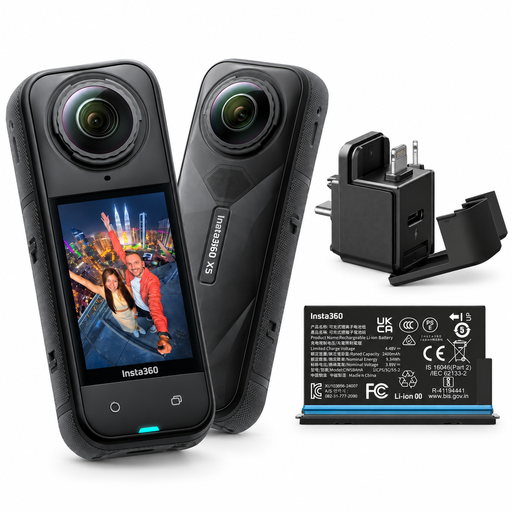 Image unavailable
Insta360 X5 Power and Transfer Bundle
Consider this bundle if its 360° video format suits the route footage you want; check how you would carry and mount the camera while running.
The listing describes 8K 360° video and a bundle with an extra battery and Quick Reader. A microSD card is sold separately.
Joybuy
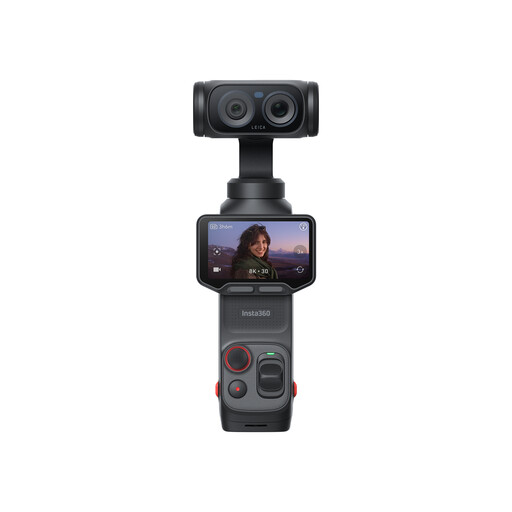 Image unavailable
Insta360 Luna Ultra Standard Bundle Cosmic Black
The listing describes solo shooting and vlogging; check whether this camera system’s form and mounting options suit how you want to record a run.
Listing details include 3-axis stabilisation, AI tracking and a detachable touchscreen. The stated shooting time of up to four hours is a listing claim.
Joybuy
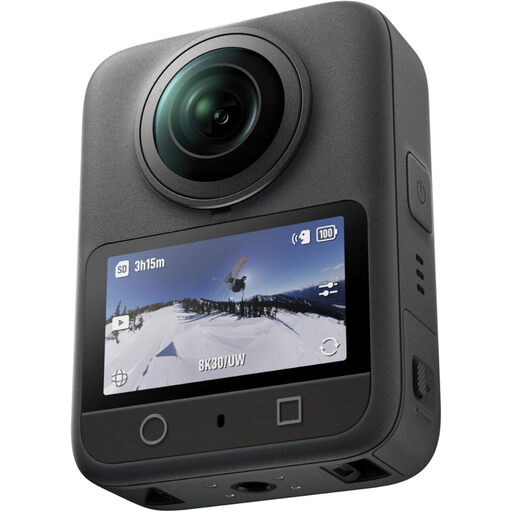 Image unavailable
DJI Osmo 360 Standard Kit
The product name describes a 360° action camera for sports and vlogging. Check its form and mounting options against your running setup.
The listing describes 360° video and claims 8K/30 fps recording for up to 100 minutes, as well as 4K/120 fps recording.
Joybuy
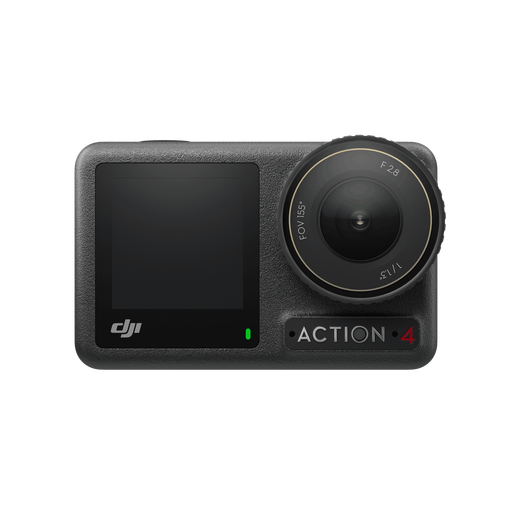 Image unavailable
DJI Osmo Action 4 Adventure Combo
The listing describes Pre-Rec options, which may be relevant if you want footage from shortly before activating recording; check the mode and controls for your intended use.
The product name specifies 4K/120 fps and three extra batteries. The claimed recording time of up to 7.5 hours is for the listed setup.
Joybuy
Frequently asked questions
Does loop recording keep my entire running route?
Not if it is set to overwrite after a finite interval. Insta360 says GO 3S loop mode overwrites earlier clips in that mode; choose standard continuous recording if you need to retain the whole route, and check battery and storage separately.
Is pre-recording the same as recording throughout a run?
No. Pre-recording retains a specified short period before activation while the feature is operating. Insta360 specifies 10–30 seconds for GO 3S in supported modes, while Transcend specifies up to two minutes of pre-event buffer for the DrivePro Body 70. Check the model’s mode and controls before setting off.
What should I check before wearing a magnetic camera mount on a run?
Follow the instructions for the exact mount. Insta360 advises against using its GO 3/GO 3S Magnet Pendant during high-intensity activities, warns that thick or uneven clothing can weaken its hold, and says to keep its magnets away from pacemakers. These are manufacturer instructions for that accessory, not a rule for every camera or runner.
What should I check about ongoing costs and returns?
Check whether the bundle includes any mount or memory card you need, and whether the purchase qualifies for distance-selling cancellation rights. GOV.UK says qualifying customers generally have 14 days after receiving an item to notify the seller that they wish to cancel, followed by another 14 days to return it; remedies for faulty goods are separate.
Can I publicly share running footage that identifies other people in the UK?
Do not assume that footage made for personal use can automatically be posted publicly without privacy considerations. The Information Commissioner’s Office says in its school-event example that a public post viewable by an indefinite audience is likely to go beyond personal use; that example does not decide every runner’s situation. Consider who is identifiable and how widely you intend to share the footage. The ICO’s organisational surveillance guidance does not cover purely personal or household recording.


