
24/7 Customer Support

Free returns

Same-day & Next-day Delivery

Quality Guaranteed

Unlock Your Welcome Offers: FREE Delivery | Up to 80% OFF | Free 30-day JoyPlus trial
Download the APP
A Samsung The Frame TV is designed to serve two purposes: a television for everyday viewing and a display for artwork when switched off. That combination makes it appealing for living rooms, bedrooms and open-plan spaces where a conventional black screen may feel visually intrusive. However, the frame-style design does not automatically make every model suitable for every room.
Before buying a Samsung Frame TV, look beyond the artwork feature. Screen size, resolution, reflections, wall compatibility, refresh rate and energy use can all affect whether the television feels like a worthwhile purchase.
The product name can create confusion across different screen sizes. The Samsung The Frame QE32LS03CBUXXU is a 32-inch model with Full HD resolution of 1920 × 1080 pixels, rather than 4K. This may be perfectly practical for a bedroom or smaller sitting room, but shoppers expecting the detail of a 4K QLED smart TV could be disappointed.
For larger screens, such as a 43-inch Samsung TV or 50-inch Samsung TV, 4K resolution is more suitable. These models offer 3840 × 2160 pixels, giving compatible films, broadcasts and games more visible detail at normal viewing distances.
An anti-glare TV can reduce distracting reflections, but it cannot remove every lighting issue. Direct sunlight, bright lamps and windows opposite the screen may still affect visibility. The Frame models listed here use a matte display, which is particularly useful in rooms with changing daylight, but placement remains important.
Check where the television will sit before ordering. A wall opposite a large window may still require blinds or curtains, especially during daytime viewing.
A slim wall-mounted TV only looks integrated when the wall, cables and mounting position are planned carefully. Check the television’s VESA mounting pattern, wall strength and the location of sockets before purchase. Larger screens are also heavier and more difficult to position safely.
For households with children, secure the television to suitable furniture or mount it correctly to reduce the risk of tipping. Do not block ventilation openings, and follow the supplied installation instructions.
Choose the screen according to the room rather than the appearance of the television in a product image.
Measure the wall and furniture first. The 43-inch Frame model is approximately 969.5 mm wide with its stand, while the 50-inch version is approximately 1124.1 mm wide with its stand. Allow additional space for cables and ventilation.
Samsung’s QLED panels use Quantum Dot technology, which is designed to produce a broad range of colours. The 4K Frame models also include features such as HDR10+, motion processing and AI upscaling. These specifications can improve the appearance of compatible content, although results vary with the source quality and viewing conditions.
When comparing alternatives, do not judge solely by terms such as “AI” or “cinematic”. Check the actual resolution, native refresh rate, HDR formats and backlight design. For example, a QD-Mini LED television uses Quantum Dot colour alongside more advanced backlighting, while a standard QLED TV may use a simpler LED arrangement.
The 43-inch and 50-inch Frame models listed have a 50 Hz native refresh rate and include gaming functions such as Auto Low Latency Mode and Game Mode. They can suit casual console gaming, but frequent players should compare refresh-rate specifications carefully.
For heavier gaming use, the TCL 50Q6C offers a stated refresh rate of up to 144 Hz for gaming, along with VRR, ALLM, HDMI 2.1 and AMD FreeSync Premium Pro. These features are more relevant to users with compatible consoles or gaming PCs than to viewers who mainly watch streamed programmes.
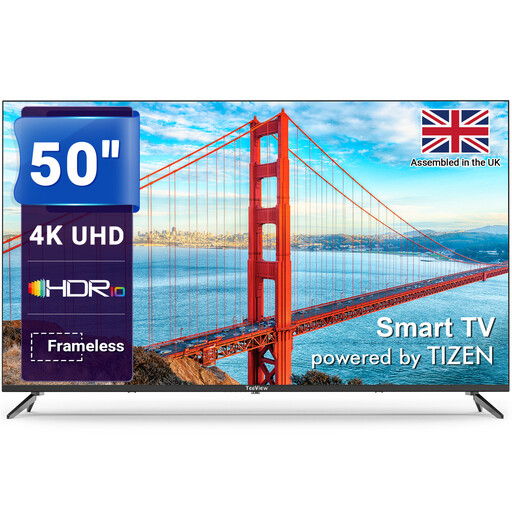
Why This Fits Their Persona: A 50-inch 4K smart television for households that want streaming access and a generous screen without specifically requiring Frame artwork functionality.
Its specification clearly states 4K resolution, Tizen OS, three HDMI ports and two USB ports, reducing ambiguity around core functionality.
50-inch 4K display; Tizen platform with Wi-Fi, Ethernet and gaming features.
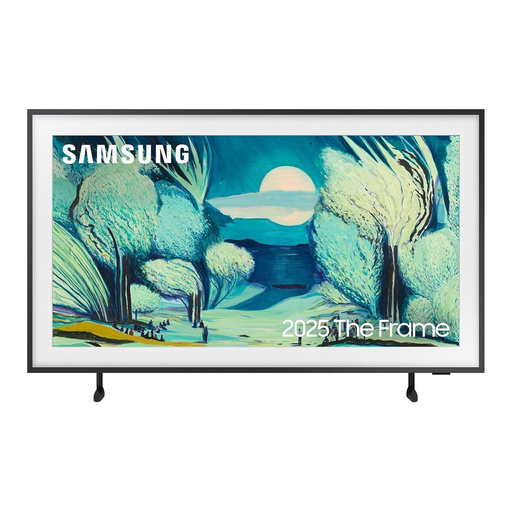
Why This Fits Their Persona: A 43-inch Samsung TV for a feature wall, dining room or smaller lounge where a conventional screen may interrupt the décor.
The anti-glare matte display, Art Mode and VESA support address reflections and the challenge of integrating a TV into a styled room.
4K QLED display; Tizen, AirPlay 2, four HDMI ports and image gallery functions.
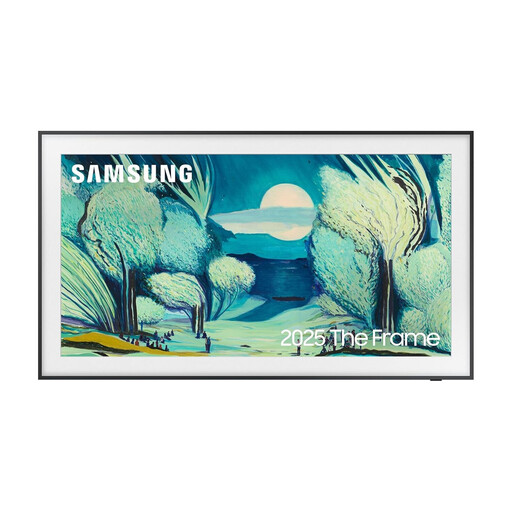
Why This Fits Their Persona: A balanced option for homeowners who want the Frame appearance, 4K picture detail and smart home compatibility in a main living room.
Its listed matte display, Art Mode, VESA mounting and included mounting kit make the design purpose more practical.
4K QLED panel; four HDMI ports, One Connect Box support and Tizen smart functions.
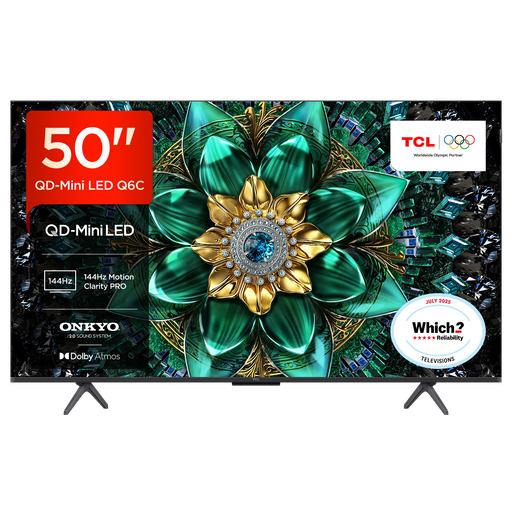
Why This Fits Their Persona: A strong match for households prioritising gaming responsiveness, HDR formats and built-in audio over artwork display.
The specification lists HDMI 2.1, VRR, ALLM and up to 144 Hz gaming refresh, making its gaming credentials easier to assess.
QD-Mini LED display; 30W Onkyo audio system with Dolby Atmos and Google TV.
We have compiled a complete, real-time list of products that fully satisfy these strict selection criteria and UK safety regulations.
Yes. The listed 43-inch and 50-inch models support VESA mounting, while the 32-inch model supports a slim-fit wall mount. Confirm the required mounting dimensions, wall type and bracket weight rating before installation. Concealing cables may require additional planning or professional installation.
Consumption depends on screen size, brightness, viewing hours and whether Art Mode is active. The listed models include energy-saving modes, but their energy labels vary by size. Check the product specification and expected usage rather than assuming that a smaller visual footprint means lower running costs.
A television’s usable lifespan depends on operating hours, ventilation, software support and component wear. Keep the vents clear, avoid pressing the panel when moving it and use surge protection where appropriate. Also check the supplied warranty and any registration requirements before completing your purchase.