
24/7 Customer Support

Free returns

Same-day & Next-day Delivery

Quality Guaranteed

Unlock Your Welcome Offers: FREE Delivery | Up to 80% OFF | Free 30-day JoyPlus trial
Download the APP
Running out of space on an Android phone, camera or Nintendo Switch is inconvenient, but choosing a card by capacity alone can create bigger problems. A card may fit physically yet fail to support your device’s format, recording speed or app requirements.
The main traps are easy to overlook:
A 128GB SD card is suitable for everyday photography, Full HD video, phone storage and moderate gaming libraries. A 256GB SD card provides more room for RAW images, extended video sessions and downloaded games, while a 512GB SD card is more appropriate for large media collections and long recording days.
Capacity is not the only consideration. Cards above 32GB commonly use SDXC. Confirm that your device supports SDXC UHS-I before buying. The usable space shown by your device will also be lower than the printed capacity because of formatting and file-management requirements.
For microSD purchases, check whether the device supports 128GB microSD cards, 256GB or 512GB. Some older phones, tablets and cameras specify a maximum capacity in their manuals.
A Class 10 card meets a minimum sequential write-speed requirement, but more demanding devices need additional ratings:
For a 4K video memory card, look for the recording device’s recommended U3 or V30 specification. A higher headline read speed does not automatically make a card suitable for 4K recording.
A microSD card with adaptor can work in devices with a standard SD slot, including some cameras, drones, laptops and card readers. However, the adaptor does not change the card’s underlying speed or capacity.
Check:
Formatting the card in the device before first use can improve compatibility. Always back up important photographs, videos and documents; a memory card is portable storage, not a complete backup system.
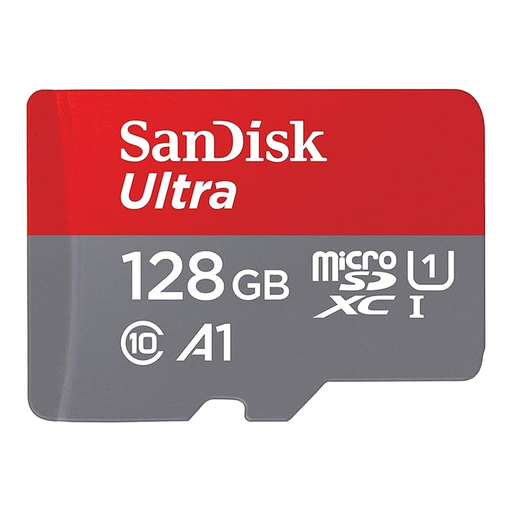
Why This Fits Their Persona: A practical 128GB option for Android phones, tablets and everyday file storage, with an adaptor for occasional use in full-size SD slots.
The listed A1 rating clarifies its app-focused use, while the included SD adaptor avoids a separate accessory purchase.
128GB capacity, A1 application performance and read speeds of up to 140MB/s as specified.
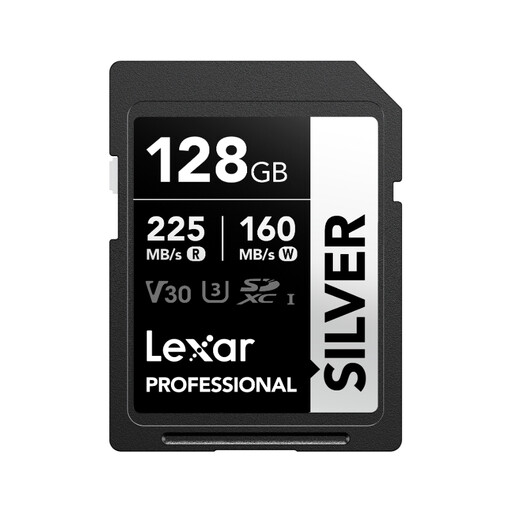
Why This Fits Their Persona: A full-size card for photographers and videographers using compatible cameras in the UK, including Canon, Sony and Nikon models.
Its U3 and V30 markings communicate video suitability more clearly than a read-speed figure alone. The 205MB/s read figure requires the specified Lexar RW310X reader.
Up to 140MB/s write speed, U3, V30 and stated support for 4K 60fps recording.
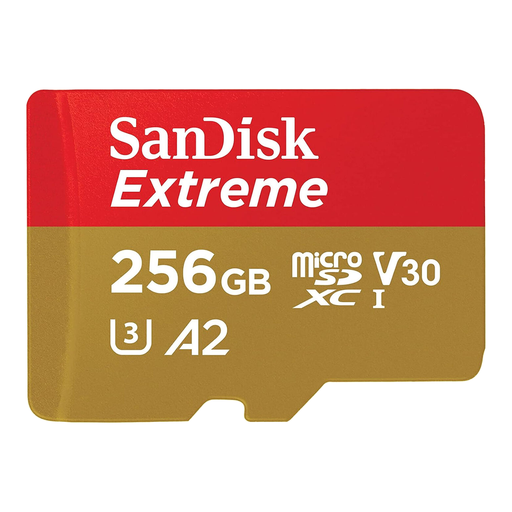
Why This Fits Their Persona: Designed for users managing 4K footage, apps or large files across Android phones, action cameras and drones.
The U3 and V30 ratings are relevant to sustained video writing, while the A2 rating targets compatible app use. The adaptor supports standard SD slots.
256GB capacity, up to 130MB/s write speed, A2, U3 and V30 classifications.
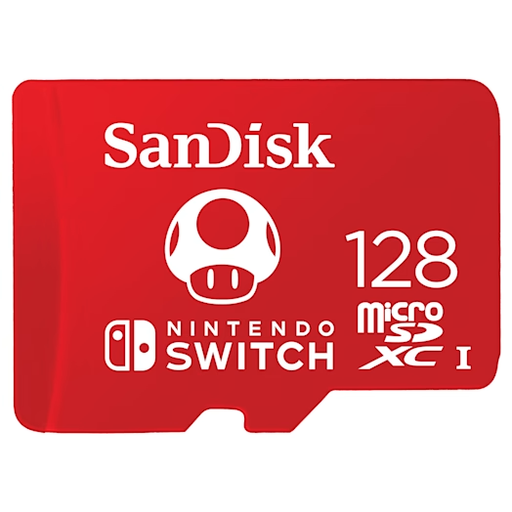
Why This Fits Their Persona: A straightforward Nintendo Switch microSD card for players adding downloadable games, screenshots and additional content.
It is specified for Nintendo Switch, Switch OLED and Switch Lite, reducing the risk of buying a generic card without confirmed console compatibility.
128GB capacity, read speeds up to 100MB/s and write speeds up to 90MB/s.
We have compiled a complete, real-time list of products that fully satisfy these strict selection criteria and UK safety regulations.
It provides the same physical SD-slot format, but the storage remains on the microSD card. Speed and compatibility still depend on the microSD card, adaptor, reader and host device.
No. The device must support SDXC and the stated capacity. Check the camera or phone manufacturer’s specification before choosing a 512GB card. Some devices also require a particular speed class for 4K recording.
There is no single guaranteed lifespan. Longevity depends on write frequency, operating temperature, card quality and handling. Cards used for frequent recording should be replaced according to the device or manufacturer’s guidance, and important files should be backed up regularly.