
24/7 Customer Support

Free returns

Same-day & Next-day Delivery

Quality Guaranteed

Unlock Your Welcome Offers: FREE Delivery | Up to 80% OFF | Free 30-day JoyPlus trial
Download the APP
Buying storage for a camera, phone or games console can appear straightforward, but the wrong SD and microSD memory cards may cause slow transfers, recording interruptions or compatibility problems. A high capacity alone does not guarantee suitable performance.
Before choosing a 512GB memory card, 256GB memory card or smaller option, check the device requirements and the card’s sustained speed ratings. The following guide explains the main buying traps and highlights suitable options for different types of UK users.
A card may advertise a high maximum read speed, which mainly affects transferring files to a computer. Video recording and burst photography depend more on sustained write performance.
For example, a 4K video memory card should have a suitable Video Speed Class rating, such as V30, rather than relying only on a headline read-speed figure. A card advertised at 200MB/s may also require a compatible reader to achieve that transfer rate.
Capacity standards matter. SDHC cards generally cover capacities up to 32GB, while SDXC memory cards cover higher capacities from 64GB upwards. Your camera, drone, smartphone or tablet must support the relevant SDXC or microSDXC format.
Older devices may not recognise a 256GB or 512GB card, even if the physical card fits the slot. Always check the manufacturer’s device specifications before purchasing.
A microSD Express card can offer much higher stated speeds than a UHS-I memory card, but those speeds require a compatible microSD Express host device and reader. In a standard UHS-I slot, it will operate at the supported interface speed instead.
Similarly, A1 and A2 microSD cards are designed for application performance, but the phone or tablet must support running apps from removable storage for this feature to be useful.
Choose capacity according to the files you create and how often you can offload them:
For dashcams and security cameras, capacity is only one consideration. Look for a card specifically described for continuous recording or high endurance, and confirm that the device supports the capacity selected.
The most useful ratings include:
For a camera memory card used for 4K recording, a U3 V30 SD card or microSD equivalent is a sensible specification to look for. Performance may vary according to the host device, file size, reader and operating conditions.
Full-size SD cards are common in cameras and laptops. MicroSD cards are used in Android smartphones, tablets, drones, action cameras and some gaming devices.
A memory card with SD adapter can be useful if you move one microSD card between a drone and a full-size camera. However, the adapter does not increase the card’s speed; the host device and interface remain the limiting factors.
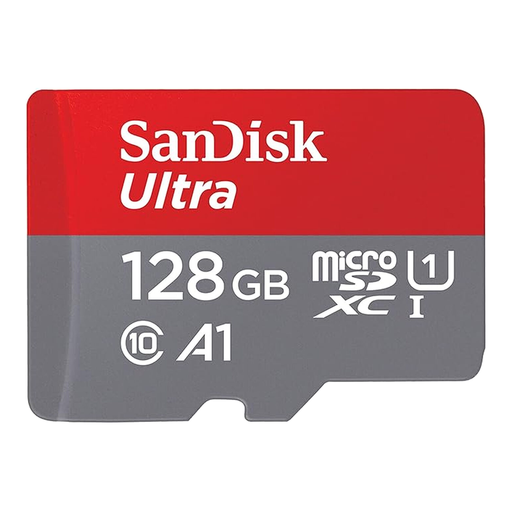
Why This Fits Their Persona: A 128GB microSDXC card for Android phones, tablets and everyday devices, with an adapter for compatible full-size SD slots.
It clearly states the microSDXC format and includes an SD adapter, helping avoid buying a card that cannot be used in a full-size slot.
128GB capacity, A1 application rating and up to 140MB/s stated read speed.
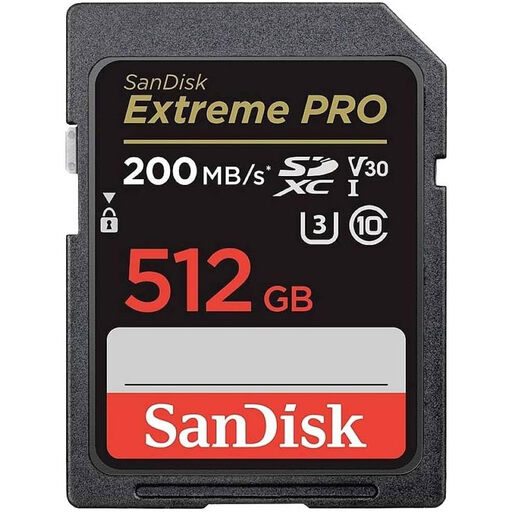
Why This Fits Their Persona: Designed for photographers and videographers managing large RAW photo libraries, burst sequences and extended 4K recording.
Its U3 and V30 ratings provide a clearer recording benchmark than relying on the maximum transfer speed alone.
512GB capacity, up to 200MB/s read speed, up to 140MB/s write speed and stated resistance to water, shock, temperature and X-rays.
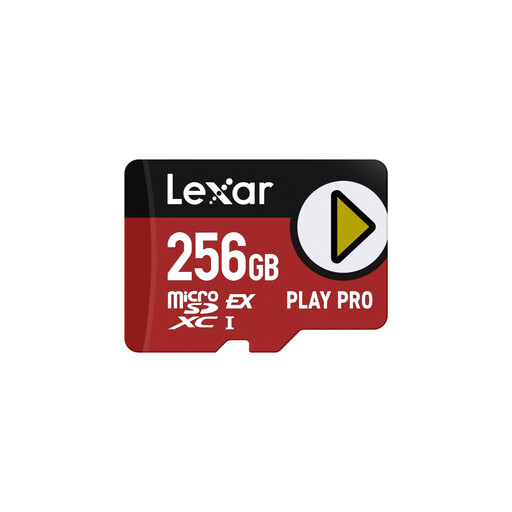
Why This Fits Their Persona: A 256GB gaming microSD card for compatible handheld consoles and devices that support microSD Express.
The interface requirement is clearly stated, so buyers can check compatibility before paying for Express-level performance.
Up to 900MB/s read and 600MB/s write speeds on compatible Express devices, plus A2 application performance.
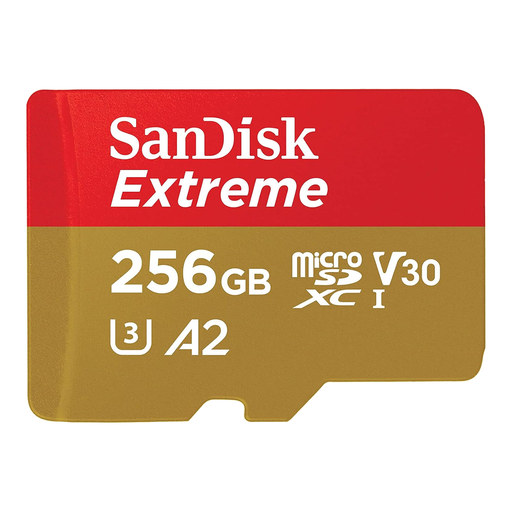
Why This Fits Their Persona: Suitable for action cameras, drones, Android devices and creators who need one compact card across several pieces of equipment.
The U3 and V30 ratings are relevant to sustained 4K capture, while the included adapter supports full-size SD slots.
256GB capacity, up to 190MB/s read speed, up to 130MB/s write speed and A2 application rating.
We have compiled a complete, real-time list of products that fully satisfy these strict selection criteria and UK safety regulations.
Not directly. A microSD card can often be used in a full-size SD slot with a suitable adapter, but a full-size SD card cannot fit a microSD slot. Compatibility with the device’s capacity, file system and speed standard still needs to be checked.
Lifespan depends on capacity, flash type, recording frequency, heat and how often data is overwritten. Cards used continuously in dashcams or security cameras experience more writing than those used for occasional photos. Regular backups and replacing cards showing errors can reduce the risk of lost files.
It can be practical for extended 4K recording, large game libraries or users who cannot regularly transfer files. For occasional photos, Full HD video or basic smartphone storage, a 128GB or 256GB memory card may provide sufficient capacity at a lower cost. Always confirm that your device supports the chosen SDXC or microSDXC capacity.