Households with a router-band mismatch
If a camera uses only 2.4GHz, or you expect to connect it on 5GHz, check the exact model’s bands and supported Wi-Fi security against your router before ordering.


Match a camera’s stated Wi-Fi bands and security requirements to your router, then check the signal at its planned position before choosing recording features. A dual-band model gives you two band options where your router offers both, but it cannot fix a weak signal at the camera; consider an access point or mesh coverage if that is the problem. If local recording matters, check the storage hardware and what the exact model can record during an internet outage.
If a camera uses only 2.4GHz, or you expect to connect it on 5GHz, check the exact model’s bands and supported Wi-Fi security against your router before ordering.
A garden, garage or outer room may have poor coverage even when the camera and router are compatible. Check the intended position before deciding whether to move the camera or improve the network.
If you prefer microSD, hub or network video recorder storage to relying solely on a cloud service, check compatible hardware, capacity and the exact model’s recording behaviour during an internet interruption.
Start with router compatibility and signal at the mounting point. Then decide how recordings should be stored and whether an existing connection problem needs diagnosis before you replace equipment.
| Concern | What to check | Who this matters to |
|---|---|---|
| Wi-Fi compatibility | Compare the exact camera model’s 2.4GHz or 5GHz support and accepted security methods with your router settings. | I need the camera to join the home network without changing a router setup that serves my other devices. Around 31% of consumers put compatibility first. |
| Coverage at the camera | Test the planned position for a reliable signal; consider router placement, obstacles and a suitable access point or mesh node. | If the camera will face a garden or sit beyond several walls, I need a usable connection there. For around 31% of consumers, coverage is the primary concern. |
| Local recording | Check the storage type, capacity, required card or recorder, and whether the exact setup can record during an internet interruption. | I want footage kept locally rather than depending solely on cloud access, while knowing what equipment that requires. Local recording comes first for around 23% of consumers. |
| Connection diagnosis | Compare the connection near the router and at the camera position; distinguish local Wi-Fi problems from broadband or remote-access problems. | When a camera already disconnects, I want to identify the cause before replacing it or adding network hardware. Around 15% of consumers prioritise that diagnosis. |
TP-Link says most Tapo cameras connect on 2.4GHz, while selected models also support 5GHz. A brand name alone cannot establish the bands or security methods of a particular camera.
Compare the exact model’s Wi-Fi specifications with your router before ordering.
Ofcom notes that router placement and obstacles affect Wi-Fi coverage. A compatible camera can still struggle where the intended position has a weak signal.
Check the connection where the camera will sit before choosing between a different position and improved network coverage.
Mesh equipment can improve coverage inside the home, but Ofcom notes that Wi-Fi cannot outperform the underlying broadband service.
Use coverage hardware for a local signal problem; assess the broadband connection separately if remote viewing remains poor.
The Information Commissioner’s Office says UK data protection law applies if a domestic camera captures someone else’s property, a public area or communal space.
Aim the camera at your own property where possible, consider privacy masking and check current ICO guidance before installing a view beyond your boundary.
Tapo offers cameras with differing Wi-Fi-band and storage options; check the particular model rather than assuming those features apply across the range.
Reolink has both standalone dual-band camera and Wi-Fi recorder-system examples for buyers comparing connection and recording arrangements.
The eufy Window Camera E10 is an indoor-powered option intended to look out through a window.
These cameras cover indoor window, indoor room and outdoor placements. Compare the Wi-Fi requirements of the exact model with your router, then check the signal where you intend to use it.
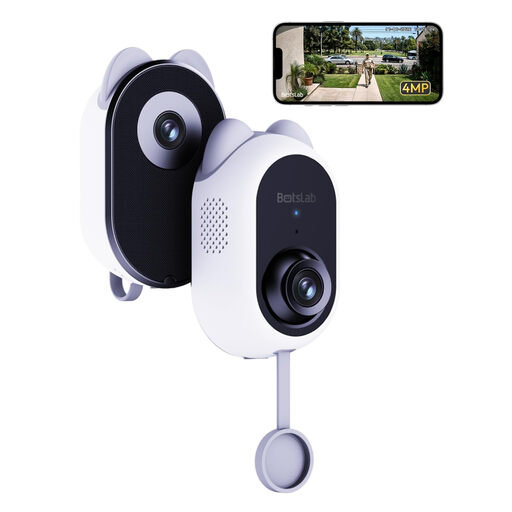 No image available
Consider this indoor window camera if you want to monitor through glass without mounting a camera outside. Its name specifies 2.4GHz and 5GHz Wi-Fi; check router security compatibility, signal at the window and the microSD card needed for your recording plans.
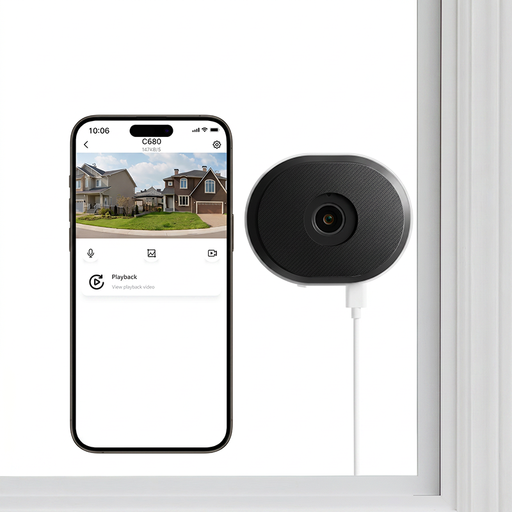 No image available
For an indoor camera aimed through a window, assess whether the proposed view through glass suits the area you want to see. The title specifies 2.4GHz and 5GHz Wi-Fi and 24/7 recording; check signal and router security at the window, and obtain a suitable microSD card if you plan to record locally.
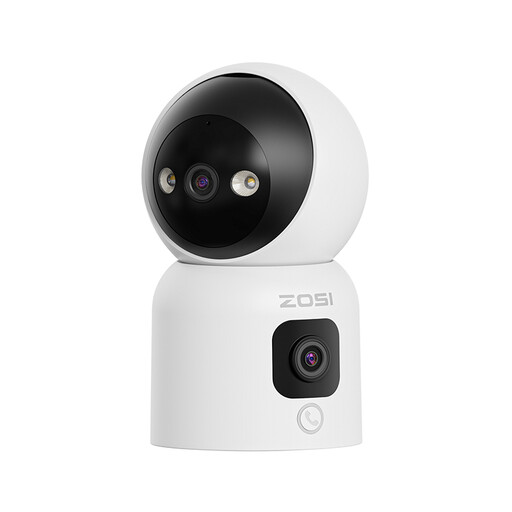 No image available
Its indoor pan-and-tilt format may suit a room where the intended view is not fixed in one direction. The title specifies dual-lens 2MP+2MP views; confirm the exact camera’s Wi-Fi bands and router security requirements, plus any card or recorder needed for your chosen storage setup.
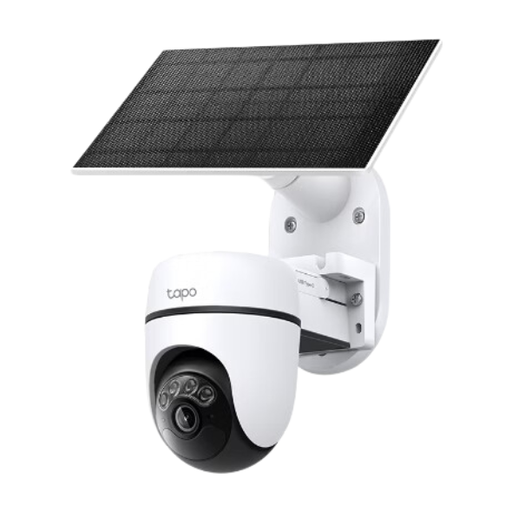 No image available
Consider the solar kit for a proposed outdoor position without a nearby power outlet, provided the site suits solar charging. Check that its stated 2.4GHz connection and security requirements match your router, test coverage at the mounting point and confirm whether a microSD card is included.
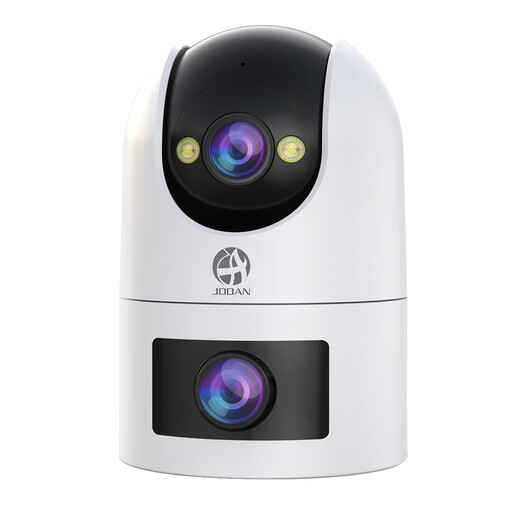 No image available
For an outdoor position where you want to assess either supported Wi-Fi band, the title lists 2.4G and 5G Wi-Fi and 24/7 recording. Check signal and router security at the mounting point, the power arrangement, and whether a suitable microSD card is included.
Check the exact model’s specifications rather than assuming every camera from a brand works on both bands. TP-Link says most Tapo cameras connect on 2.4GHz, while selected models support 5GHz; check the router’s bands and security settings alongside the camera’s requirements.
Compare the connection near the router with the connection at the camera’s intended position before replacing the camera. Ofcom identifies router placement and obstacles as Wi-Fi factors; for a compatible Tapo setup, TP-Link says a camera that works on a phone hotspot but not on home Wi-Fi points towards router network settings. Check broadband performance separately when remote viewing is affected.
Mesh Wi-Fi can help with weak in-home coverage, but it will not resolve a camera–router compatibility mismatch or make the broadband connection faster. Ofcom advises assessing signal and router placement; test the planned camera position before adding coverage equipment.
That depends on the exact recording setup; local recording and remote viewing are separate functions. TP-Link says configured Tapo cameras can continue SD-card recording after losing their router connection, while Reolink states that its RLK12-500WB4 recorder kit can record without internet. Check the model’s power, storage and connection requirements before relying on either arrangement.
The Information Commissioner’s Office says data protection law applies when a domestic camera captures someone else’s property, a public area or communal space. Position the camera to capture only your property where possible, consider privacy masking and consult current ICO guidance before using a wider view.