Households replacing a shared sofa TV
Choose a screen to suit the distance from the sofa and the view from other seats, rather than buying by diagonal alone. Which? advises measuring viewing distance when choosing a screen size.


Start with the seating positions, room light and the programmes your household watches, then choose a screen that fits the space; OLED or Mini LED alone does not determine the right setup. A smart TV can keep viewing on one screen if its exact model supports your apps and controls, while a streamer may address an app need and a compatible soundbar may be worth considering for dialogue. A projector is a more involved alternative when you can accommodate its placement, screen and sound requirements.
Choose a screen to suit the distance from the sofa and the view from other seats, rather than buying by diagonal alone. Which? advises measuring viewing distance when choosing a screen size.
If you watch films and programmes together, check speech clarity, subtitles and whether a compatible soundbar fits your setup. Which? includes speech clarity in its soundbar assessments.
Compare the TV’s apps and connections with the services and devices you use, and check the accessibility controls you need on the exact model and apps.
For a main TV used by several people, check room fit and essential services first, then decide whether extra audio equipment or a projector setup suits your household.
| Concern | What to check when buying | Who this matters to |
|---|---|---|
| Screen fit and shared viewing | Measure sofa-to-screen distance and available wall or stand space; consider the view from side seats and reflections in the room. | If I am replacing the main set, I want a screen that fits our seating and room before choosing a display type. Around 33% of consumers put screen fit first. |
| Speech clarity and accessible viewing | Try the TV’s audio and subtitle controls with the services you use; check the TV and soundbar connections together if adding one. | When dialogue or access services matter to our shared viewing, I want to check them on the programmes and devices we use. Around 25% of consumers prioritise dialogue and accessible viewing. |
| Apps and connected devices | Verify required apps and accessibility controls for the exact model; check its inputs and audio output against your devices. | If our viewing depends on particular apps or connected devices, I want to confirm they work with the chosen setup. Around 25% of consumers prioritise app and device compatibility. |
| Large image and setup | For projection, check the planned image size, throw distance, room light, screen, sources and audio arrangement. | When a very large shared image is the priority, I need space for a projector setup as well as the picture itself. Around 17% of consumers prioritise projection and its setup. |
A TV can be a poor fit if you have not considered the shared seating positions and available space.
Measure the usual sofa-to-screen distance and the space for the stand or wall position before settling on a size or panel type.
A platform name alone does not confirm support for each app, programme access service or exact TV variant.
Check the required apps and controls on the exact UK model. If a service is unavailable, compare a compatible external streaming device and check that the TV has a free HDMI input.
A soundbar feature cannot be assumed to work with the TV unless their connection requirements match.
Check both devices’ connection specifications and make sure you have room for the extra equipment and its placement.
Projection depends on placement and the room, and it requires decisions about the screen, sound and connected sources.
Use the exact model’s throw-distance tool and assess the intended image size, room light, screen and audio arrangement together.
A projector setup may also involve a separate screen, audio equipment and eventual lamp replacement.
These examples illustrate specific product lines and setup considerations; brand descriptions are not comparative test results or endorsements.
The UK OLED55C54LA is a 55-inch OLED C5 smart TV to consider when comparing an integrated TV setup with OLED characteristics.
The UK QE55QN90FATXXU is a 55-inch QN90F Mini LED smart TV to compare for a room where reflections and integrated features matter.
The UK 55C7K-UK is a 55-inch QD-Mini LED Google TV option with Bang & Olufsen-branded audio.
The UK 55U7QTUK is a 55-inch U7Q Mini LED smart TV using VIDAA Smart OS.
The EH-TW7000 is a projector option with setup requirements that differ from those of a TV.
These Joybuy listings are smart TVs for a shared living-room setup; compare their stated screen sizes, features and connections with your room and devices.
 No image available
A large-format screen option if its size suits your seating distance and available space.
98-inch; 4K; 144Hz native refresh rate; Google TV; up to 512 dimming zones; ONKYO 2.1 Hi-Fi System.
 No image available
A 55-inch option for shared viewing if the screen size fits your room and seating.
QLED; 4K; Google TV; 288Hz Game Accelerator; ONKYO 2.1 sound system; Miracast and Google Cast.
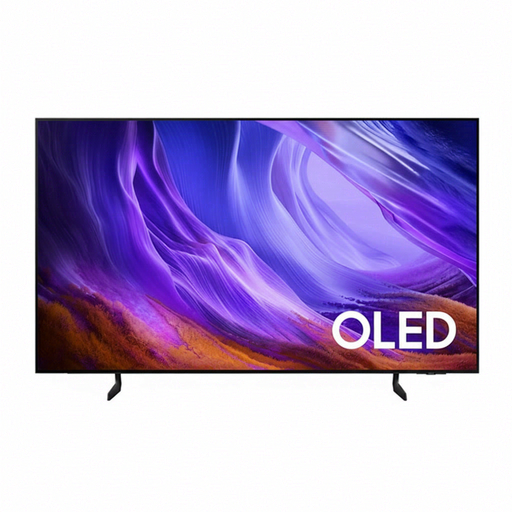 No image available
An OLED television option if you are comparing display types for a shared living-room setup.
The listing identifies the product as an OLED TV. Check its size, apps, connections and accessibility controls against your needs.
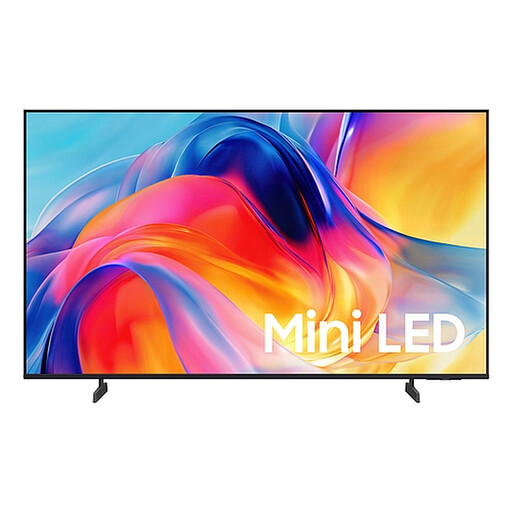 No image available
A 55-inch option for shared viewing if it fits your seating distance and furniture.
Mini LED; 4K UHD; 20W 2.0 audio system; Wi-Fi, Ethernet and Bluetooth connectivity.
Measure from the usual seating position to the proposed screen position, then check the available wall or furniture space. Which? advises choosing by viewing distance rather than simply buying the largest diagonal; consider the view from other seats too.
No; check app support on the exact device and service. A UK listing for the Roku 4K Streaming Stick Plus names several broadcaster and streaming apps, and the stick needs an available HDMI connection.
Start with the TV’s audio and subtitle controls, then check the TV and soundbar connections if you are considering extra audio equipment. Sonos lists Speech Enhancement and HDMI eARC for Beam (Gen 2), but those features do not establish how the soundbar will work in every room.
Do not assume they will be. Ofcom distinguishes access services on broadcast television from those on on-demand services, so check the specific programme, service, TV or streaming-device controls the viewer needs.
The requirement depends on viewing, not on whether you use a TV or projector. TV Licensing says a household needs licence coverage to watch or record live TV on any service or to use BBC iPlayer.