What should you check first?
Start with the problem the household wants to solve: streaming access, TV sound, speaker integration or day-to-day control. Replace the TV if its display or connections are the obstacle; consider an adapter only after identifying a specific connection mismatch and checking the devices’ requirements.
| Concern | What to check | Who this matters to |
|---|
| Streaming on the existing TV |
Check for a usable HDMI input, power and internet access; confirm that the TV supports any 4K or HDR feature you want to use. |
If my screen still suits us, I would rather add streaming access than replace it. Around 33% of consumers put keeping a usable TV while adding streaming first. |
| Shared TV sound |
Identify the TV’s HDMI ARC/eARC or optical output and check the chosen speaker’s connection requirements. |
When several people share the room, I want TV audio and volume to work for us without changing the screen. Improving shared TV sound comes first for around 27% of consumers. |
| TV-and-speaker integration |
Match the exact TV port, streaming-device generation and speaker models; check whether other HDMI sources can play through the setup. |
I already use speakers and want to know whether they can play the TV sources we use. Around 20% of consumers make that integration their primary concern. |
| Accessible, shared control |
Try the platform’s subtitles, audio description and remote navigation; check permissions, guest access or private listening as needed. |
Different people need to operate or listen to the same setup without getting in one another’s way. For around 20% of consumers, that shared usability is the first priority. |
Joybuy product choices
These choices cover TV-sound equipment and a streaming add-on for an existing screen. Choose the route that addresses the household’s main problem, then check its connections against the TV.
 No image available
Bose Smart Ultra Soundbar, Arctic White
Consider this soundbar when TV audio is the priority. Check the TV’s audio output and available placement space before choosing it.
 No image available
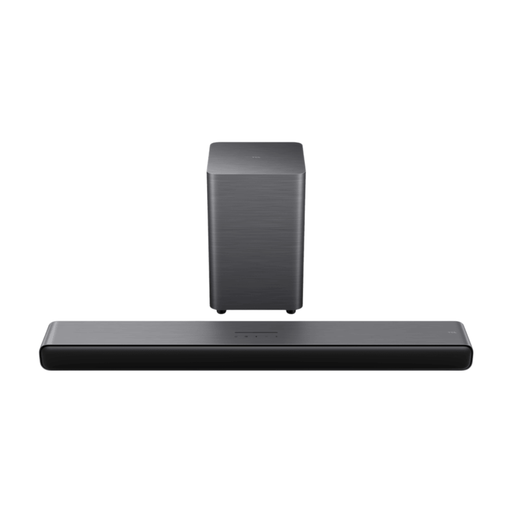
TCL S55H S Class 2.1 Channel Sound Bar
A 2.1-channel soundbar to consider for a TV-sound setup. Confirm the TV connection and whether the intended remote-control arrangement works with your TV.
 No image available
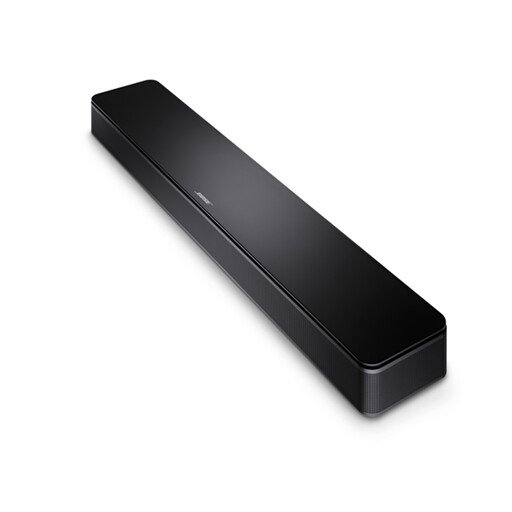
Bose TV Speaker
Consider this TV speaker if sound, rather than streaming access, is the reason for changing the setup. Check the TV’s available audio output and the control arrangement you want to use.
 No image available
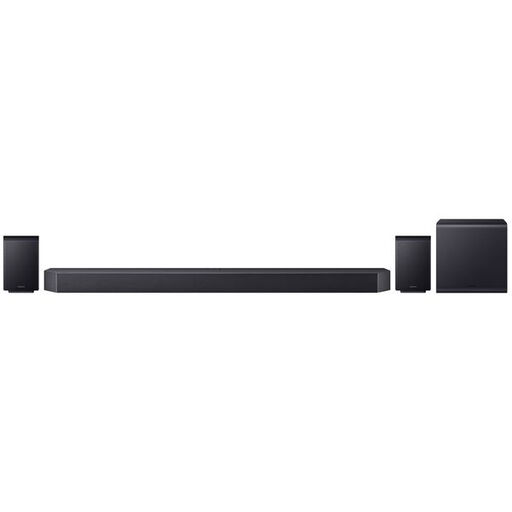
Samsung HW-Q990H/XC Soundbar, Black, 11.1.4 Channels, 756 W
Consider this soundbar system when planning a TV-audio setup with space for its components. It is listed as 11.1.4 channels and 756 W; check the TV connections and placement before buying.
 No image available
Roku Streaming Stick 4K Doly Vision
Consider this streaming add-on if the existing TV remains satisfactory. Check for a usable HDMI input, power and internet access; Roku says a compatible TV is required to use 4K resolution or HDR.
Questions about shared-room setups
Can I add streaming without replacing the TV?
Yes, if the existing TV has a usable HDMI input and still meets your viewing needs. Roku says its 4K players work with HDMI-connected TVs, although 4K and HDR need a compatible display; Google’s streaming-device setup also calls for power and internet access.
Which TV connection matters for a soundbar?
Check the TV and soundbar for compatible HDMI ARC or eARC if you want that audio route, and check CEC for integrated control. Some Sonos products can instead use a TV’s digital optical output, but Sonos says that connection does not provide CEC or voice TV control.
Can smart speakers play sound from a console or set-top box?
They can in particular supported TV-audio configurations, not merely because the devices share a brand. Amazon lists specific Fire TV and Echo combinations for multi-source Alexa Home Cinema through HDMI ARC; Apple specifies its own Apple TV 4K, supported TV and HomePod requirements for ARC/eARC audio.
Can one person listen without disturbing everyone else?
A supported private-listening feature may help. Roku says Headphone Mode can send streaming audio to headphones connected to a phone or tablet; check whether the exact device and listening arrangement support it.
Which accessibility features should we check?
Check the exact TV, streaming platform and services for usable subtitles, audio description and signing, as well as remote navigation. Ofcom identifies these as TV and on-demand access services, but availability and operation need checking in the services the household uses.


