What matters when choosing
Start with the office's software, displays and shared-use arrangements, then choose a chassis that fits those requirements. A mini PC addresses limited desk space, while documented expansion options may matter more for a fixed workstation that is expected to change.
| Concern |
What to check |
Who this matters to |
| Browser and document work |
Check installed RAM, SSD capacity and compatibility with the office's browser, spreadsheet and document tools. Treat operating-system minimum requirements as minimums, not a workload recommendation. |
If I keep supplier pages, tariff documents and a spreadsheet open together, I need a machine that accommodates that workflow without constantly closing work. Around 42% of consumers put browser and document work first. |
| Shared-workstation fit |
Measure the available space and check display ports, networking, mounting options and which peripherals come with the exact unit. |
When several colleagues use a crowded desk, I need the computer and its connections to fit the space we have. Shared-workstation fit comes first for around 33% of consumers. |
| Security and future changes |
Check user-account arrangements, backup needs, warranty and repair terms. If future hardware changes matter, confirm the relevant slots or bays on the exact chassis. |
I need to protect access to contract records and keep the workstation usable if our office setup changes. Around 25% of consumers make security and future changes their primary concern. |
Compact desktops on Joybuy
These mini desktops are options to assess for a shared desk used for tariff portals, spreadsheets and documents. Match each unit's software, display and support arrangements to the office before choosing.
 No image available
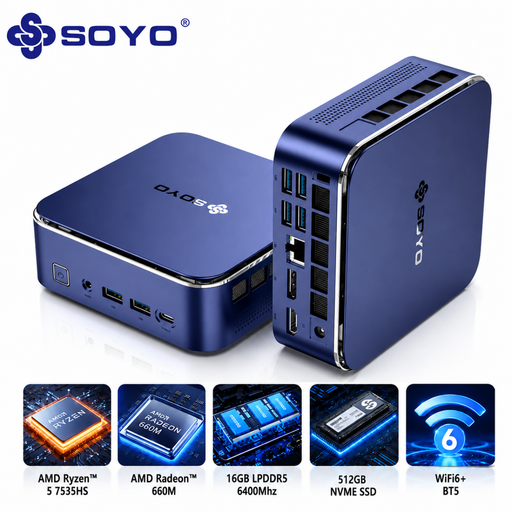
SOYO S5Air Mini PC, Ryzen 5 7535HS, 16 GB LPDDR5, 512 GB NVMe SSD
Consider this compact desktop where the shared desk needs a Windows 11 Pro machine for browser and document work.
The product name specifies an AMD Ryzen 5 7535HS, 16 GB LPDDR5 memory and a 512 GB NVMe SSD.
Check its connections against the office's monitors, and confirm the required Windows security features and repair terms for the exact unit.
View on Joybuy
 No image available
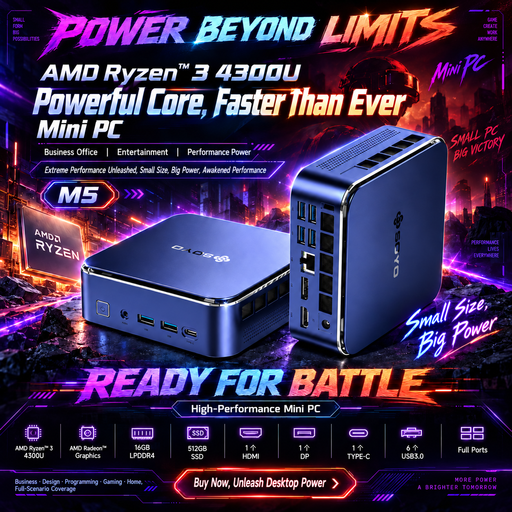
SOYO M5 Mini PC, Ryzen 4300U, 16 GB LPDDR4, 512 GB SSD
This mini PC is worth assessing for a small shared workstation that needs several display connections.
Its product name specifies Windows 11, 16 GB LPDDR4 memory, a 512 GB SSD and HDMI 2.0, Type-C and DisplayPort 1.4 connections.
Confirm the monitor setup, required Windows security features and any Bluetooth peripheral compatibility on the exact unit.
View on Joybuy
 No image available
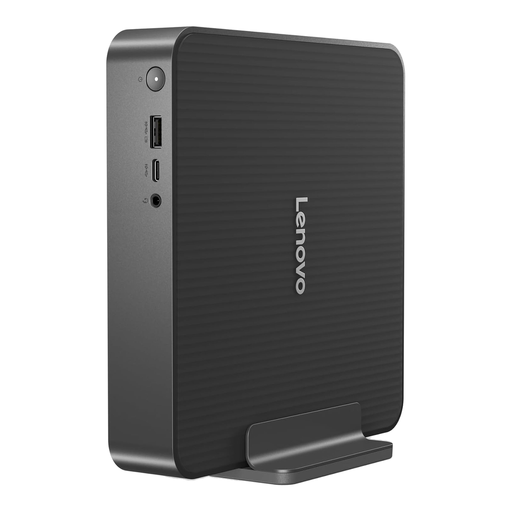
Lenovo IdeaCentre Mini PC 01IRH10R, 91B2000XUK, 16 GB RAM, 512 GB SSD
Consider this compact desktop for a shared desk where the office's required software can run on its installed operating system.
The product name identifies an Intel Core 5 processor, 16 GB RAM and a 512 GB SSD.
Check the exact display outputs against the office's monitors, along with operating-system requirements and support terms.
View on Joybuy
 No image available
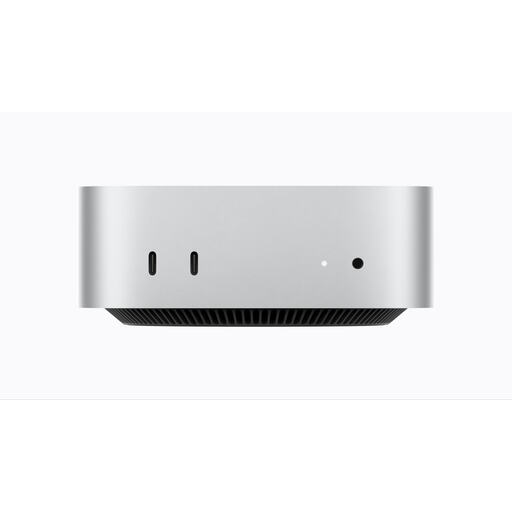
Apple Mac mini (2026), M6 chip, 16 GB, 256 GB SSD
This compact option warrants consideration if the office's supplier portals and required document and spreadsheet tools work on macOS.
The product name specifies an M6 chip with a 12-core CPU and 12-core GPU, 16 GB memory and a 256 GB SSD.
Check application compatibility and whether the available storage fits the office's local document-retention needs.
View on Joybuy
 No image available
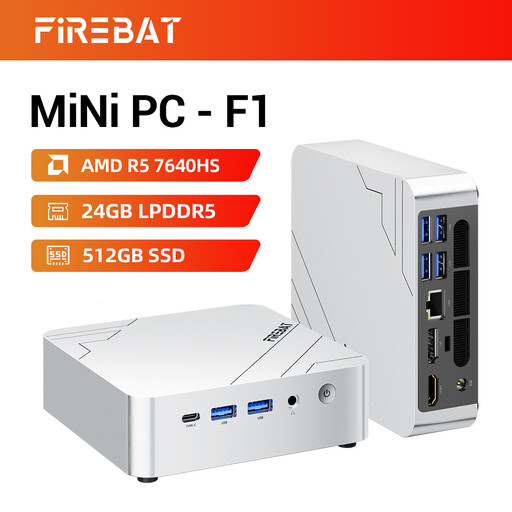
FIREBAT F1 Mini PC, Ryzen 5 7640HS, 24 GB LPDDR5, 512 GB PCIe 4.0 SSD
Assess this mini PC if the office wants a compact workstation and needs to connect several displays.
The product name specifies 24 GB LPDDR5 memory, a 512 GB PCIe 4.0 SSD, HDMI 2.1 and USB 4.0, and states support for 4K triple-screen output.
Confirm the installed operating system and the exact port arrangement against the office's monitors before choosing it.
View on Joybuy
Questions about desktop and tariff work
Should a shared office use household energy-tariff comparisons?
Use business-energy contract information if the office is responsible for a business energy account. Ofgem says business-contract terms, pricing and regulations differ from standard home energy contracts; check the lease and bill first to establish who holds the account.
What information should the office have ready for a new business energy contract?
Have annual consumption and meter details available: Ofgem says a new supplier will need them before the contract is signed. Keep the records accessible to authorised colleagues without sharing account access more widely than necessary.
What should we check before switching a fixed business energy contract?
Check the current contract's end date, termination conditions and any early-exit fees before requesting a switch. The applicable terms determine what the account holder needs to address.
What should we ask a broker or comparison website about an offer?
Ask which suppliers were searched and check the offer's contract length, start date, renewal and termination conditions, and any commission or fees. Ofgem's July 2026 guidance on setting up energy contracts says intermediaries should make clear whether they searched all suppliers or only some.
Does Windows 11 compatibility make a desktop suitable for this work?
No: operating-system eligibility does not establish that a desktop fits the office's workload or displays. Microsoft lists 4 GB RAM and 64 GB storage among Windows 11 minimum requirements; separately assess installed memory, storage, software, connections and support for the shared workstation.


