What to check before buying
For appointment work in a shared office, start with the primary need: moving through records, handing over a workstation or finding a suitable fit. Then check the relevant connection, controls and desk setup.
| Concern |
What to check |
Who this matters to |
| Moving through appointment records |
Check the scroll wheel and whether any extra buttons can perform repeated tasks under your office’s software rules. |
If I spend much of the day moving between bookings, calendars and messages, I want navigation that suits those repeated actions. Roughly 36% of consumers would put workflow navigation first. |
| Shared-space and IT fit |
Check the available USB ports or Bluetooth support, permitted receivers and the selected model’s click-noise claims. |
At a desk used by several colleagues, I need a connection everyone can use without disrupting nearby work. Around 36% of consumers would make shared-desk suitability their primary concern. |
| Hand fit and workstation setup |
Check the intended users’ hand size and handedness; consider the mouse alongside desk layout and work routine. |
If the usual mouse shape does not suit my hand, I want to try an alternative without treating it as a fix for the whole workstation. Approximately 28% of consumers would prioritise fit and comfort. |
Mouse options on Joybuy
These options span wired shared-desk use, wireless mice, and vertical shapes for individual users. Match the named connection and design to the people and computer at the appointment desk.
 No image available
Logitech MX Master 3S Mouse, Black
Consider this for an individual handling long appointment lists if its shape suits their hand. Logitech describes quiet clicks for the MX Master 3S Bluetooth Edition; check the exact variant and connection options before relying on that model-specific information.
View on Joybuy
 No image available
HP 920 Ergonomic Wireless Mouse, Black, with Detachable Wrist Rest
Consider its shape for an individual user who can check the fit before making it their regular appointment-work mouse. The named variant includes a detachable wrist rest; check connection compatibility and click noise if several colleagues will use the desk.
View on Joybuy
 No image available
Philips 3000 Series SPK7378B/00 Wireless Mouse, EU Version, Black
Consider this for a shared desk where a USB receiver is permitted and a wireless mouse is wanted. Its name specifies a 2.4 GHz USB-receiver connection and 1600 DPI; check its quiet-click claim against the needs of nearby colleagues.
View on Joybuy
 No image available
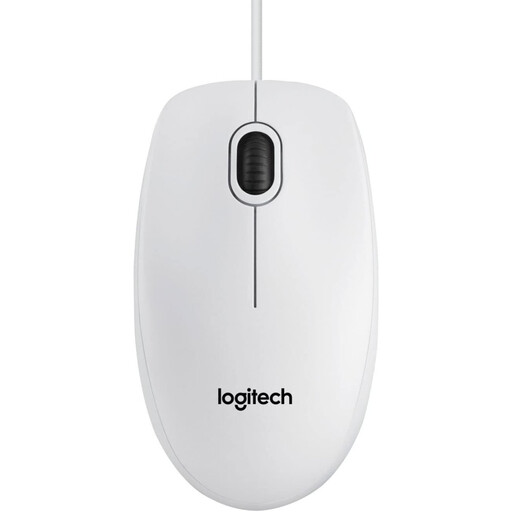
Logitech B100 USB Wired Mouse, White
Consider a wired mouse where the shared workstation has a suitable USB port and staff do not need wireless handover. Check cable placement and click noise if the desk is crowded or colleagues sit close by.
View on Joybuy
 No image available
V7 MW500BT Bluetooth Vertical Mouse
Consider the vertical shape for an individual who can try its hand fit before using it for regular appointment work. The name specifies Bluetooth and 2.4 GHz modes, six buttons and adjustable 1600 DPI; check the intended connection and click noise for the workstation.
View on Joybuy
Common questions
Does UK guidance require a particular mouse for appointment work?
No particular mouse design is prescribed in the Health and Safety Executive guidance cited here. Employers must assess the workstation when staff use display screen equipment daily as part of normal work for continuous periods of an hour or more; choose the mouse as part of that wider assessment.
When should a shared-office workstation be assessed?
The Health and Safety Executive says an employer must assess a workstation when a worker uses display screen equipment daily as part of normal work for continuous periods of an hour or more. Its guidance also calls for an assessment when a new workstation or user is introduced, its use changes, or a user reports pain or discomfort.
Can a vertical mouse replace breaks or changes of activity?
No. The Health and Safety Executive advises planning breaks or changes of activity for display-screen-equipment users, favouring short, frequent breaks over longer, less frequent ones. A vertical mouse is a separate question of individual fit.
Is wired or wireless more practical at a shared desk?
Choose by the desk’s ports and IT rules rather than the connection label alone. Logitech describes its Signature Wired M520 for Business as a wired option, while its M650 supports Bluetooth Low Energy or a Logi Bolt receiver; confirm that the chosen connection is usable and permitted on the actual computer.
Can I compare quiet-click claims across different mice?
Only when the claims use comparable measurements and conditions. Logitech says the MX Master 3S Bluetooth Edition has 90% less left- and right-click sound power than MX Master 3 when measured at 1 m; that comparison does not establish how another model will sound at your desk.


