What matters when choosing?
Decide whether the entrance or a wider exterior area is the main subject, then work out how narrowly the installed camera can frame it. Recording and alert features come after that choice.
Video doorbell
Consider it when: Responding to callers or deliveries at one entrance is the main task.
Trade-off: A doorbell's fixed position may still show a shared path, and the recording functions you want may depend on the device and service plan.
Outdoor security camera
Consider it when: A driveway, gate or side access needs a view from a position you can choose.
Trade-off: A wider or movable view needs particular care to avoid capturing more shared or public space than necessary.
| Concern | What to check | Who this matters to |
|---|
| Field of view and privacy |
Assess the view from the intended mounting point. Check whether an exact-model privacy zone blocks part of the image, rather than merely changing alerts. |
If my entrance faces a shared path, I want footage confined as closely as possible to my property. Roughly 33% of consumers put this restricted view first. |
| Visitors and deliveries |
Check live viewing, visitor response and whether reviewing an earlier event requires a recording plan. |
I need to know who is at my door and respond to a delivery when I am away; around 27% of consumers make entrance interaction their primary concern. |
| Driveway coverage |
Check the mounting position and final frame, then distinguish motion-alert zones from image-blocking privacy zones. |
My gate or driveway is the area I need to see, but I do not want every movement on the road to trigger an alert. For about 20% of consumers, wider exterior coverage comes first. |
| Recording and storage |
Check the exact model's recording medium, compatible capacity and any required card, hub or service plan. |
I want to retrieve recordings and know where they are kept. Local recording or control over saved footage is the main priority for roughly 20% of consumers. |
Outdoor cameras on Joybuy
These outdoor cameras are options to examine if you need to monitor a driveway or another exterior area. Compare their stated viewing and installation features with the view you can actually achieve on your property; check privacy and audio controls for the exact model before relying on them near shared space.
 No image available
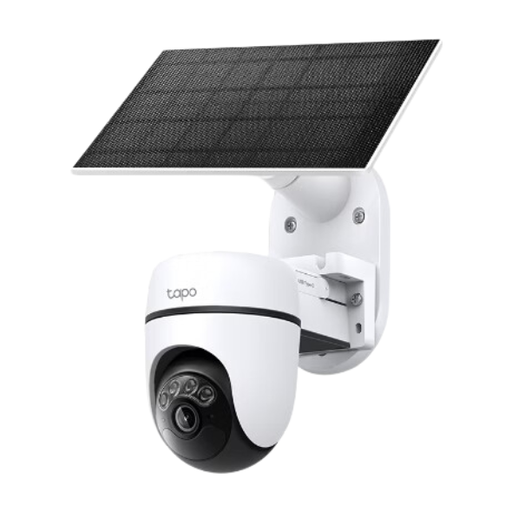
Tapo C610 KIT Solar-Powered Pan/Tilt Security Camera Kit
Consider this kit where an outdoor camera needs a pan-and-tilt view and a solar-powered configuration. Check the installed view and whether this exact model can block any shared area from the image; also check its audio-recording controls.
View on Joybuy
 No image available
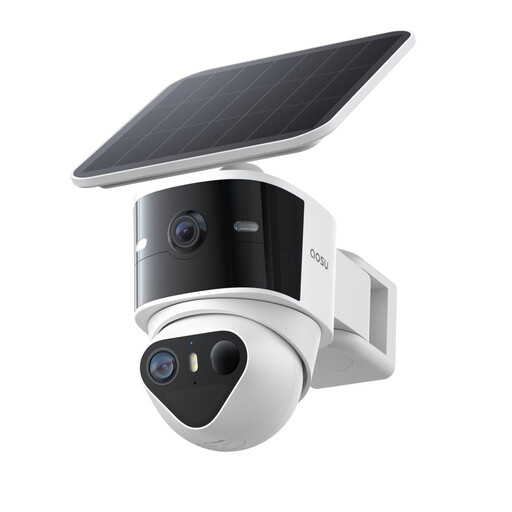
aosu T2 Pro 3K Outdoor Solar Dual Camera
Consider the dual-camera format if you need to assess both a fixed and a movable exterior view. Its product name lists 5MP, 360° PTZ and a 170° wide-angle view; check how much shared space either view would capture, along with the exact privacy and audio controls.
View on Joybuy
 No image available
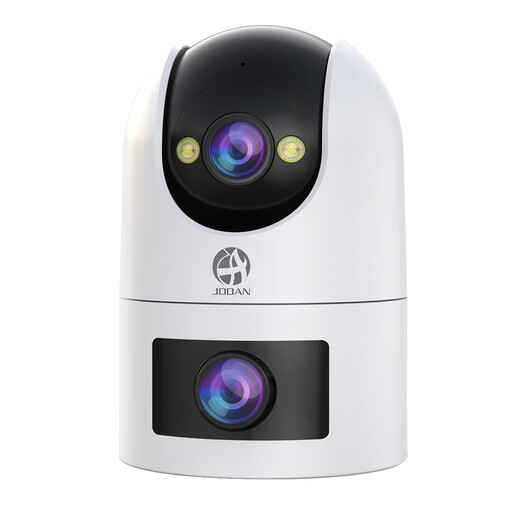
JOOAN Dual-Lens Security Camera, 360° View, 5G/2.4G WiFi
Consider a dual-lens camera if a movable exterior view is useful for the area you intend to monitor. The product name lists IP66 and cloud/card recording; check power requirements, the installed field of view and whether image-blocking and audio controls meet your needs.
View on Joybuy
 No image available
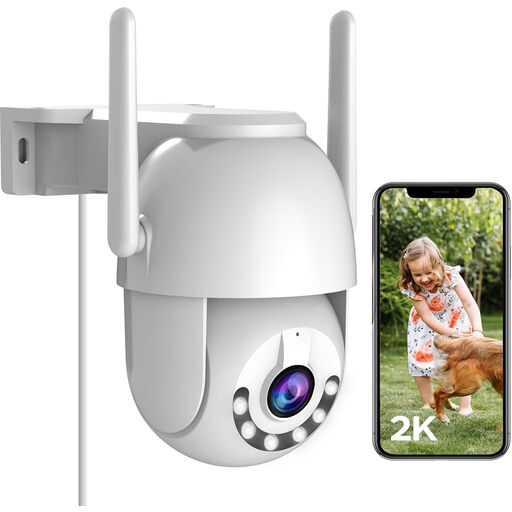
JOOAN 2K Outdoor Security Camera, LAN, 2.4G WiFi, 360° PTZ
Consider this outdoor pan-and-tilt model where you can accommodate its installation and keep the camera aimed at the intended area. Its product name lists IP66 and cloud or card recording; check outlet access, the recorded view and whether its controls can block shared areas rather than only change motion alerts.
View on Joybuy
 No image available
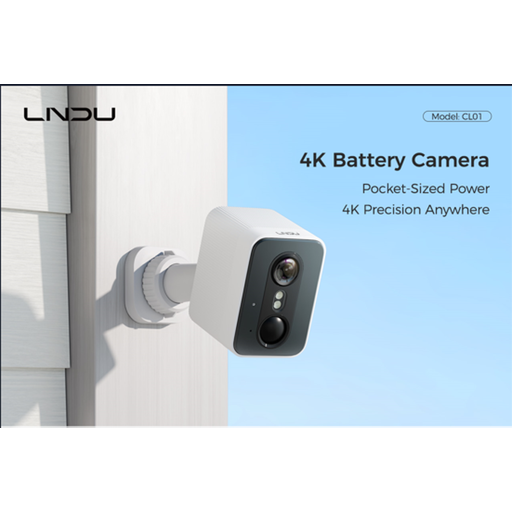
LNDU 4K Wireless Outdoor Camera, 143° View, 128GB Local Storage
Consider this model if you are assessing a wide view and local recording for an exterior area. Its product name lists 2.4GHz WiFi and PIR-plus-radar detection; a 143° view makes the final frame especially important where the property faces shared space. Confirm what storage is included and check its privacy and audio settings.
View on Joybuy
Common questions
Can a home camera record a shared path or pavement?
It may bring the installation within UK data-protection law: the Information Commissioner's Office says that law applies when home CCTV captures someone else's property, a public area or a communal space. Its guidance advises positioning the camera to capture only your property where possible. Check the current guidance and assess what the installed device actually records rather than assuming one rule settles every installation.
Does a privacy zone make an outdoor camera compliant?
No privacy-zone setting alone establishes that an installation meets its legal responsibilities. Confirm that the exact device blocks the relevant area from view or recording, rather than merely suppressing motion alerts, and inspect the final live and saved images.
What about audio when a camera faces shared space?
Treat audio as a separate decision from the video view. An Information Commissioner's Office document says home CCTV audio facilities should not normally record conversations between members of the public. Check whether the chosen model records sound and how to disable that function before using it where such conversations could be picked up.
Can I keep recordings without a cloud subscription?
Yes, if the selected camera or system supports a suitable local-recording route. TP-Link, Reolink and eufy describe local storage on selected products, but the compatible card, hub or recorder depends on the exact model. Ring says its compatible subscription is required to save, review and share its recordings, even though supported live doorbell functions can work without one.
What should I check before sharing camera access at home?
Check who can view live video and recordings, receive notifications and remove another person's access. Review those settings alongside the camera's actual view and the current Information Commissioner's Office home-CCTV guidance, particularly if people outside your property could be recorded.


