What to prioritise when choosing
Decide whether the tablet will be handed between named staff, used by customers at a fixed point, or serve both purposes. Then check access and updates, the management setup, and the physical fit for its location.
| Concern |
What to check when buying |
Who this matters to |
| Access control and handovers |
Check PIN or password access on the exact tablet, then test sign-in, sign-out, app permissions and what the next user can see. |
When I pass bookings between shifts, I need the next person to start without access to the previous worker’s session; around 36% of consumers prioritise secure staff handovers. |
| Customer-facing booking and check-in |
Test the booking app in the intended restricted setup. Check that the mount fits and that cable routing and any tether suit the counter. |
For a customer check-in screen, I want the booking task easy to reach without exposing staff material; around 29% of consumers put customer-terminal flow first. |
| Meetings and shared working sessions |
Try the actual meeting and document apps, test account handover, and check screen size and available storage after installing required apps. |
When colleagues share meeting documents or calls, I need a clean account handover as well as a screen suited to the work; around 21% of consumers prioritise shared meetings. |
| Ownership cost, durability and update life |
Check the exact model’s update support, app requirements, warranty, licence eligibility, and which mounting or charging parts are included. |
If I need the tablet to stay useful through regular shared use, I want to weigh its support period against wear and setup requirements; around 14% of consumers prioritise long-term value. |
Joybuy product choices for shared tablet use
These Joybuy listings are tablets for app-based bookings and meetings. Before using any model as a shared business device, check its PIN or password access, update support, app compatibility and the management setup you need.
 No image available
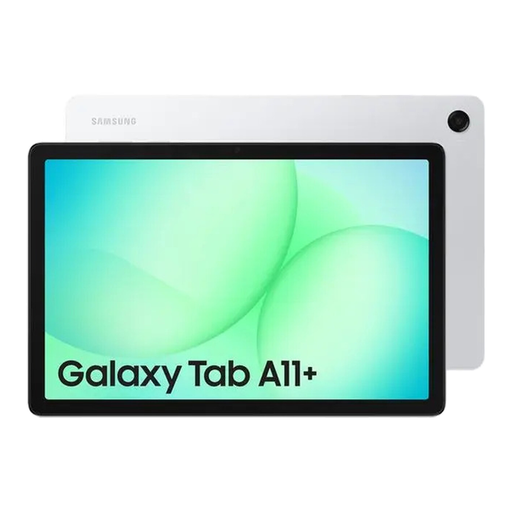
Samsung Galaxy Tab A11+ 11 Inches, 128GB, WiFi, Gray
The listed 11-inch Wi-Fi model is one option to assess for app-based bookings or meetings; confirm access controls and update support for the exact variant.
Listed specifications: 11-inch display, 128GB storage, Wi-Fi.
Joybuy
 No image available
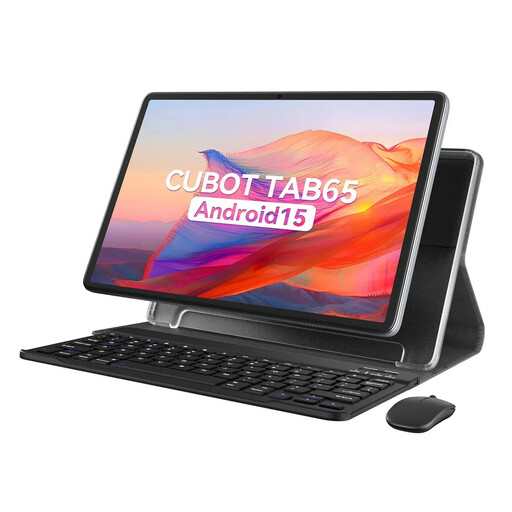
CUBOT Tab 65, 12 GB + 128 GB, 10.1-inch
The listed Android tablet includes keyboard and mouse accessories, which may be relevant if a shared booking or meeting workflow also needs those inputs; check that the required apps work for your setup.
Listed specifications: 10.1-inch HD+ 90Hz screen, Android 15, 12 GB + 128 GB.
Joybuy
 No image available
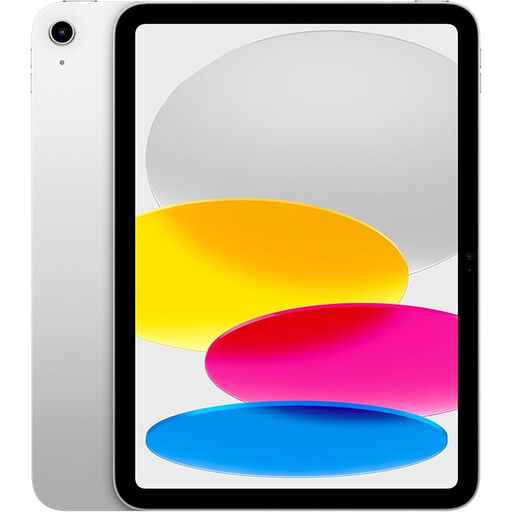
Apple iPad 11-inch, 128GB, Silver
For staff who share an iPad, assess whether the exact model and business setup meet your access and app requirements; Apple’s Shared iPad option has management prerequisites.
Listed specifications: 11-inch display, 128GB storage, Wi-Fi 6, iPadOS and Touch ID.
Joybuy
 No image available
TECLAST P50T, 11-inch, Android 16, 4GB RAM + 128GB storage
The listed front camera may be relevant for tablet-based meetings; check that your meeting apps, access method and update requirements are supported on the exact device.
Listed specifications: 11-inch display, Android 16, 4GB RAM, 128GB storage, Wi-Fi, 7000mAh battery.
Joybuy
 No image available
Samsung Galaxy Tab A11, 64GB, Silver
This Wi-Fi model is listed with a front camera for meeting or check-in use; verify the required apps, access controls and update support before deploying it as a shared device.
Listed specifications: 8.7-inch display, 64GB storage, 4GB RAM, Wi-Fi and microSD slot. A charging adapter is not included.
Joybuy
Frequently asked questions
Can a shared iPad give each employee a separate sign-in?
Yes, with a supervised Shared iPad configured through device management and organisation-issued Managed Apple Accounts, according to Apple Support. Apple says temporary guest sessions can be accessed without a password, so assess that mode separately against your access requirements.
How should we update a Shared iPad?
Apple Support says the enrolled device-management service, or a physical connection to a Mac using Apple Configurator or Finder, can initiate iPadOS updates. Plan an update window and check that your booking and meeting apps remain supported.
Does an Android kiosk automatically sign every employee out of every app?
No. Microsoft Learn describes standard dedicated-device setup as not being associated with an individual user; shared sign-in and sign-out applies to participating Microsoft Entra shared-device-mode apps. Test the apps your team actually uses before relying on a handover.
What should we allow for besides the tablet?
Depending on the setup, include mounting or charging accessories and device-management licensing. Microsoft documents device-only Intune subscriptions for eligible no-user-affinity setups, and Bouncepad says the reinforced tether for its cited Core Counter is not included.
What UK data-protection requirements matter for a booking tablet?
When a business handles personal data, UK data-protection law applies. The Information Commissioner’s Office explains that the UK GDPR requires security measures appropriate to the processing and its risks; it does not prescribe one tablet brand or a universal kiosk configuration.


