Families sharing between children
If children will use one physical tablet, check how the exact model handles separate users, apps and settings. Google Android Help notes that some devices do not offer an option to add users.


For a shared children’s tablet, decide how each child will sign in and check the required school and calling apps before comparing storage or accessories. Google Android Help notes that some Android devices cannot add users, while Apple Support (UK) distinguishes a child’s account and Screen Time from Shared iPad, which requires organisation-managed accounts and device management. Whichever route you consider, check the exact model and remember that device or broadband controls do not replace supervision.
If children will use one physical tablet, check how the exact model handles separate users, apps and settings. Google Android Help notes that some devices do not offer an option to add users.
When school tasks, video, games and communication need to work on the same device, check each required app and account on the child’s intended profile rather than relying on a broad “educational” label.
Compare controls on the device, in apps and on the home network. UK government guidance describes parental controls as helpful, but not a complete substitute for supervision.
Check account arrangements and required apps first; then weigh storage and accessories against how the children will share the device.
Consider it: when children need distinct spaces and the exact tablet offers multiple users.
Trade-off: not every Android device has an Add user option, and some school accounts are not managed by Family Link.
Consider it: when the required apps work on iPad and an adult can manage the child’s account and Screen Time.
Trade-off: Family Sharing does not make an ordinary household iPad a switchable, separately signed-in device for each child.
| Concern | What to check when buying | Who this matters to |
|---|---|---|
| Separate user spaces | Try switching between the intended child and adult spaces; check that the required accounts and apps work for each user. | If children pass one tablet between them, I want their apps, sign-ins and settings kept distinct. Around 28% of consumers put separate user spaces first. |
| Supervision and content settings | Set up the child account and check the available app, time and content controls; review what applies when the tablet uses another connection. | When I need to manage what children can access and how they use the tablet, I want controls I can review and adjust. Around 22% of consumers prioritise supervision and content boundaries. |
| Required apps | Check the specific school, game and calling apps on the platform and in the account the child will use. | If the tablet must handle particular school tasks as well as play or calls, I need those named apps to work in the intended child space. Around 22% of consumers put app compatibility first. |
| Handling and accessory fit | Match any case or screen protector to the exact model and generation; for headphones, check fit, connection and microphone. | When the tablet moves between children or rooms, I want accessories that fit its exact model; shared-room audio may matter too. Around 17% of consumers prioritise handling and accessory fit. |
| Apps and file storage | Compare the exact variant’s built-in capacity with planned downloads, and check whether the apps can use the proposed file-storage method. | If several children will keep files and downloads on one device, I want to know what fits locally and what can be stored elsewhere. Around 11% of consumers prioritise storage. |
Apple’s household account and Screen Time features address parental controls; Shared iPad is a separate feature requiring organisation-managed accounts and device management.
Before choosing an iPad, decide whether one child’s account on the device meets your needs or whether each child requires a distinct sign-in space.
A child profile or included content service does not establish that the tablet supports every school, calling or entertainment app the family needs.
Check the named apps in the child’s intended profile and review the terms for any included subscription before buying.
UK government guidance says parental controls can help but cannot address every situation; settings may also differ between apps and connections.
Test the controls, revisit them as use changes and keep talking with children about apps, contacts and unwanted content.
Compatible external storage can provide access to files, but that does not mean installed apps or offline games can be moved there.
Estimate what children will download and check how the exact device and apps handle storage before choosing a drive or cloud service.
A drive, adapter or cloud service may involve an additional purchase or setup step.
An iPad route to consider when the required apps work on iPad and an adult can manage a child’s Apple Account through Family Sharing.
Galaxy tablets are worth checking when separate user spaces and Android family controls matter.
The Tab M11 is a model to examine for school-related reading, note-taking and household entertainment.
These tablets offer different storage capacities, screen sizes and stated use cases for everyday study, browsing and entertainment. Check each exact model’s account options and required apps before choosing it for children to share.
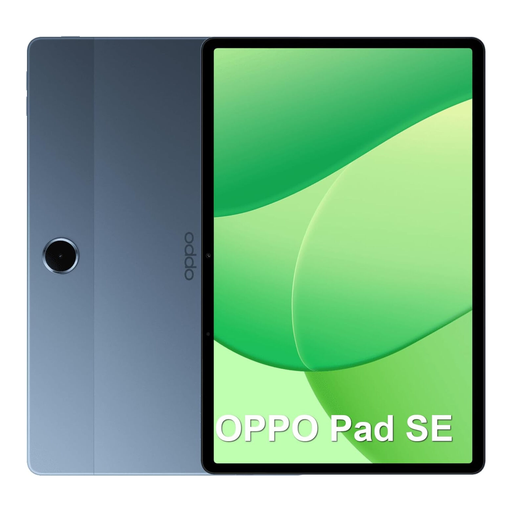 Image unavailable
Consider it if you want a tablet listed with 128GB of storage for apps and files.
Stated specifications: 128GB storage; 4GB; Twilight Blue; WiFi.
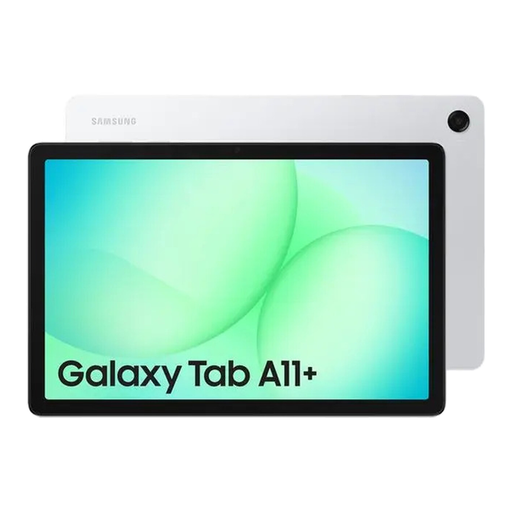 Image unavailable
Consider it for browsing, media playback and video calls, which are listed uses for this model.
Stated specification: 64GB storage.
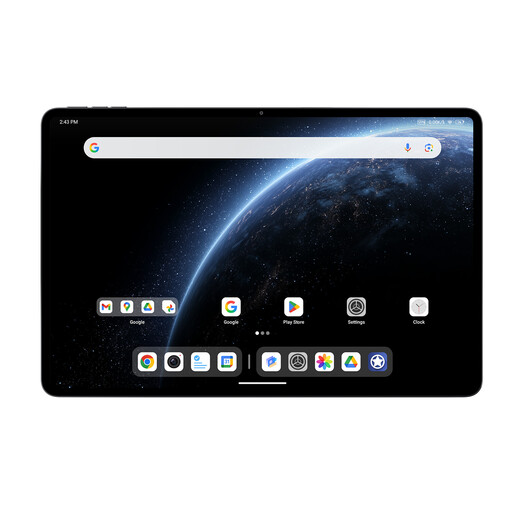 Image unavailable
Consider it if the stated 256GB storage suits the files and downloads you expect to keep on the device.
Stated specifications: Qualcomm Snapdragon 7+Gen3; 12GB+256GB; 12.95-inch; 15000mAh; 5M FF+13M. The product name states that no charger is included.
 Image unavailable
The product is listed for study and entertainment; check the exact school and calling apps before relying on it for those tasks.
Stated specifications: 13.4-inch 120Hz display; Android; 2.2GHz octa-core; 26GB RAM (6+20GB virtual); 128GB storage; Dual SIM 4G + Wi-Fi 5G; Widevine L1; 13MP; BT5.0; GPS.
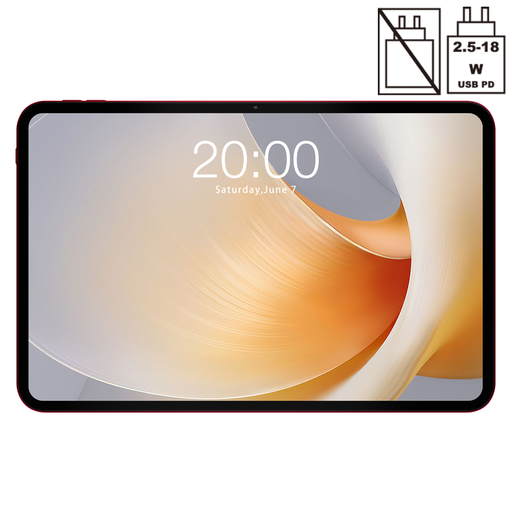 Image unavailable
The product is listed for entertainment and productivity; check whether its account options and required apps suit a shared household.
Stated specifications: 13.4-inch 120Hz display; Android 15; Helio G99 up to 2.2GHz; 20GB RAM (8+12GB virtual); 128GB storage; Dual SIM 4G + Wi-Fi 5G; 8MP + 13MP; BT5.2; GPS.
Sometimes, depending on the exact device and setup. Google Android Help says a device without an Add user option cannot add users; Apple’s household Family Sharing and Screen Time are not the same as organisation-managed Shared iPad.
Not if it is a Google Workspace for Education account; Google’s Family Link documentation excludes managing those accounts. Check the school’s sign-in requirements separately from the child’s supervised personal account.
No. UK government guidance presents broadband controls as one possible layer, not a complete substitute for device and app settings or supervision. Review what applies when children use other connections.
Do not assume so. Apple documents using compatible external storage to access files through Files; check separately how the exact apps store installations and offline content.
No; consider headphones only when private audio or calls are useful, and check fit and compatibility with the tablet. The World Health Organization’s listening standard considers sound level and duration and recommends parental volume controls.