Joybuy products
The products below are smart TVs for households considering a screen replacement. Their listed models include Freely TiVo and Freeview Play options, so check the exact model against the services and features your household needs.
 No image available
Coocaa 40-inch CTQH38ZUK Freely TiVo smart TV
A screen-replacement option for a household considering a Freely TiVo smart TV.
40-inch; Direct-LED; FHD; HDR10; Dolby Audio; QLED.
Joybuy
 No image available
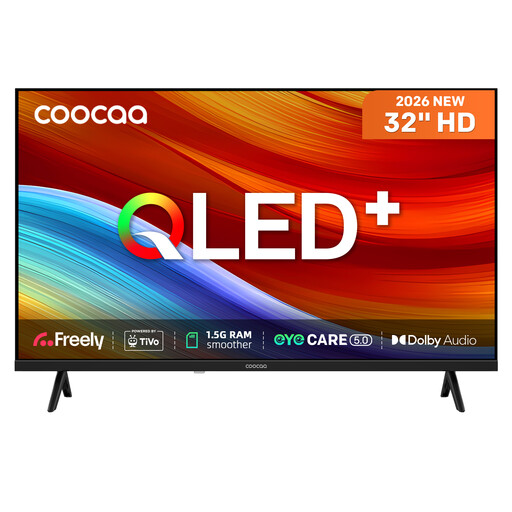
Coocaa 32-inch CTQH38ZUK Freely TiVo smart TV
A screen-replacement option for a household considering a smaller Freely TiVo smart TV.
32-inch; Direct-LED; HD; HDR10; Dolby Audio; QLED.
Joybuy
 No image available
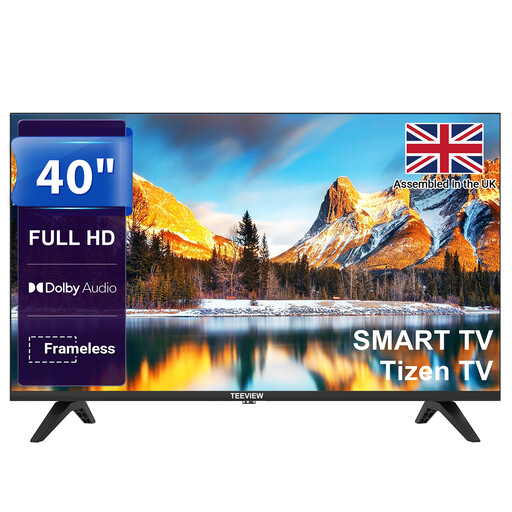
TeeView 40-inch Full HD Smart Tizen OS TV-40NFT0UK (Freeview Play)
A screen-replacement option if Freeview Play is part of the household’s required setup.
40-inch; Full HD; Smart Tizen OS; Freeview Play.
Joybuy
 No image available
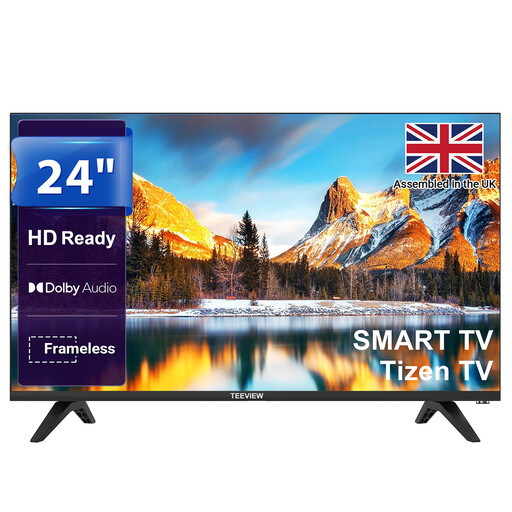
TeeView 24-inch HD Ready Smart Tizen OS TV-24NFT0UK (Freeview Play)
A compact screen-replacement option if Freeview Play is part of the household’s required setup.
24-inch; HD Ready; Smart Tizen OS; Freeview Play.
Joybuy
 No image available
TeeView 70-inch QLED 4K HDR Smart Tizen OS TV TV70UUW
A screen-replacement option for a household considering a QLED 4K smart TV.
70-inch; QLED; 4K HDR; Smart Tizen OS; Dolby Audio; Gaming Hub; Freeview Play.
Joybuy
Frequently asked questions
Will an app listed for a platform provide every live and regional feature?
Not necessarily. Check the service’s current guidance for the exact device and feature: ITV publishes separate support information for general availability, live TV and regional live content.
Do we need a new television to get Freely?
Not if your existing TV has a usable HDMI input and the setup meets Freely’s requirements. Freely lists external devices, including Manhattan Aero and Netgem PLEIO; check the chosen device’s other required apps and Freely’s stated 10 Mbps minimum for live internet channels or on-demand shows.
Does the household need an account to set up a streaming stick?
Roku requires an account to activate its devices. Check sign-ins and profile support in each viewing app separately, because an account for the device does not establish which features an app provides.
What should we do if a stick reports insufficient power?
Roku says some TV USB ports cannot supply enough power. Follow the selected device’s power instructions and check the television’s available ports rather than assuming every USB port will work.
Does streaming hardware remove the need for a UK TV Licence?
No. TV Licensing says you need to be covered to watch live TV on any service or to use BBC iPlayer, including its on-demand programmes, regardless of device. It says a licence is not needed solely for on-demand programmes on other services such as Netflix, ITVX or YouTube if you do not also watch or use anything that requires one.


