
24/7 Customer Support

Free returns

Same-day & Next-day Delivery

Quality Guaranteed

Unlock Your Welcome Offers: FREE Delivery | Up to 80% OFF | Free 30-day JoyPlus trial
Download the APP
The constant click-clack of a standard computer mouse can be a significant source of distraction, whether you are in a busy open-plan office, a quiet library or sharing a home workspace. For professionals and students who value concentration, a disruptive click can break focus for both you and those around you.
A silent wireless mouse is a simple yet effective solution. These devices are engineered to perform all the functions of a traditional mouse but with significantly reduced noise. This guide is designed to help you navigate the options and find a quiet click mouse that suits your workflow, environment and comfort needs.
Selecting a noiseless mouse involves more than just looking for the quietest model. Consider these factors to ensure you find a device that enhances your productivity.
The term "silent" can be subjective. Most quiet mice replace the sharp, audible click with a soft, low-decibel sound and a cushioned tactile response. Some models are engineered to be almost completely inaudible. If you see a brand mention a specific feature, such as Logitech's SilentTouch technology, it often indicates a focus on significant noise reduction. Consider whether you prefer a completely muted feel or a soft, reassuring bump with each click.
Your work style dictates the ideal shape and size. If you frequently work on the go, a compact, lightweight mouse that slips easily into a laptop bag is a practical choice. However, for those who spend long hours at a single desk, a larger, sculpted ergonomic wireless mouse can provide better hand and wrist support, reducing strain over time. Look for contoured shapes and comfortable grip materials if all-day use is a priority.
Wireless mice typically connect in one of two ways: via a 2.4GHz USB receiver or Bluetooth. A USB receiver offers a simple plug-and-play setup and a very stable connection, making it a reliable choice for a dedicated workstation. Bluetooth connectivity frees up a USB port and allows you to switch between devices like a laptop and a tablet seamlessly, offering greater flexibility for modern, multi-device workflows.
Here are our recommendations, chosen to meet a variety of user needs, from portability to all-day ergonomic comfort.
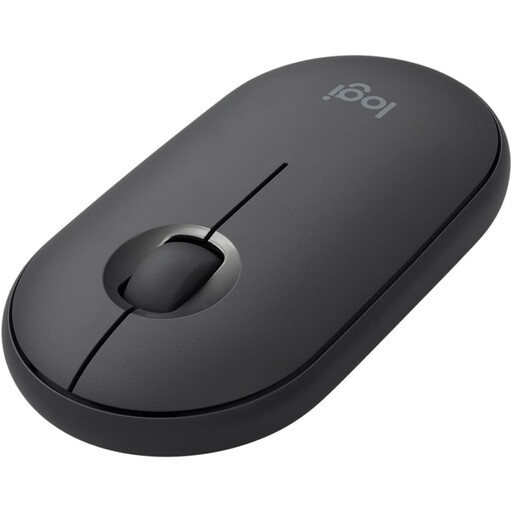
Why It Stands Out: The Logitech Pebble is defined by its minimalist, modern design. Its slim, smooth shape is not only stylish but also highly portable, making it an excellent companion for those who work from various locations like cafés, co-working spaces or while commuting.
View Logitech Pebble Mouse on Joybuy.co.uk
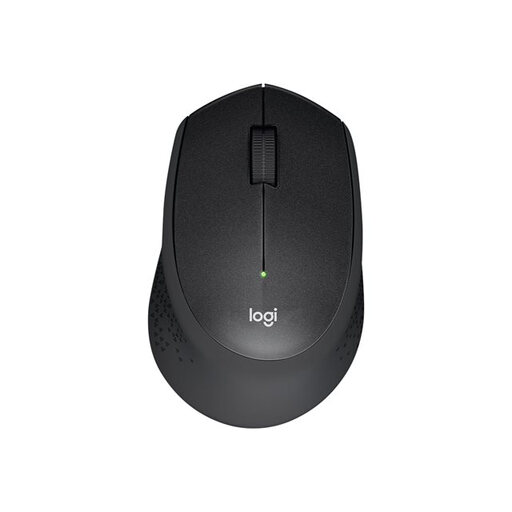
Why It Stands Out: The M330 Silent Plus is a purpose-built quiet mouse for office environments. It focuses on delivering a near-silent experience without compromising on comfort. According to Logitech, its SilentTouch technology reduces click noise by over 90%, while its contoured shape and soft rubber grips are designed for sustained use.
View Logitech M330 Silent Plus on Joybuy.co.uk
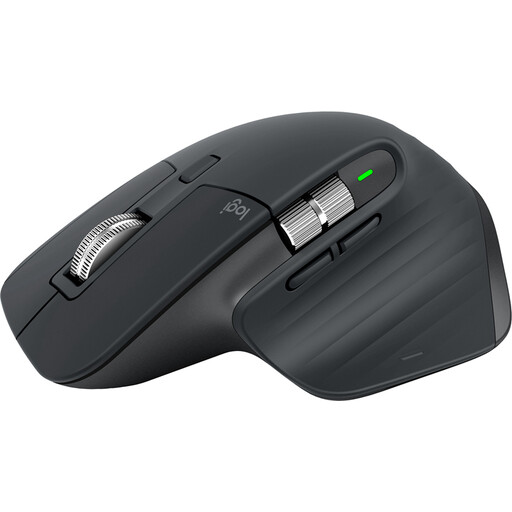
Why It Stands Out: The MX Master 3S is a premium tool for power users, combining quiet operation with advanced performance features. Its 'Quiet Clicks' offer a satisfying, soft tactile feel with minimal noise. This is complemented by the near-silent MagSpeed electromagnetic scroll wheel and a high-precision 8K DPI sensor that tracks accurately on almost any surface, including glass.
View Logitech MX Master 3S on Joybuy.co.uk
Our recommendations cover a range of common needs, but the world of quiet peripherals is vast. If you have not found your perfect match or want to explore different styles and features, you can browse our full collection for more choices.
Explore our complete range of Silent Mouse options.
Most are not 100% silent but are engineered to be significantly quieter than standard mice. They replace the distinct, high-frequency 'click' with a much softer, low-decibel sound that is far less likely to disturb you or others. The primary goal is to eliminate the distracting noise, not all sound entirely.
Yes, the tactile feedback is different. Instead of the sharp, crisp click you may be used to, a silent mouse provides a softer, more cushioned response. While it can take a short time to adjust, many users grow to prefer this gentler feedback, especially during long work sessions.
Logitech is a prominent brand in this category, offering a wide variety of models that feature quiet-click technology. From the portable Logitech Pebble to the advanced MX Master 3S, their range covers different needs for ergonomics, portability and performance. Their products are often considered for their build quality and feature sets, as reflected in the recommendations above.