What to check before buying
Check your college’s current device policy and the applications required by your subjects before comparing hardware; either can rule out an otherwise convenient setup.
| Concern |
What to check when buying |
Who this matters to |
| Writing on lesson resources |
Confirm that the exact pen works with the device and the app used for class materials. |
If I need to mark up lesson files or write equations by hand, I want inking to work where I do my coursework; around 36% of consumers put direct writing first. |
| Required course software |
Check the required application and version, its operating-system support and, for mobile apps, the editing features allowed by the college licence. |
If a subject requires a particular desktop application, I need to know it will run before choosing a device; around 29% of consumers prioritise course software. |
| Typing and pen input |
Check that a physical keyboard suits your written work and confirm whether the compatible pen and keyboard are included. |
If I have essays and assignments to type as well as notes to handwrite, I need both forms of input to fit my routine; around 21% of consumers put typing alongside inking first. |
| Keeping an existing device |
Check the laptop’s operating system and connection against the graphics tablet and lesson app you plan to use. |
If my laptop already meets my course needs, I want to know whether an add-on can provide the inking I need; around 14% of consumers prioritise keeping a suitable device. |
Joybuy laptop options
These Joybuy options are laptops for typed coursework, including touchscreen 2-in-1 models. Check the exact pen compatibility, accessory contents and course-software requirements before deciding whether a laptop alone meets your inking needs.
 No image available
ASUS Vivobook 14 X1407QA-LY003W Copilot+ PC
This non-touch laptop is a keyboard-led option for typed coursework; it does not provide direct on-screen annotation. Check whether a separate graphics tablet works with your course setup before choosing it for inking.
Snapdragon X; Windows 11; 16GB RAM; 512GB SSD; 14-inch display; listed weight 1.49kg; Quiet Blue.
Joybuy
 No image available
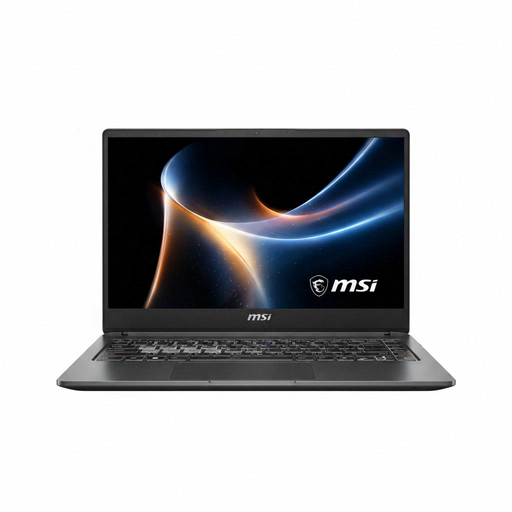
MSI Prestige N16 Flip AI+ C1XMT-044UKY
This touchscreen 2-in-1 is described as compatible with MSI Nano Pen for handwritten work alongside typing. The pen is not confirmed as included, so check the listing’s bundle contents.
16-inch; NVIDIA RTX Spark N1X; 32GB RAM; 1TB SSD; 2.8K 120Hz OLED touchscreen; Windows 11 Home; UK keyboard.
Joybuy
 No image available
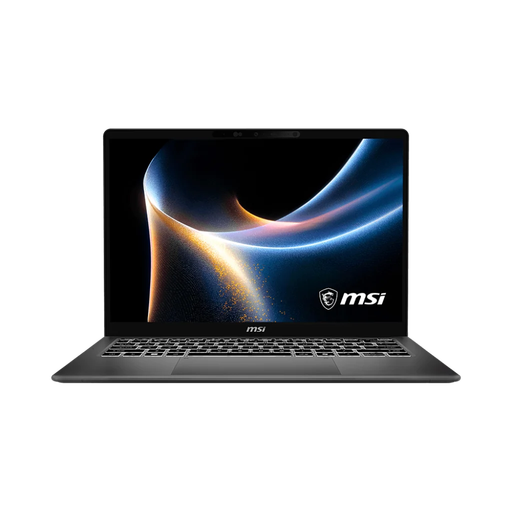
MSI Prestige N16 Flip AI+ C1XMT-049UKY
This touchscreen 2-in-1 is described as compatible with MSI Nano Pen, but the pen is not confirmed as included. Check the bundle contents and whether the required course applications run on this configuration.
16-inch; NVIDIA RTX Spark N1X; 128GB RAM; 2TB SSD; UHD+ 120Hz Tandem OLED touchscreen; Windows 11 Pro; UK keyboard.
Joybuy
 No image available
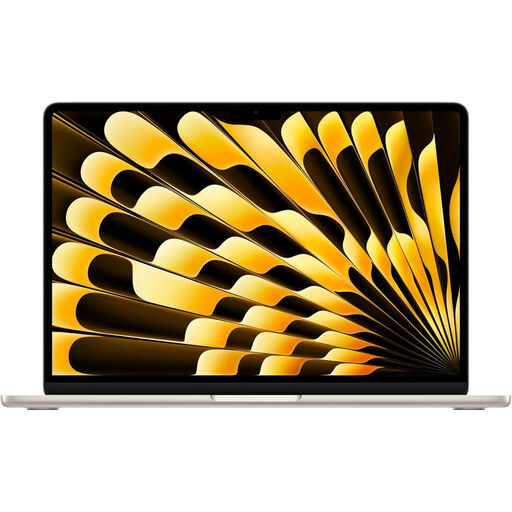
Apple 15-inch MacBook Air (2026) with M5 chip
This keyboard-equipped laptop is listed for typed work. If your coursework needs handwritten annotation, check how that requirement will be met before choosing this model.
M5 chip with 10-core CPU and 10-core GPU; 16GB; 512GB SSD; Starlight.
Joybuy
 No image available
Apple 13-inch MacBook Neo (2026) with A18 Pro chip
This keyboard-equipped laptop is listed for typed work. Check how you will handle any required pen annotation and confirm that the course software suits your chosen setup.
A18 Pro chip with 6-core CPU and 5-core GPU; 8GB; 512GB SSD; Touch ID; Blush.
Joybuy
Frequently asked questions
Does every sixth-form student need a touchscreen device?
No single requirement applies across all colleges. Hills Road Sixth Form College describes digital inking as a need in its guidance and includes a laptop with a plug-in graphics tablet as one route; The Sixth Form College Farnborough advises students with a functional non-touch device not to rush to replace it. Check your own college’s current policy.
When is pen input useful for sixth-form coursework?
It is useful when lessons involve handwriting formulas or equations, sketching diagrams or annotating digital resources. If your subject also requires specialist software, check its requirements separately; pen input alone does not establish that a device is suitable.
Can I use a graphics tablet with my existing laptop?
Possibly, if the tablet works with your computer, connection and lesson app. Hills Road Sixth Form College identifies a plug-in graphics tablet as an inking route, and Wacom lists ChromeOS compatibility conditions for One by Wacom; some Chromebooks may need a USB-C adapter.
Will a tablet run everything in my Microsoft 365 account?
Do not assume that every mobile feature will be available. Microsoft says mobile-app features and files depend on the subscription plan, and some editing permissions also depend on screen size. Check the college-provided licence and try a representative assignment file on the device you plan to use.
What should I check for a Snapdragon-based Windows laptop?
Check each required application and peripheral for Windows-on-Arm compatibility before choosing the device. Microsoft says drivers for hardware and applications need to be designed for a Windows 11 Arm-based PC, so do not assume that every Windows program or accessory will work.


