What matters when choosing
Establish the recording method and its display output before comparing monitors; then measure the desk and decide whether motion handling or a simpler sound setup matters more to you.
| Concern |
What to check |
Who this matters to |
| Recording setup and connections |
Identify the recording device’s output connector and signal format. Check the monitor’s corresponding input and whether you need to keep another source connected. |
If I use a separate device to record, I need the screen to display its output rather than expecting the screen to make the recording; roughly 42% of consumers would put recording-chain compatibility first. |
| Desk fit and screen position |
Compare usable desk width and depth with the monitor’s dimensions including its stand. For an arm, check mounting and clamp clearance. |
I need room for the screen, keyboard and recording equipment without the stand crowding the desk. Around 33% of consumers would make physical fit their primary concern. |
| Motion and sound |
Match refresh rate to the source’s output, and check how sound will reach speakers or headphones. |
If I watch fast-moving sport and replay footage, I want suitable on-screen motion and a workable sound arrangement; about 25% of consumers would prioritise viewing and audio. |
Joybuy monitors for a small desk
These monitors are display choices for a desk-based sports recording or replay setup. Choose the recording device and its output first, then compare each monitor’s dimensions and connection requirements with your equipment.
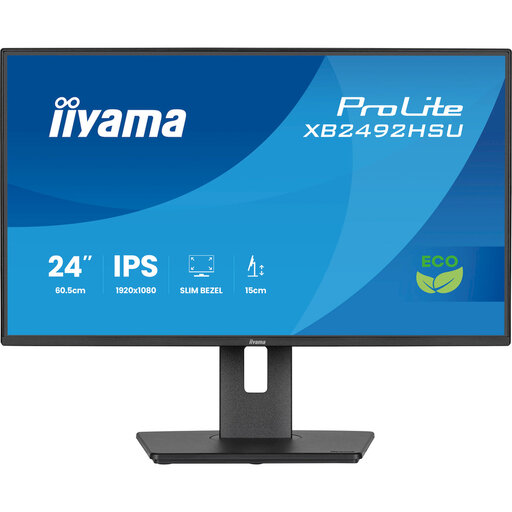 Image unavailable
iiyama ProLite XB2492HSU 24-inch Full HD monitor
Consider this 24-inch Full HD display if you need a screen for a separate sports recording or playback device. Compare its stand footprint with your desk, and confirm that your device’s output works with the input you plan to use.
View on Joybuy
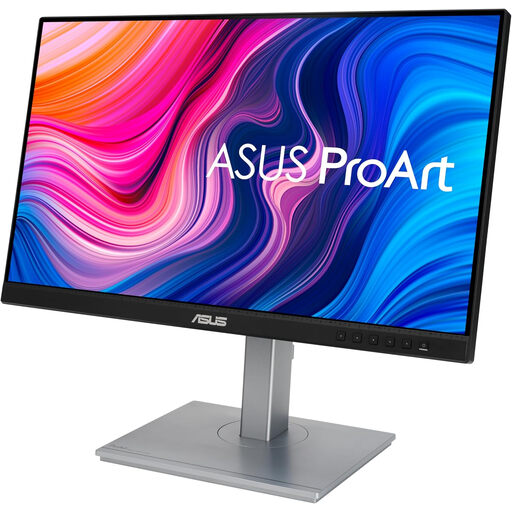 Image unavailable
ASUS ProArt PA247CV IPS Full HD 75Hz monitor
This IPS Full HD model may suit a setup where screen positioning matters alongside a separate recording device. Check its full dimensions against the desk and match the intended input to your source; its 75Hz specification does not change the frame rate of a recording.
View on Joybuy
 Image unavailable
ASUS ZenScreen MB249C IPS USB-C monitor
If a laptop drives your capture or replay setup, consider this USB-C model after checking that the laptop supports video output through that connection. Compare the footprint of your intended mounting arrangement with the desk, and confirm a separate recorder’s display path if you use one.
View on Joybuy
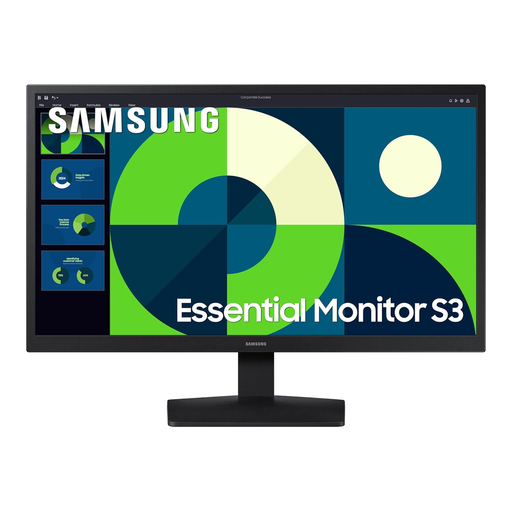 Image unavailable
Samsung Essential S3 S31D (LS24D310EAUXXU) monitor
Consider this model if you want to compare a straightforward display option with your existing recording equipment. Check the dimensions with its stand, the connections required by your source and how you will hear the audio.
View on Joybuy
 Image unavailable
Dell P2425 24-inch monitor
This 24-inch model is worth comparing if screen placement and connection options matter to your desk setup. Confirm the input and stand dimensions for your devices, and check the exact refresh-rate specification before relying on it for mixed sports and gaming use.
View on Joybuy
Common questions
Can a monitor record sports fixtures on its own?
Do not choose one on that assumption: the monitor examples here are specified as displays, while the recording method is a separate decision. Identify the recorder, capture device, computer or service you will use and check its display output before buying a screen.
Do I need a TV Licence to record live sport in the UK?
Yes, if you record a programme as it is broadcast. GOV.UK says a TV Licence is needed to watch or record programmes as they are broadcast on a TV, computer or other device.
What should I measure before buying a monitor for a small desk?
Measure usable width and depth, then compare them with the monitor’s dimensions including its stand. Leave space for the keyboard and recording equipment; if you intend to use an arm, check the mount and desk-clamp clearance too.
Is 144Hz necessary for watching recorded sport?
Not necessarily: a 144Hz monitor cannot add frames that are absent from the recording or its playback output. The specification may matter more if you also connect a PC or console capable of supplying a compatible higher-refresh signal.
When does USB-C make sense for this setup?
USB-C is useful when a compatible laptop drives the display and the monitor’s connection meets your video and charging needs. AOC describes video, power delivery and data through USB-C on its 24B3CF2, but you still need to check your laptop’s video output and any separate recorder connection.


